Small Gaming Room Setup: The Ultimate Space-Saving Checklist
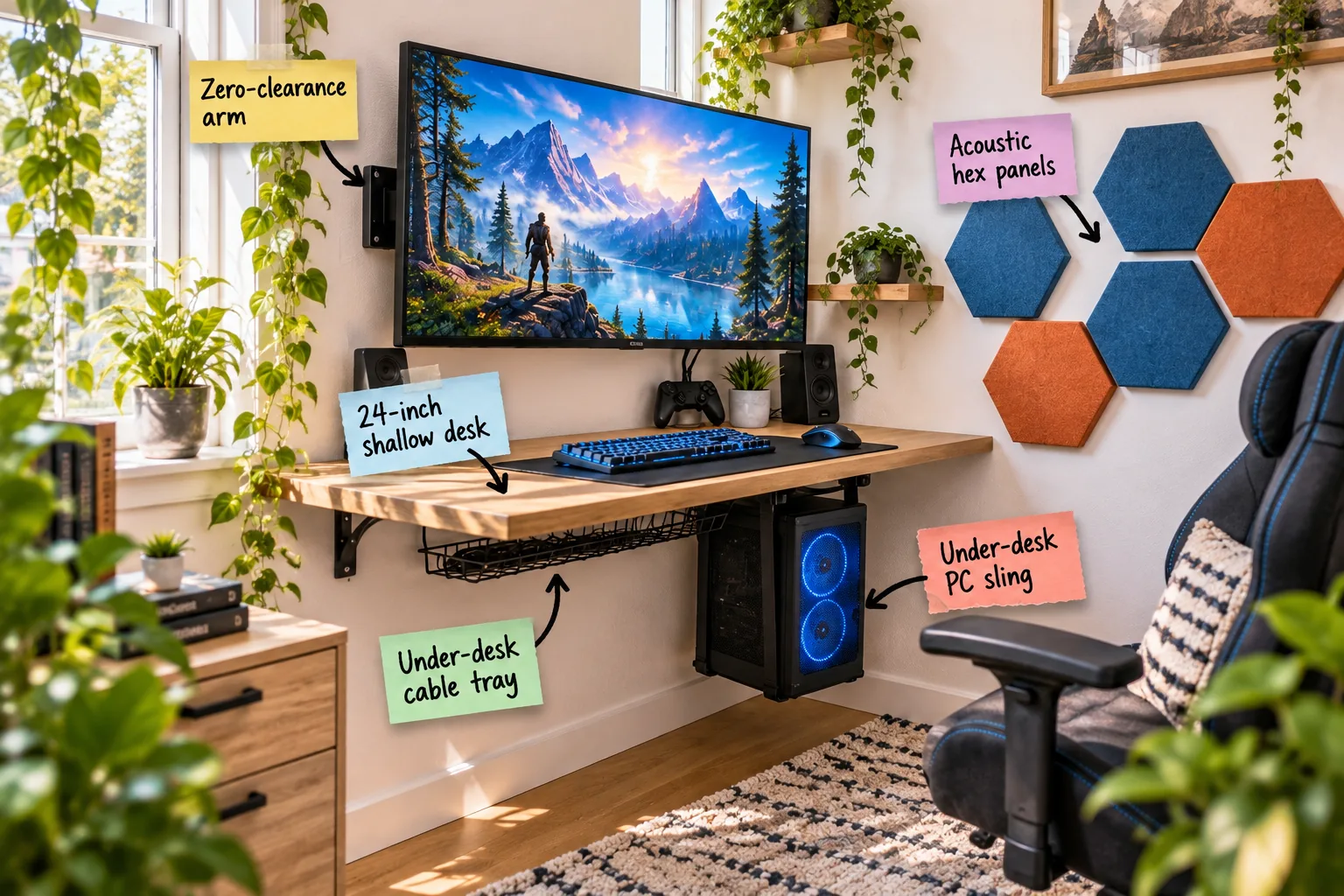
Transforming your compact room into an immersive gaming station is entirely possible when you follow our step-by-step small space setup checklist. You will learn exactly how to measure your tight clearances, mount your heavy hardware securely, and arrange a perfectly clutter-free zone.
The 24-Inch Shallow Desk Foundation
Selecting a 24-inch desk depth creates the perfect foundation for small rooms, balancing a comfortable viewing distance with essential floor space. I swapped my own bulky workstation for a shallow oak desk last year, and the reclaimed square footage immediately improved the room’s energy.
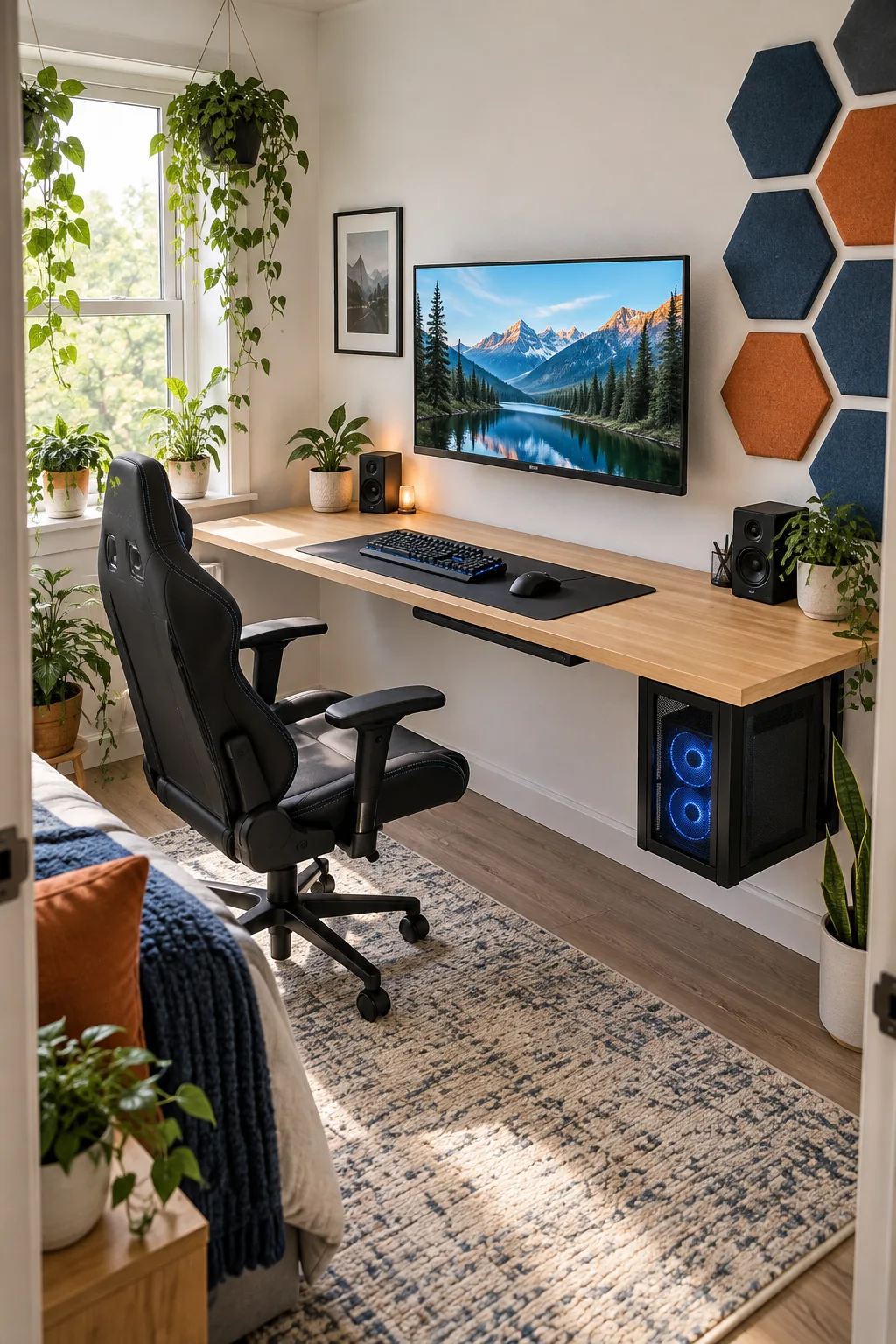
This streamlined footprint ensures your gaming chair can still recline fully without hitting the opposite wall. Moving upward from this wooden base, we can strategically mount our hardware to keep the surface entirely clear.
Why Desk Depth Matters for Posture
A shallower surface naturally encourages you to sit upright rather than slouching forward over a massive expanse of empty wood. Keeping your monitors and peripherals within a tight, controlled radius significantly reduces shoulder strain during extended weekend gaming sessions.
Choosing a Light Oak Surface
Dark furniture easily absorbs available light and makes a tight room feel distinctly smaller and more oppressive. Selecting a light oak finish reflects ambient room lighting back upward, creating a visually lighter footprint that beautifully harmonizes with modern tech gear.
Zero-Clearance Monitor Mounting
A zero-clearance arm holds your screen completely flush against the wall, reclaiming six to eight inches of desk depth. In my Denver home office, ditching the bulky factory monitor stand instantly made a shallow desk feel incredibly spacious and functional.
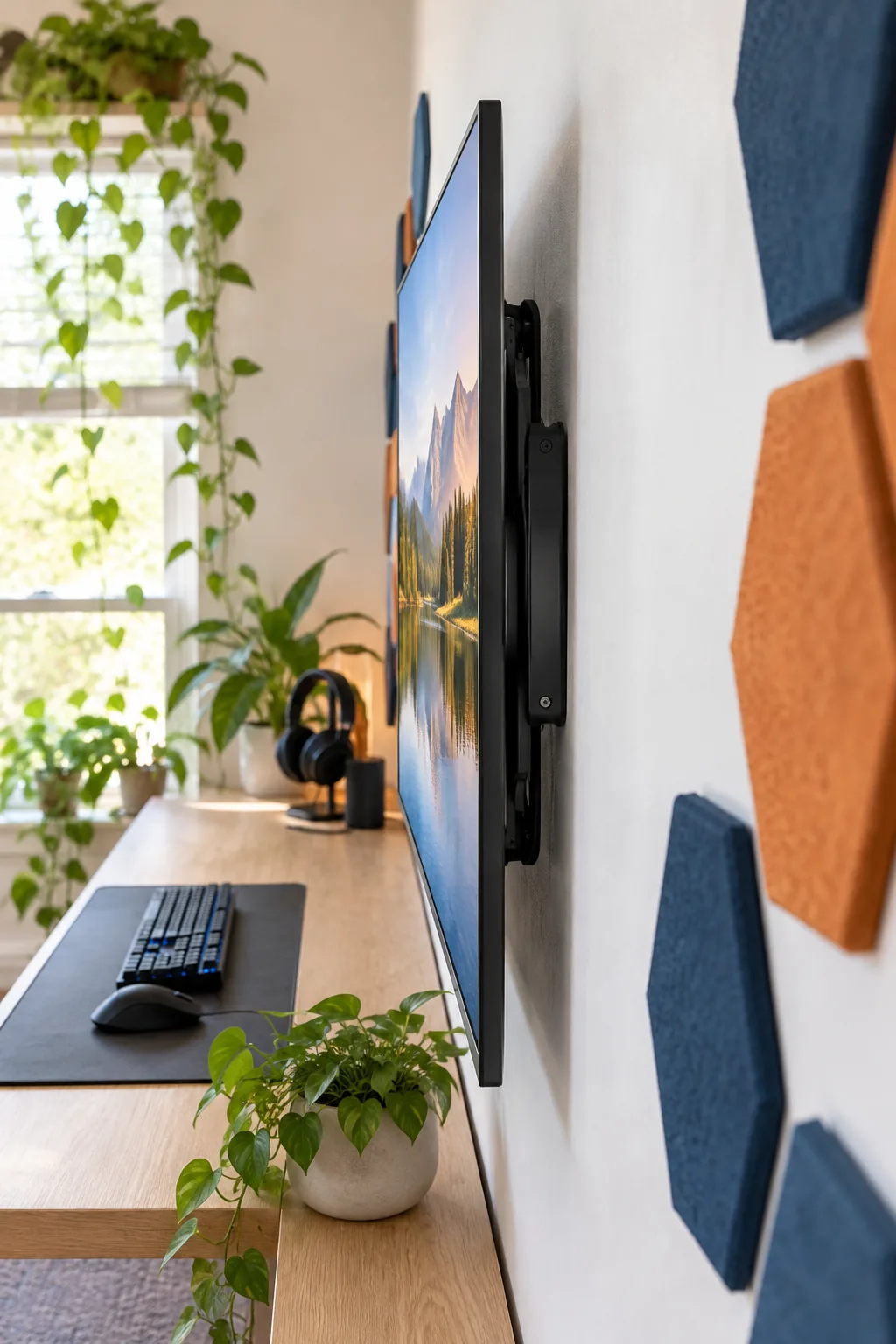
With the monitor floating securely on the wall, your sightline naturally extends, making the tight quarters feel significantly less restrictive. Next, we need to address the harsh audio reflections that bounce off these close, parallel walls.
Locating Wall Studs Securely
Heavy gaming monitors require a perfectly secure anchor point to prevent catastrophic drywall failure over time. Always use a high-quality magnetic stud finder to locate the exact center of your wooden wall studs before drilling the initial pilot holes for your mount.
Standard Clearances for Small Gaming Rooms
Maintaining exact spatial tolerances prevents your compact room from feeling cramped while ensuring all hardware functions properly.
| Setup Zone | Minimum Gap | Primary Purpose |
|---|---|---|
| Wall to Desk | 2 inches | Cable routing |
| PC Top to Desk | 4 inches | Exhaust airflow |
| Panel Spacing | 1 inch | Shadow lines |
| Chair Recline | 18 inches | Ergonomic posture |
Always measure these critical dimensions twice before drilling any permanent mounting holes into your drywall or desk surface.
Acoustic Hex Panels for Sound Control
Hard walls in a tight room create distracting audio reflections, but covering just 15 to 20 percent of the adjacent wall with acoustic panels dampens echo beautifully. These geometric fabric shapes add a balanced, architectural texture without making the space feel visually heavy.
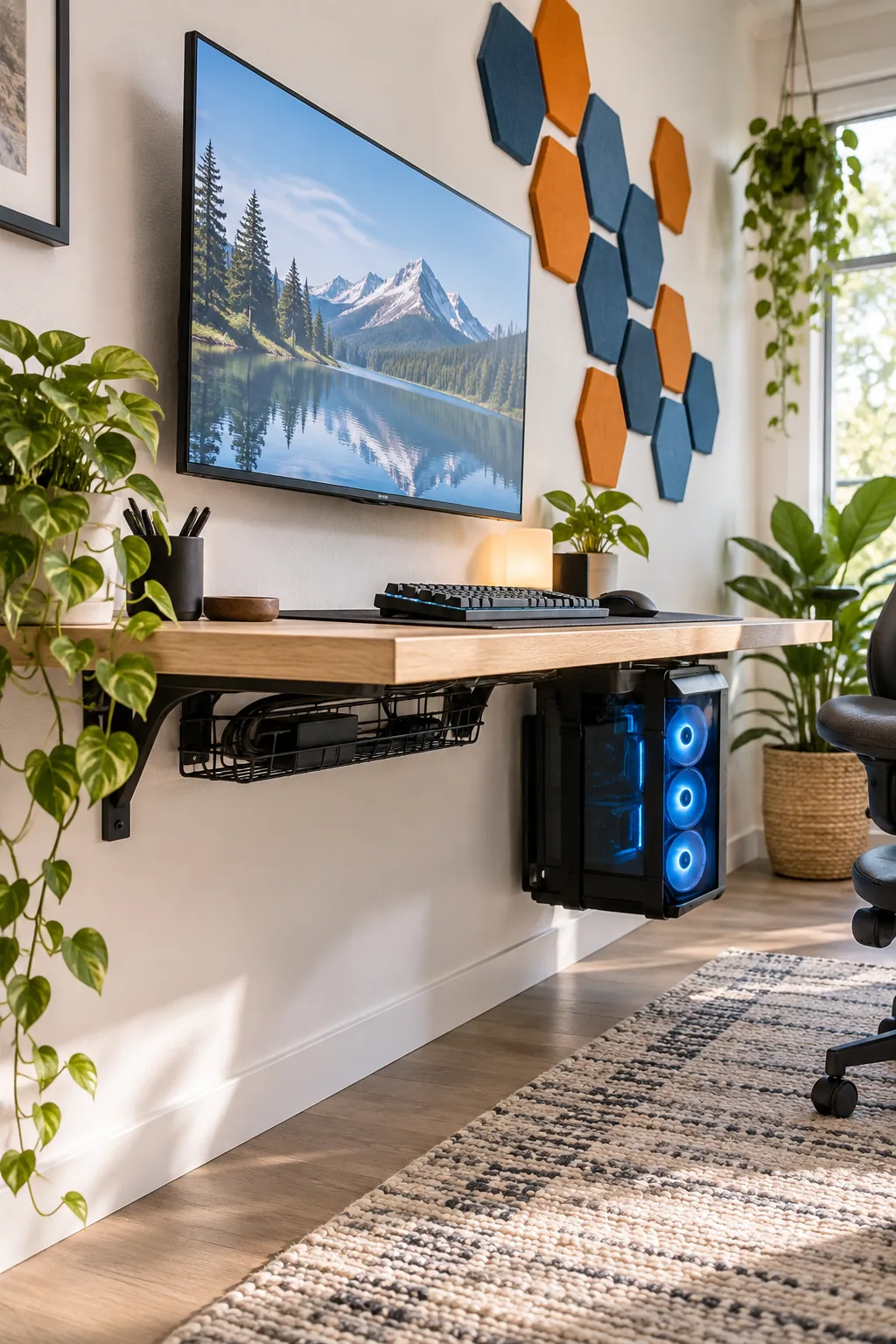
Installation requires careful spacing to look intentional rather than messy across your primary gaming zone.
Mapping the Reflection Points
To maximize sound dampening efficiency, you must place the panels exactly where speaker audio hits the side walls first. Have a friend hold a small mirror flat against the wall while you sit at the desk; wherever you see the speaker reflection is your target zone.
Balancing Symmetrical Panel Layouts
Eastern design principles emphasize visual equilibrium, which means your acoustic art should never feel lopsided or randomly scattered. Arrange the hexagons in a structured, interlocking honeycomb pattern that creates a sense of calm, calculated order above your workstation.
Managing Glare and Natural Light
Position your desk perpendicular to the nearest window rather than directly facing or backing it. This orientation prevents harsh screen glare while still allowing natural light to keep the compact room feeling bright, airy, and balanced throughout the afternoon.
Selecting Window Treatments for Gaming
Standard aluminum blinds often let frustrating slivers of sunlight leak across your screen during crucial afternoon hours. Installing a structured cellular shade or a thick blackout roller provides absolute light control when you need complete immersion for dark, atmospheric games.
Adding Bias Lighting Behind the Screen
Staring at a bright monitor in a dark room forces your pupils to constantly dilate and constrict, causing rapid eye fatigue. Applying a warm LED strip directly behind the screen washes the back wall with gentle light, softening that harsh contrast significantly.
Under-Desk Cable Tray Routing
Mounting an under-desk cable tray to the rear underside of your surface keeps power strips and heavy display cables entirely off the floor. This hidden wire management basket maintains a clean aesthetic and prevents dust bunnies from accumulating around tangled cords.
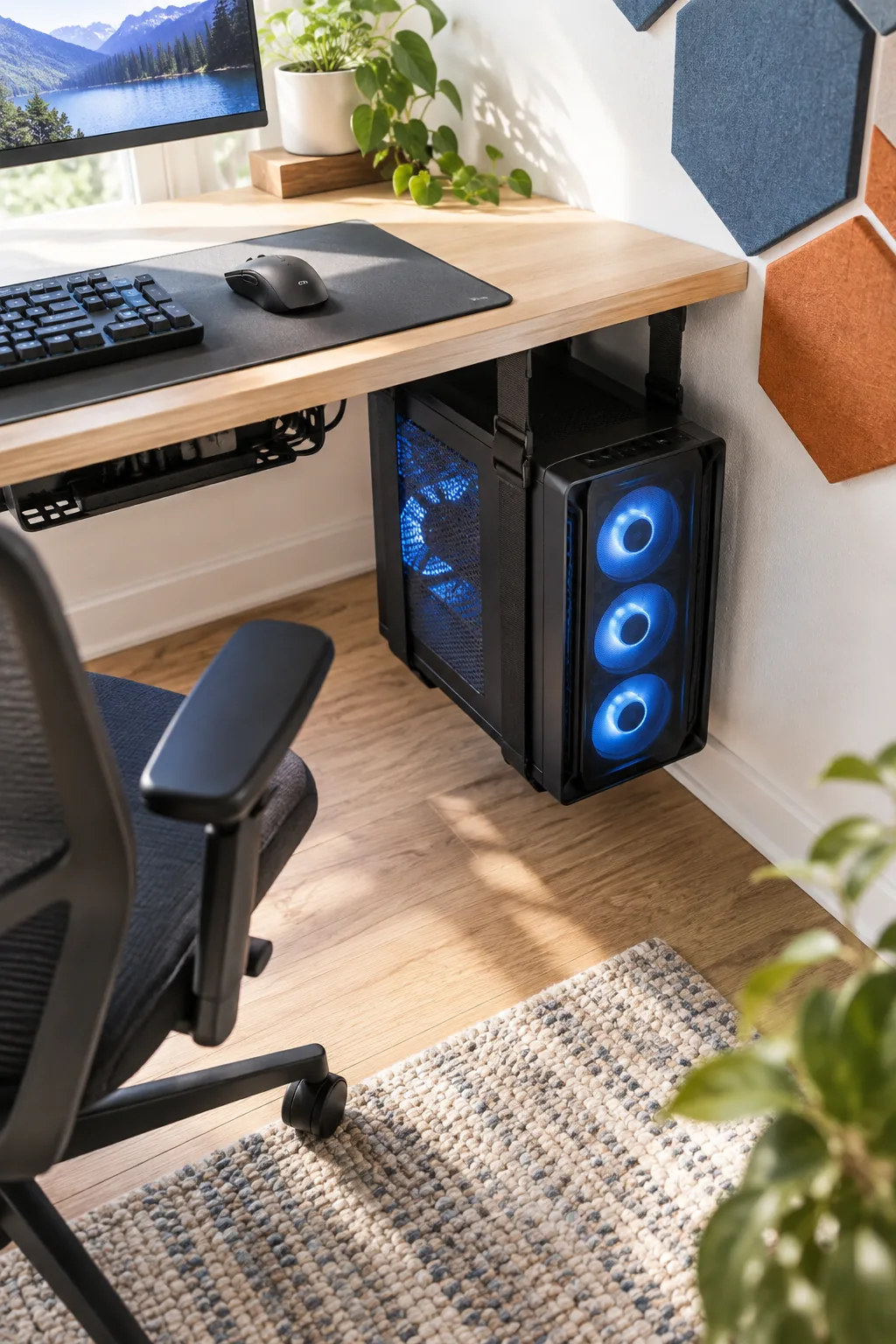
Always leave a 2-inch gap between the wire basket and the wall so you can easily swap plugs without moving the entire desk. With the cables routed away, we can utilize the remaining under-desk space for your heaviest hardware.
Sizing the Wire Management Basket
A standard gaming setup utilizes at least six thick power cables and multiple braided peripheral cords that require substantial housing. Select a steel tray that is at least five inches deep to comfortably hold a large surge protector alongside bundled wire slack.
Securing Velcro Ties for Display Cables
Plastic zip ties require sharp scissors for removal, making future hardware upgrades unnecessarily risky and frustrating. Group your monitor and power cables together using soft, reusable Velcro strips spaced exactly six inches apart for a perfectly uniform, professional bundle.
The Under-Desk PC Sling Strategy
Using adjustable straps to build an under-desk PC sling suspends your heavy tower directly beneath the work surface. This strategic placement protects your intake fans from sucking up thick carpet fibers while freeing up vital legroom.
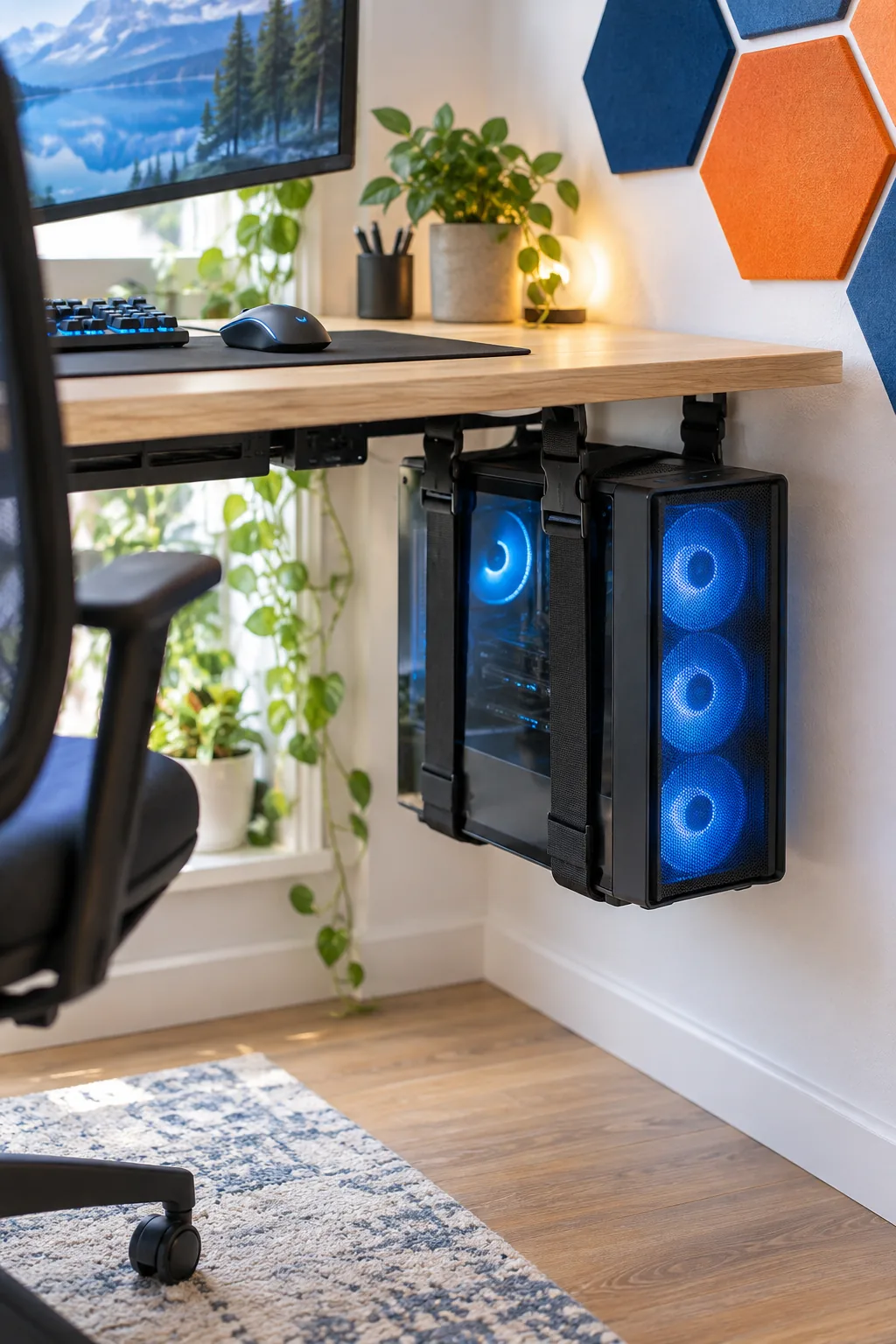
Securing the sling requires only four heavy-duty screws driven into the solid wood of your desk bottom. Once the tower is floating securely, you can finalize the top surface with appropriately sized accessories.
Distributing the Tower Weight Evenly
Modern gaming PCs packed with large graphics cards and liquid cooling radiators easily weigh over thirty pounds. Position the fabric sling straps exactly three inches from the front and back edges of the case to prevent dangerous, unbalanced leaning.
Optimizing PC Airflow Clearances
Suspending the computer too close to the underside of the desk chokes the top exhaust fans, trapping destructive heat inside the chassis. Ensure there is a minimum clearance of four inches between the top of the PC case and the wooden desk surface.
Compact Peripherals and Desk Mat
A tenkeyless keyboard and a fitted desk mat are essential for maximizing the usable space on a shallow surface. I always specify compact boards in my small-space projects because they visually anchor the gaming zone while preserving a wide, uninterrupted area.
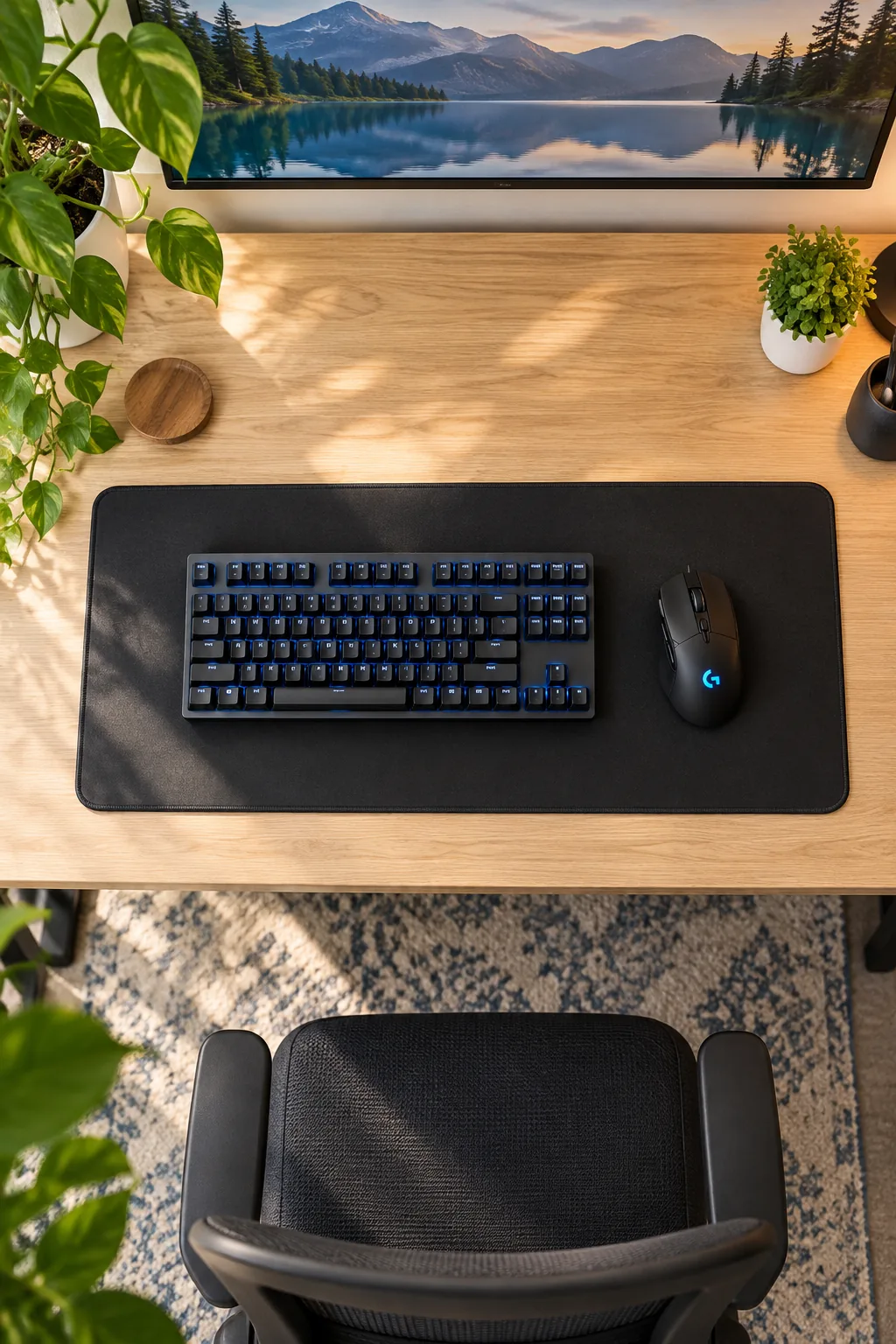
This scaled-down setup ensures you retain plenty of room for broad mouse movements during intense gameplay. Pulling all these streamlined elements together simply requires executing the build in the correct order.
Sizing the Fitted Desk Mat
An oversized mat spills awkwardly over the edges of a shallow desk, ruining the clean, tailored aesthetic of the room. Measure your available depth and select a pad that leaves exactly two inches of exposed wood at both the top and bottom margins.
Selecting a Tenkeyless Keyboard Layout
Removing the unnecessary right-side number pad shifts your hands closer together, aligning your shoulders in a much healthier, neutral posture. This compact design is the absolute secret to making a 24-inch desk feel like a sprawling, professional command center.
Managing Mouse Cord Drag
Even the lightest braided mouse cables can catch on the back edge of a desk, interrupting your aim during fast-paced games. Installing a weighted mouse bungee completely eliminates cord drag, mimicking the freedom of wireless gear without introducing any input latency.
Ensuring Proper Chair Recline Clearance
A beautifully organized desk is entirely useless if you cannot comfortably push back and relax between intense matches. Measure the exact turning radius of your chair base to guarantee the rolling casters will not strike the wall or the suspended PC tower.
Establishing the Daily Reset Routine
Small rooms amplify visual clutter, meaning a single empty coffee mug or stray controller disrupts the entire atmosphere.
- Store the controller on its dedicated stand
- Wipe down the fitted desk mat
- Push the chair fully under the desk
Adopting this strict three-step reset routine after every session ensures your meticulously planned space remains a peaceful sanctuary.
The Small Space Setup Checklist
Before finalizing your exact desk height, always verify your gaming chair clearance to ensure the room remains comfortable to navigate. I learned the hard way that mounting heavy hardware before the desk is perfectly positioned leads to frustrating rework.
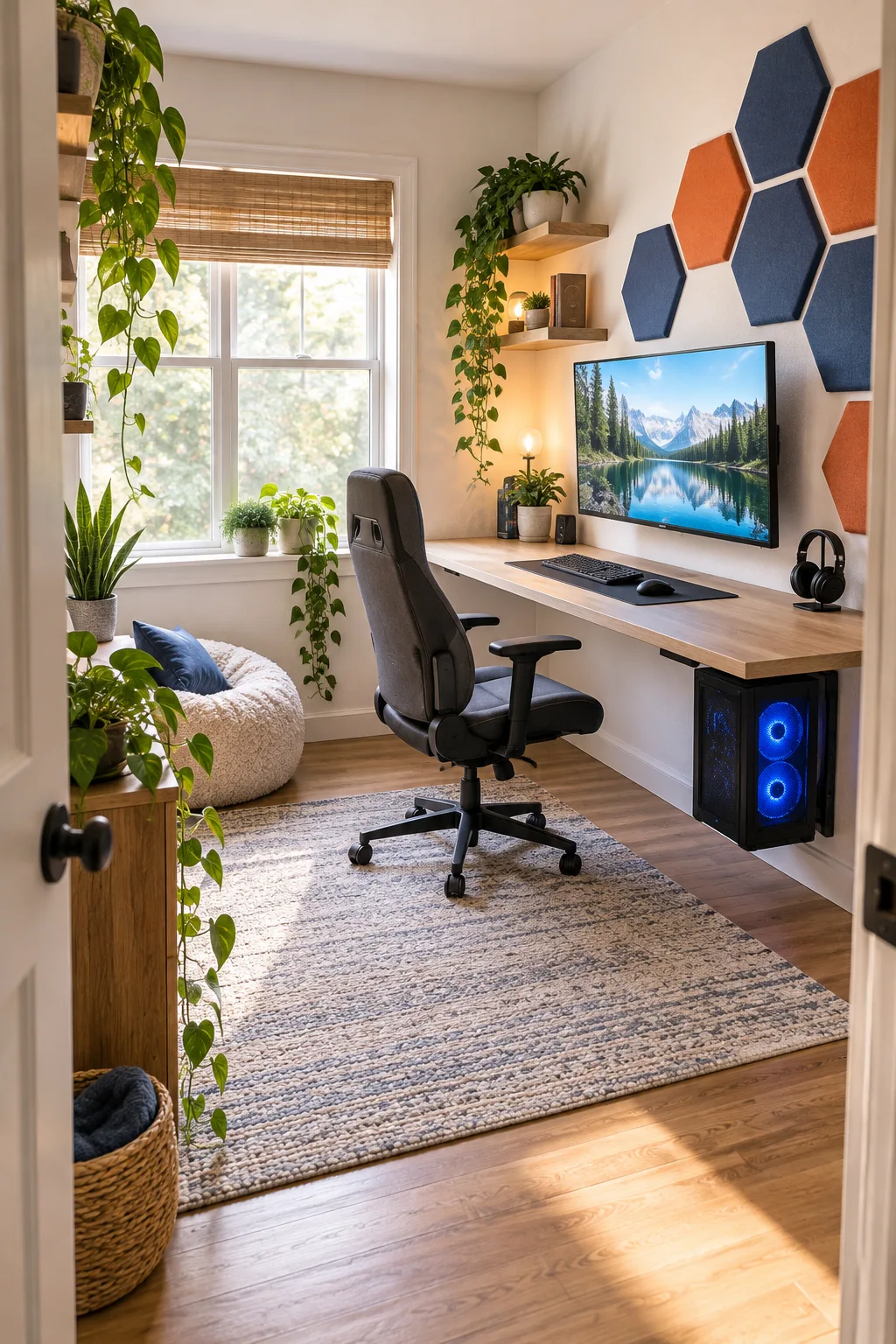
Follow this exact sequence to build out your compact station without having to backtrack.
4 Ways to Style a Compact Gaming Station
Find the perfect aesthetic for your small space with these distinct room styles.
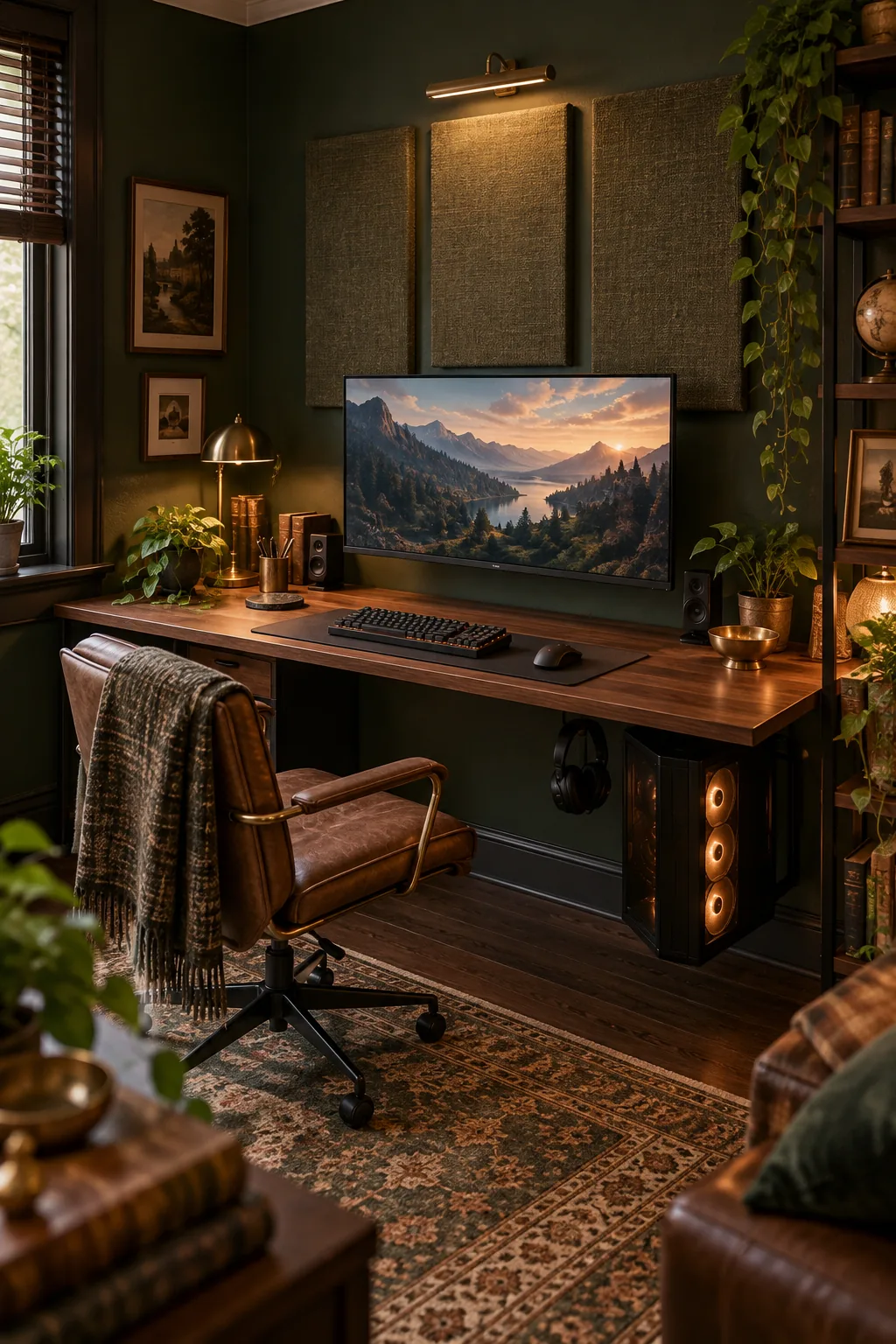
Moody Dark Academia Setup: Rich walnut surfaces and deep green walls create a cozy atmosphere. Swap standard panels for fabric-wrapped acoustic boards to match the sophisticated aesthetic.
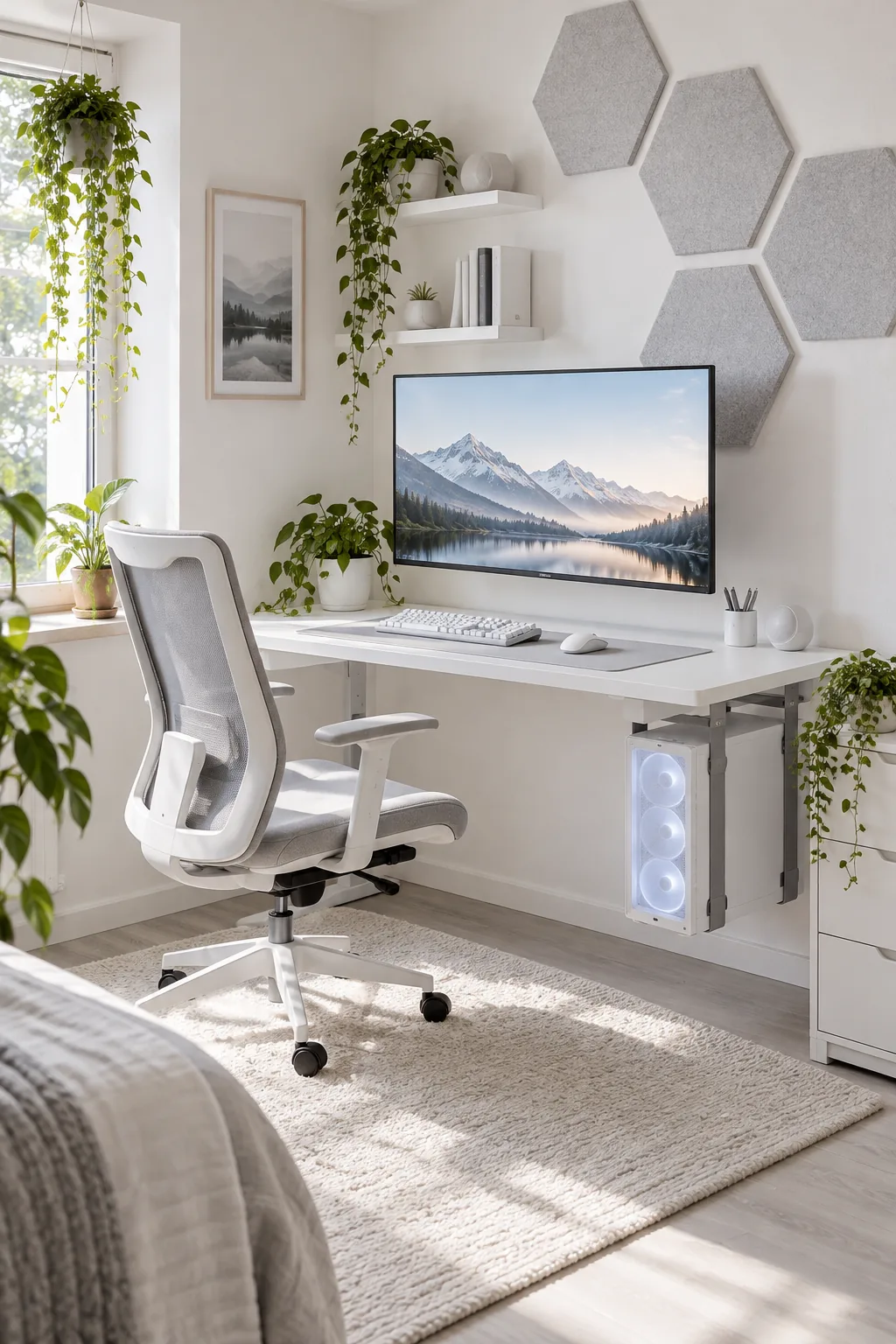
Minimalist All-White Station: An all-white palette makes a tight corner feel twice as large. Use pale gray hex panels to add subtle texture without darkening the room.
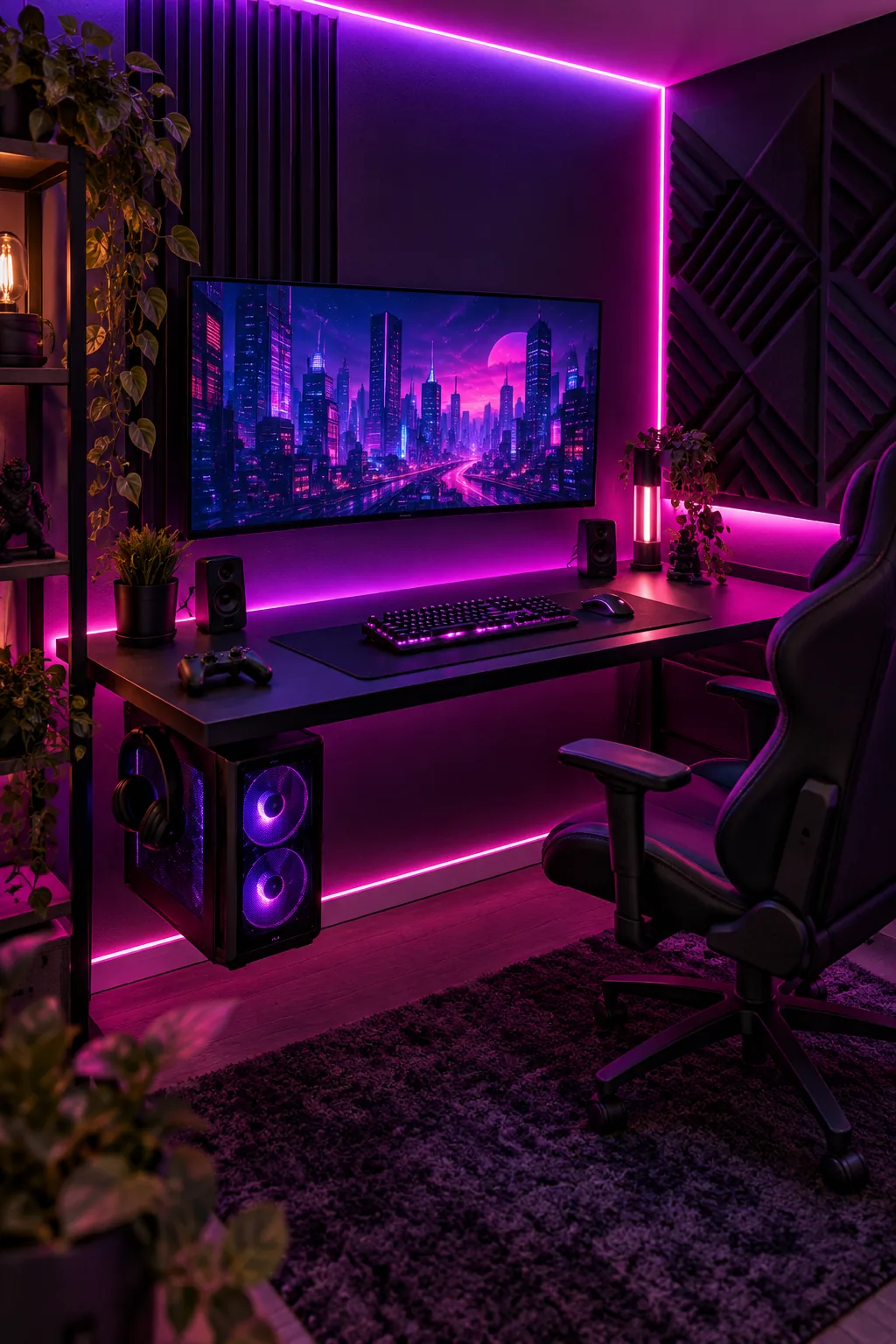
Neon Cyberpunk Gaming Corner: Matte black furniture absorbs stray light to make RGB accents pop. Run diffuse purple LED strips behind the desk edge to establish this intense mood.
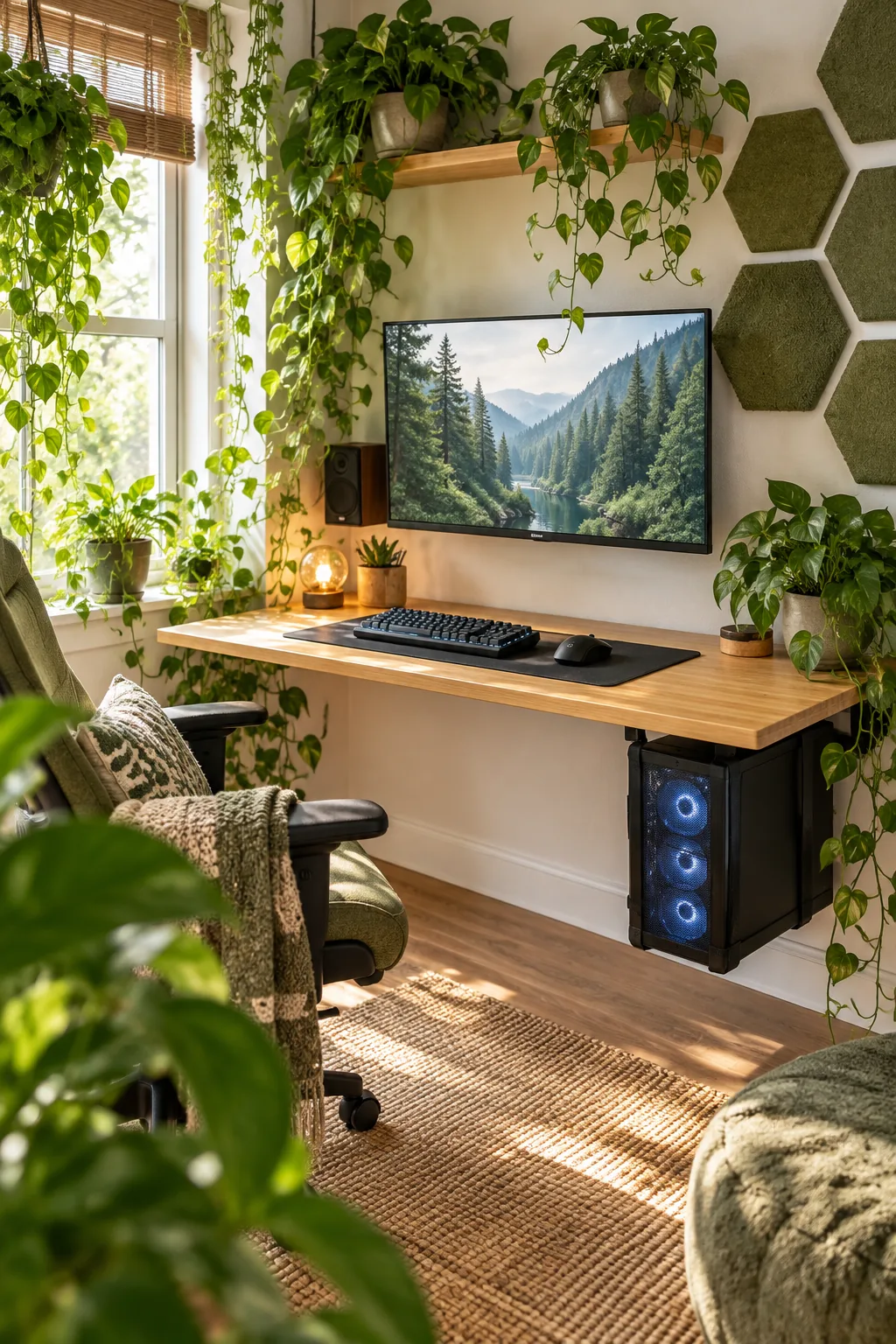
Natural Biophilic PC Space: Warm bamboo and trailing pothos plants soften the heavy technology. Choose moss-green acoustic shapes to blend the sound treatment seamlessly into the indoor garden vibe.