
17+ Sleek Gaming Setup Ideas for Your Home
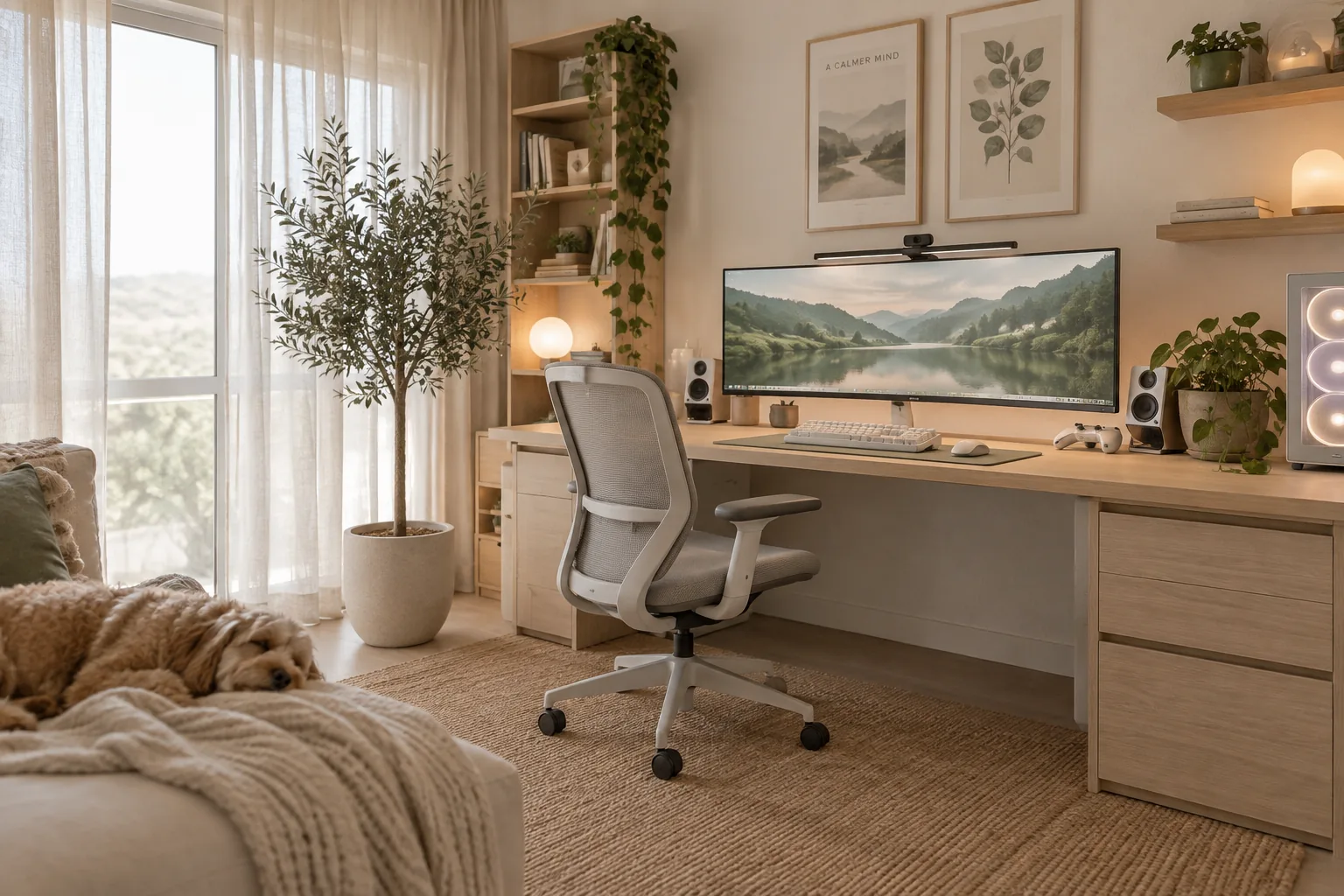
Building a functional gaming space means balancing heavy tech with good room flow. I put together these practical layouts to help you integrate screens and consoles without making your room look like a server closet.
1. Use a Single Monitor Arm
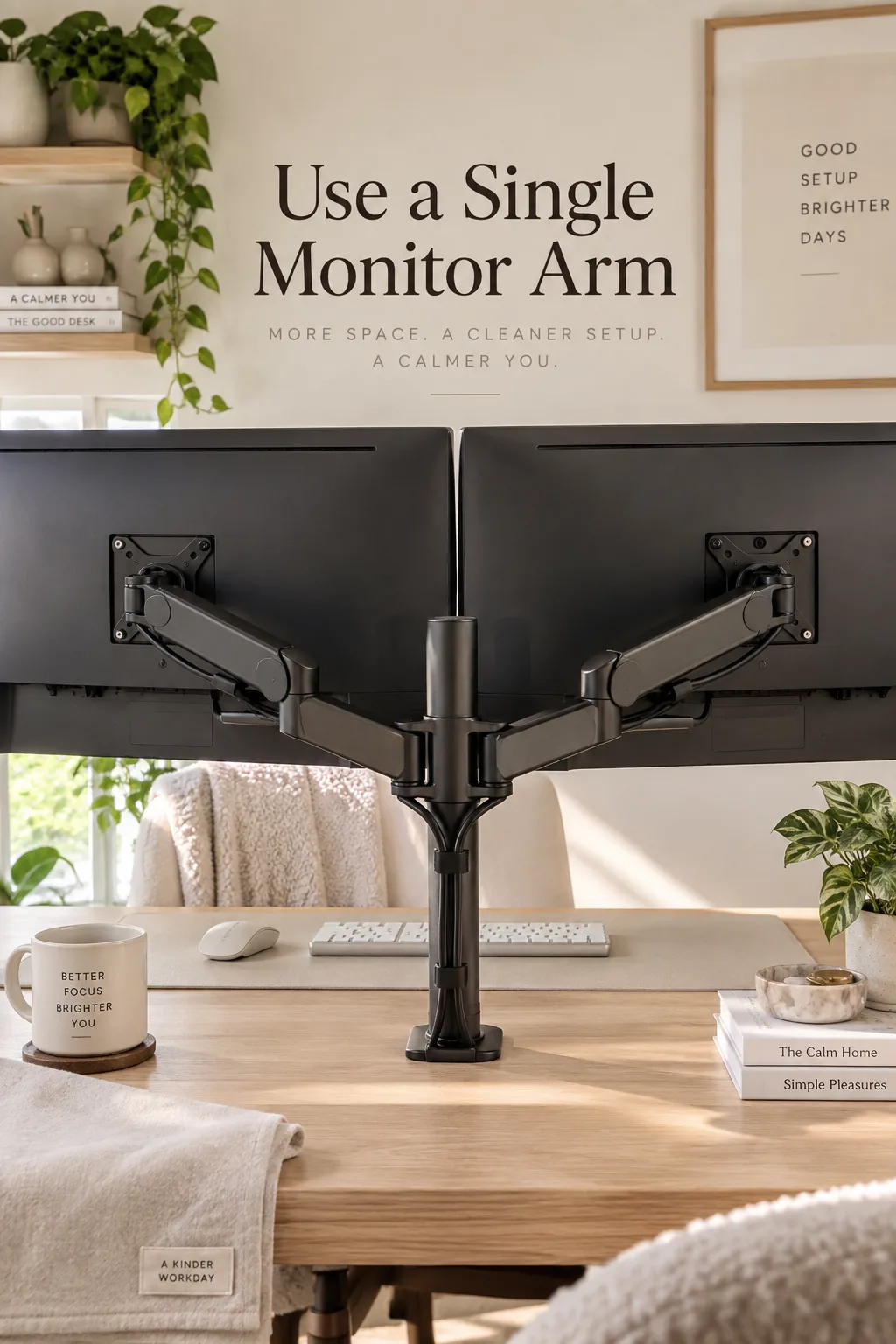
A standard dual monitor setup takes up at least forty inches of desk width.
Mount both screens on a single heavy-duty monitor arm to free up massive amounts of usable space underneath for your keyboard and mouse pad.
Route the thick display cables straight down the center pole to instantly clean up the visual clutter.
2. Layer Your Ambient Lighting
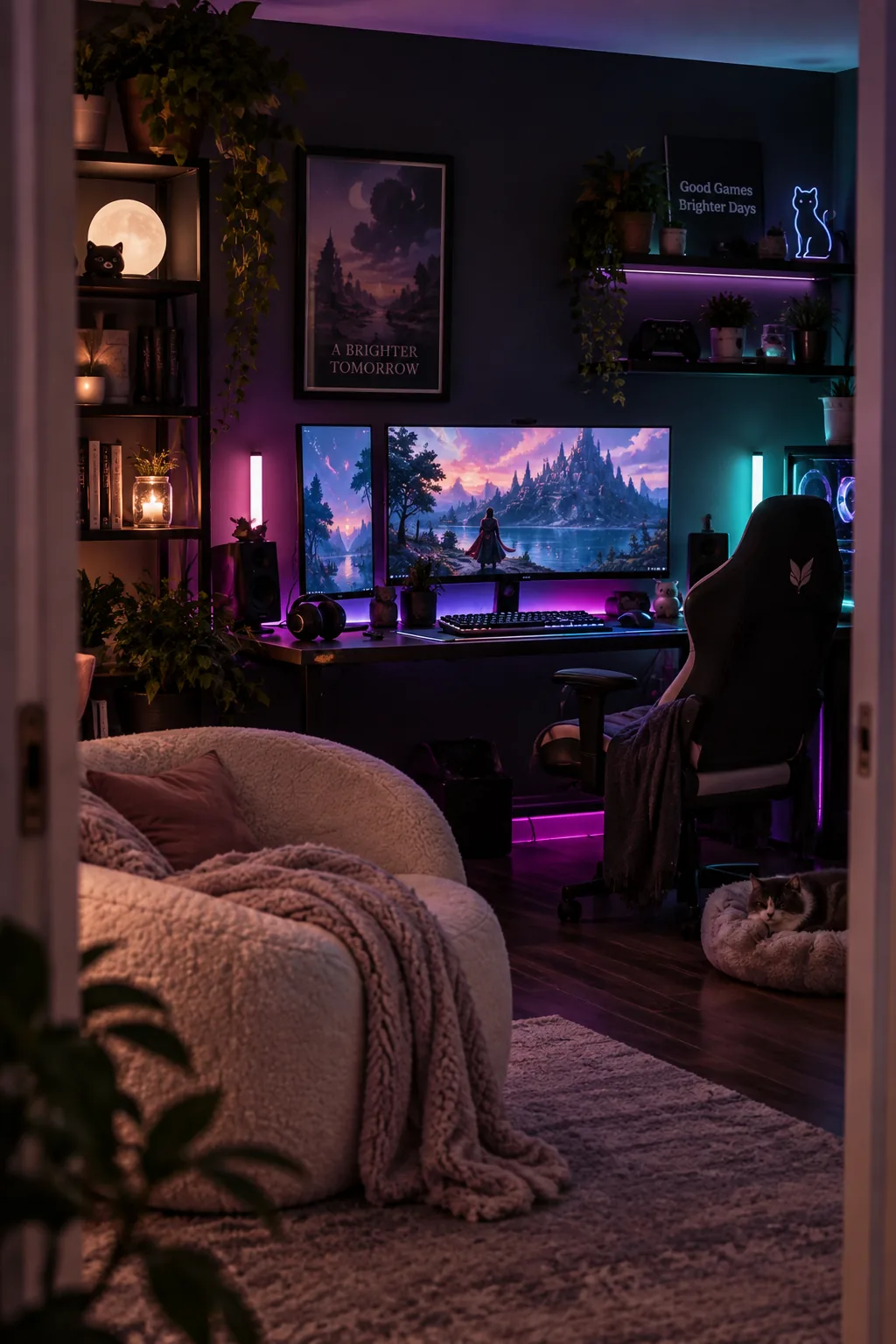
Keep your ambient lighting behind the screens rather than overhead to reduce eye strain. LED light strips run along the back edge of your desk bounce soft color off the wall. You can also place small light bars behind your speakers to widen the glow. This layered approach creates depth in a dark room without washing out the colors on your game. Just make sure to use a matte wall paint so the light diffuses smoothly instead of reflecting sharp dots.
- LED light strips behind the desk
- Small light bars behind speakers
- Matte wall paint to diffuse light
3. Paint a Dark Accent Wall
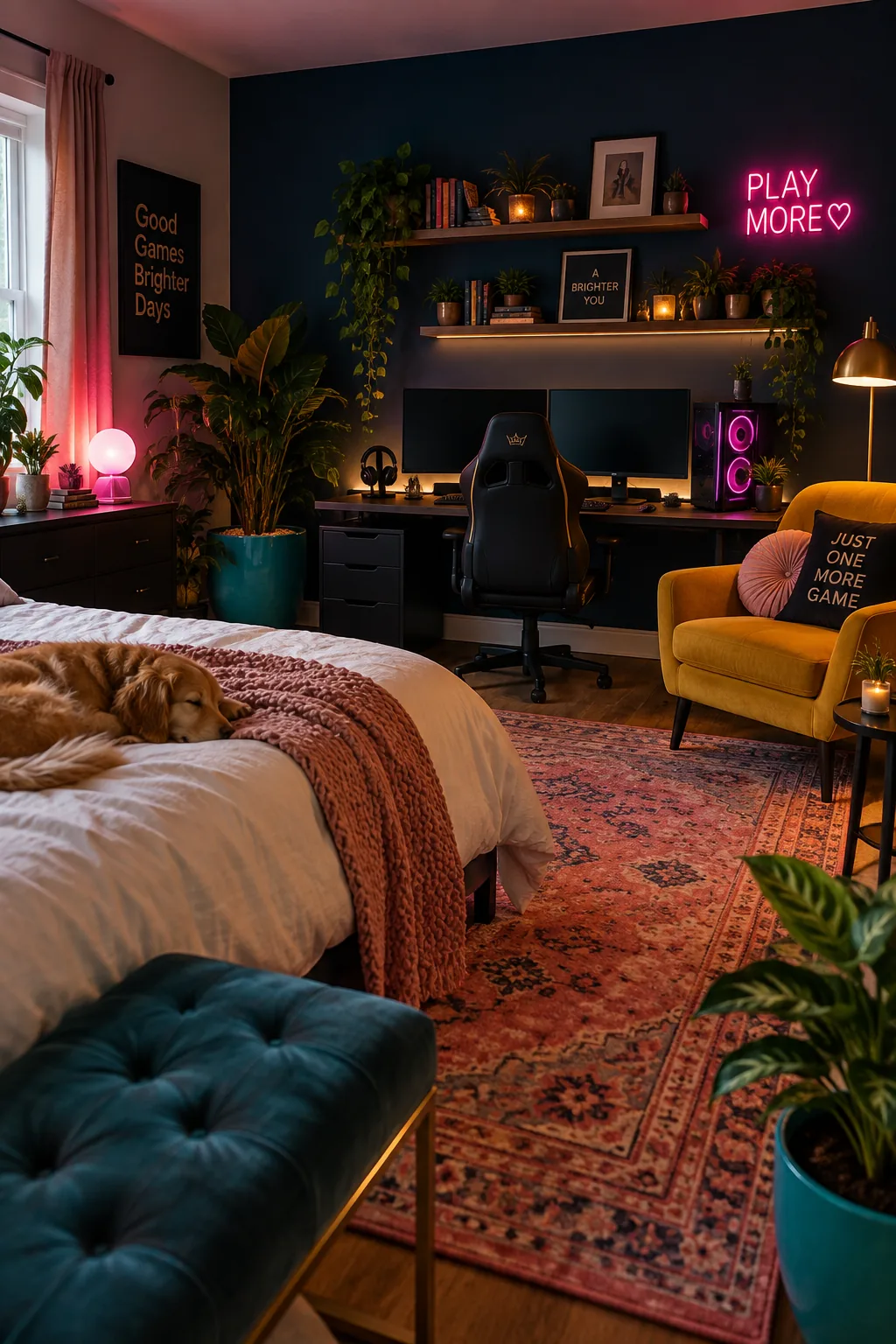
Dark walls make large black monitors blend right in when they are turned off. Painting the wall behind your desk in a deep charcoal or navy blue grounds the entire gaming station and hides tangled black cords.
4. Try an All-White Aesthetic
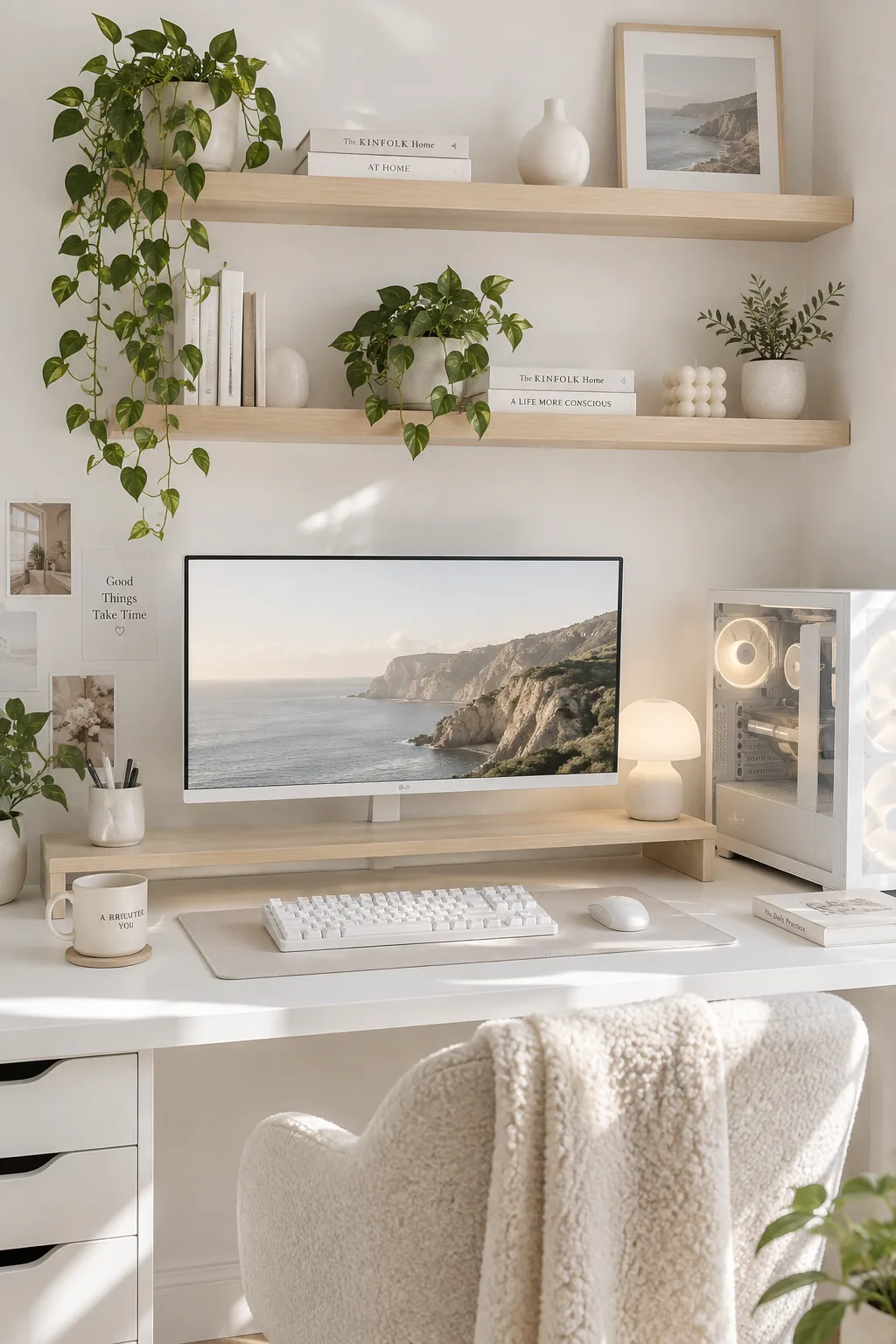
A minimalist all-white setup feels incredibly clean and spacious.
Pair a white tabletop with a matching mechanical keyboard and a white PC case. You can use light wood accents like a monitor stand or floating shelves to warm up the stark white tech.
Why it works: Keeping all your peripherals in one color family makes a chaotic pile of tech look like a deliberate design choice.
5. Install Under-Desk Wire Trays
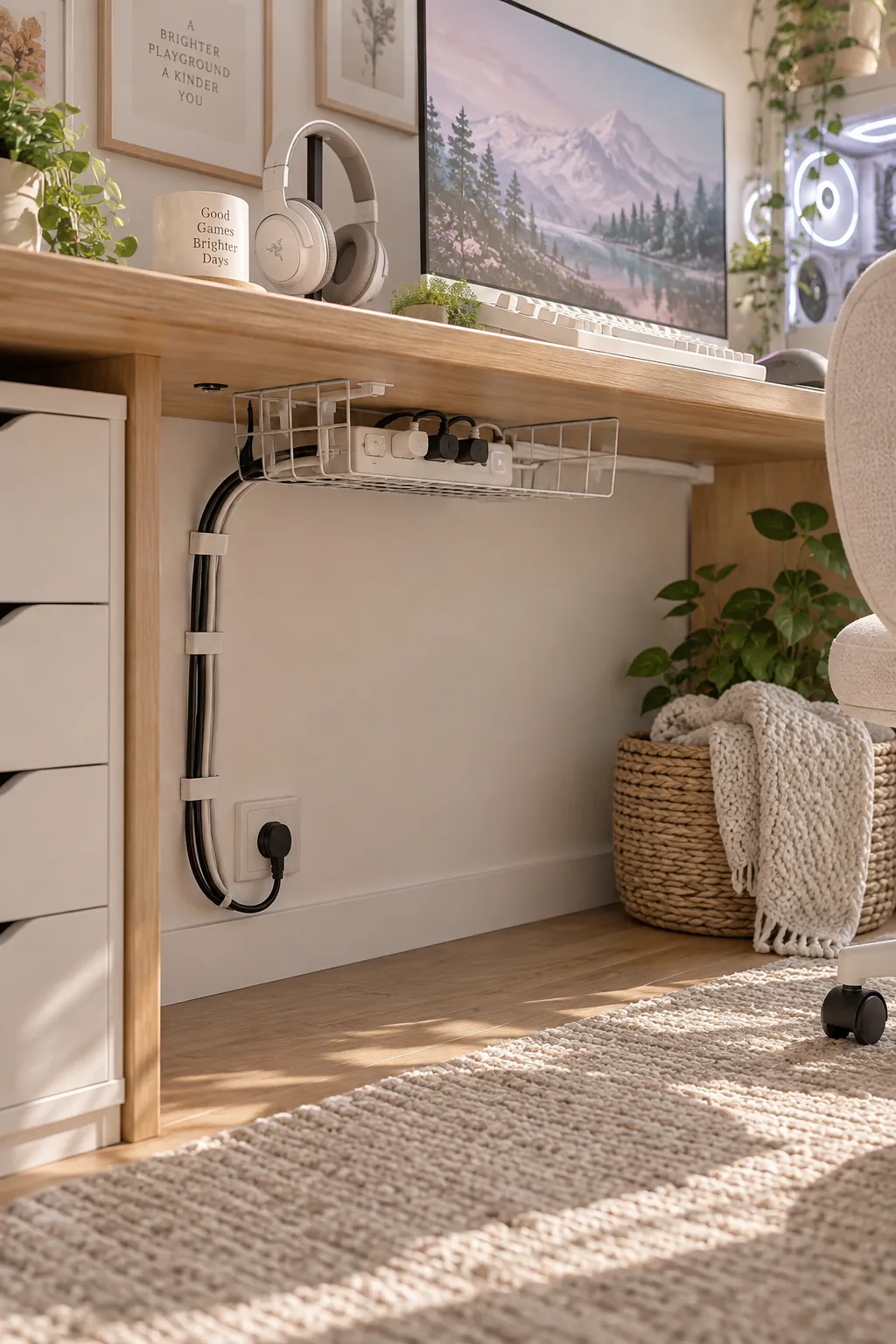
I always struggle with cable management, so I rely on under-desk wire trays to catch everything before it hits the floor.
You just screw a metal basket into the underside of your gaming desk and drop your power strip inside.
Use hook-and-loop ties to bundle the wires traveling down to the wall outlet.
- Under-desk metal wire tray
- Large power strip
- Hook-and-loop cable ties
6. Upgrade to Ergonomic Seating
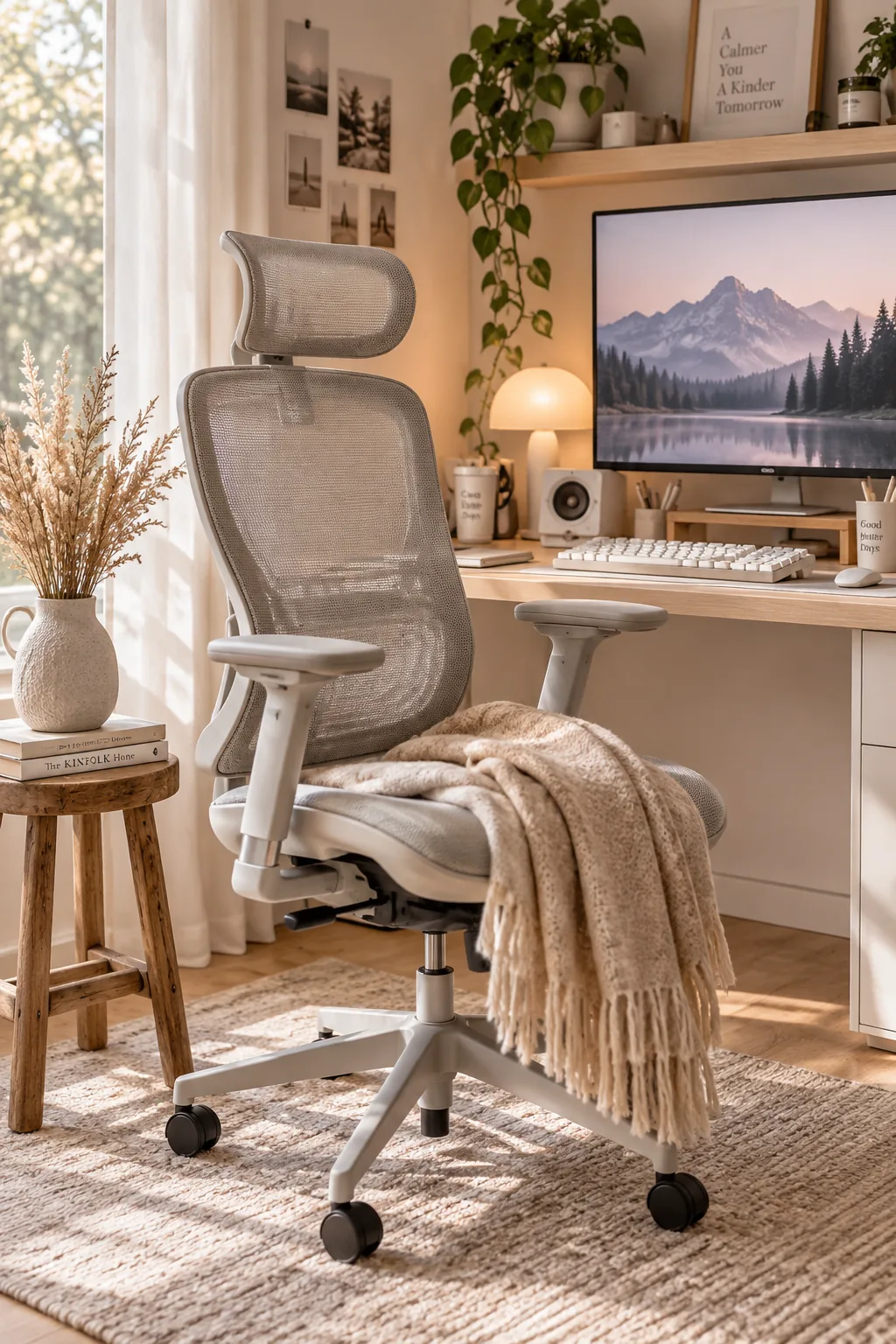
Most gaming chairs look like they belong in a race car instead of a home. Swapping the typical bucket seat for a high-end ergonomic office chair instantly elevates the room's design. Mesh backs provide better airflow during long sessions anyway. Look for neutral colors like gray or black with adjustable lumbar support and armrests. Your back will thank you, and the room will look much more mature.
7. Add Organic Textures
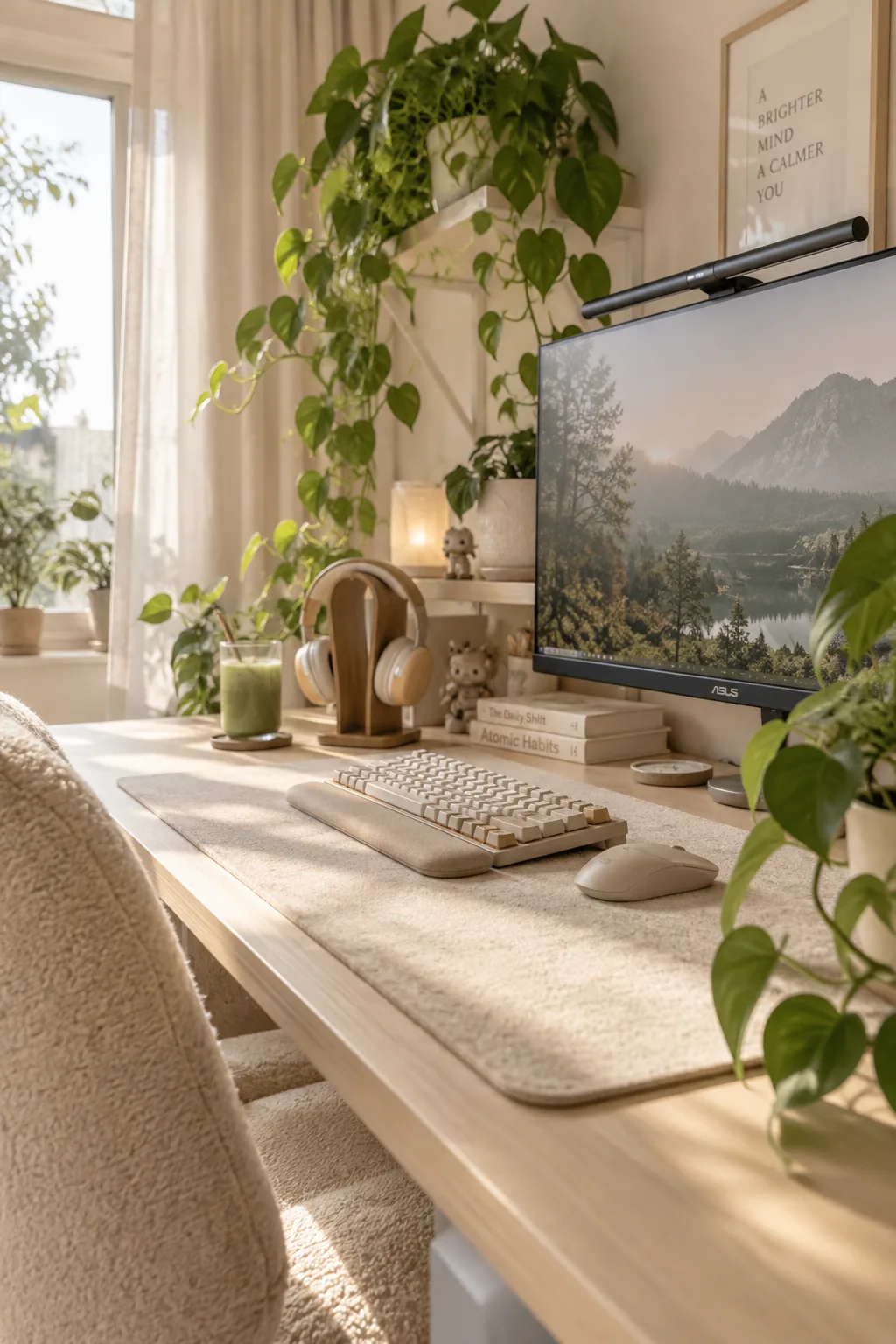
I love adding organic textures to tech-heavy spaces to soften the harsh plastic and metal edges. A large wool desk mat, a few low-maintenance potted pothos plants, and a wooden headphone stand completely change the vibe of the setup.
- Large wool desk mat
- Potted trailing plants
- Wooden headphone stand
8. Switch to an Ultrawide Monitor
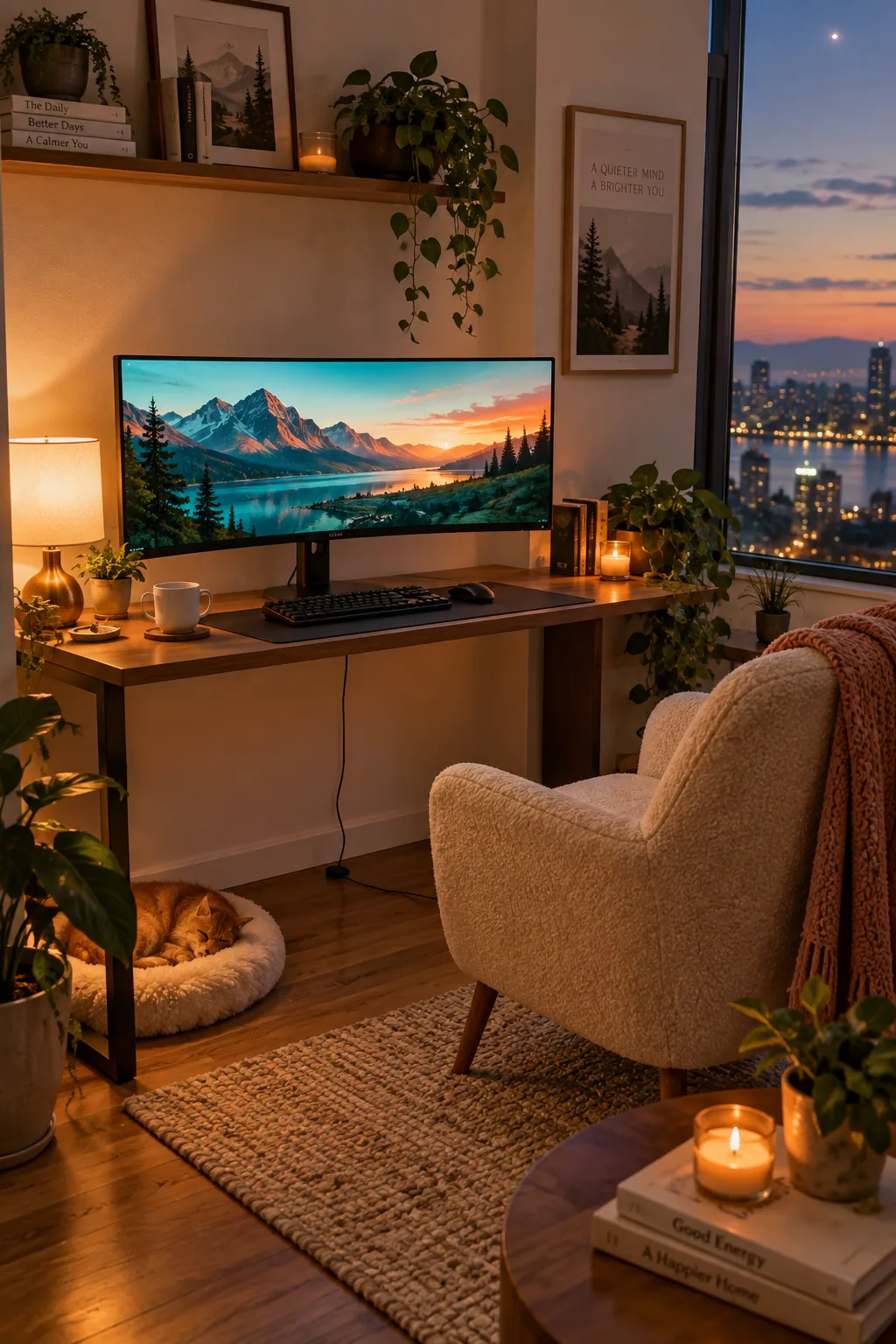
An ultrawide 34-inch monitor replaces two standard screens and eliminates the annoying plastic bezel right in your line of sight. It gives you a massive digital workspace while keeping the physical desk footprint surprisingly small. You only need one power cable and one display cable.
It makes cable management incredibly easy.
9. Mount Floating Shelves
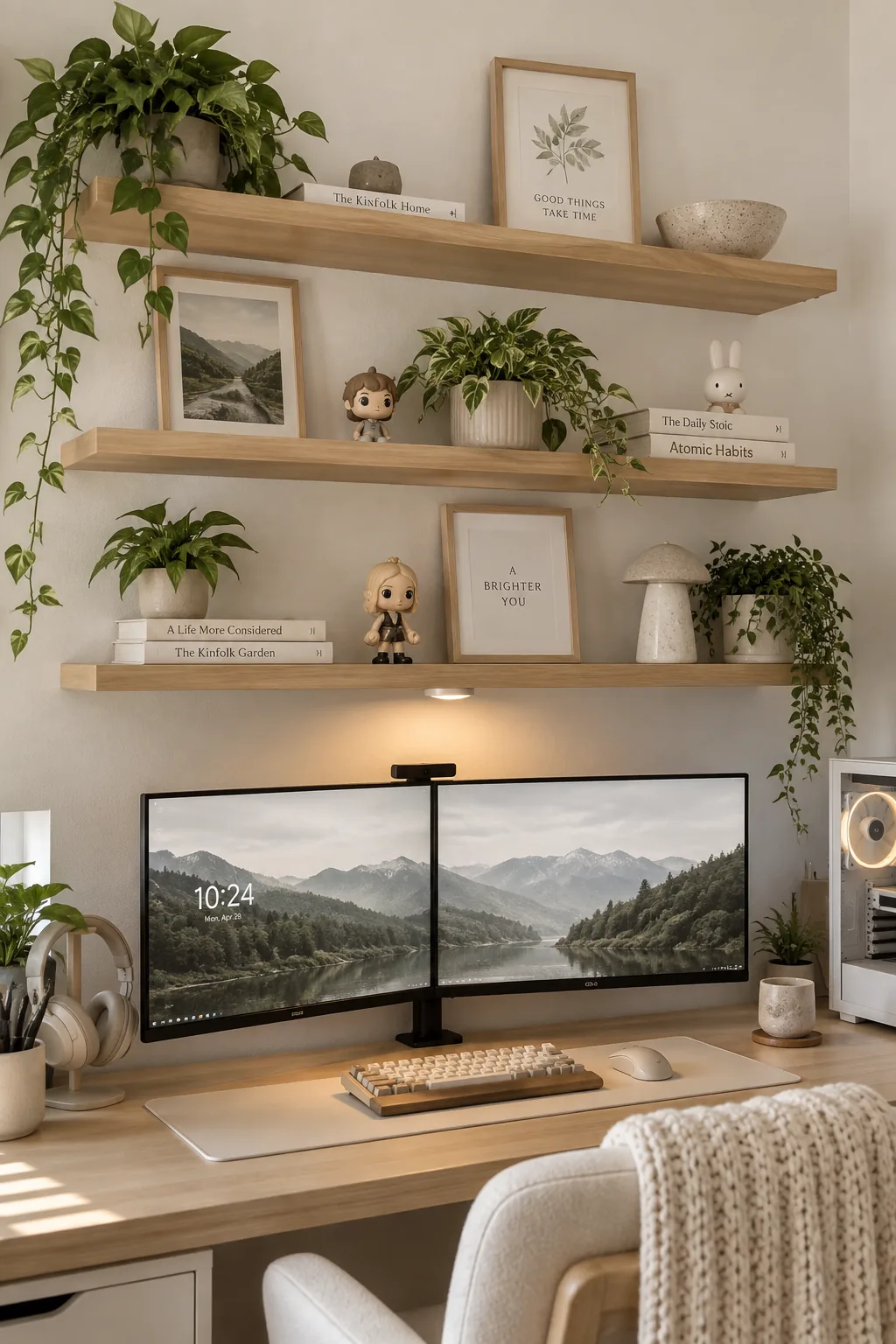
A wall of floating shelves mounted directly above the monitors creates a custom, built-in display zone for your collectibles. Staggering the heights of your favorite figures and small framed art keeps the eye moving upward. Install a battery-powered puck light under the bottom shelf to cast a soft spotlight onto your gaming keyboard.
10. Use a Dedicated PC Side Table
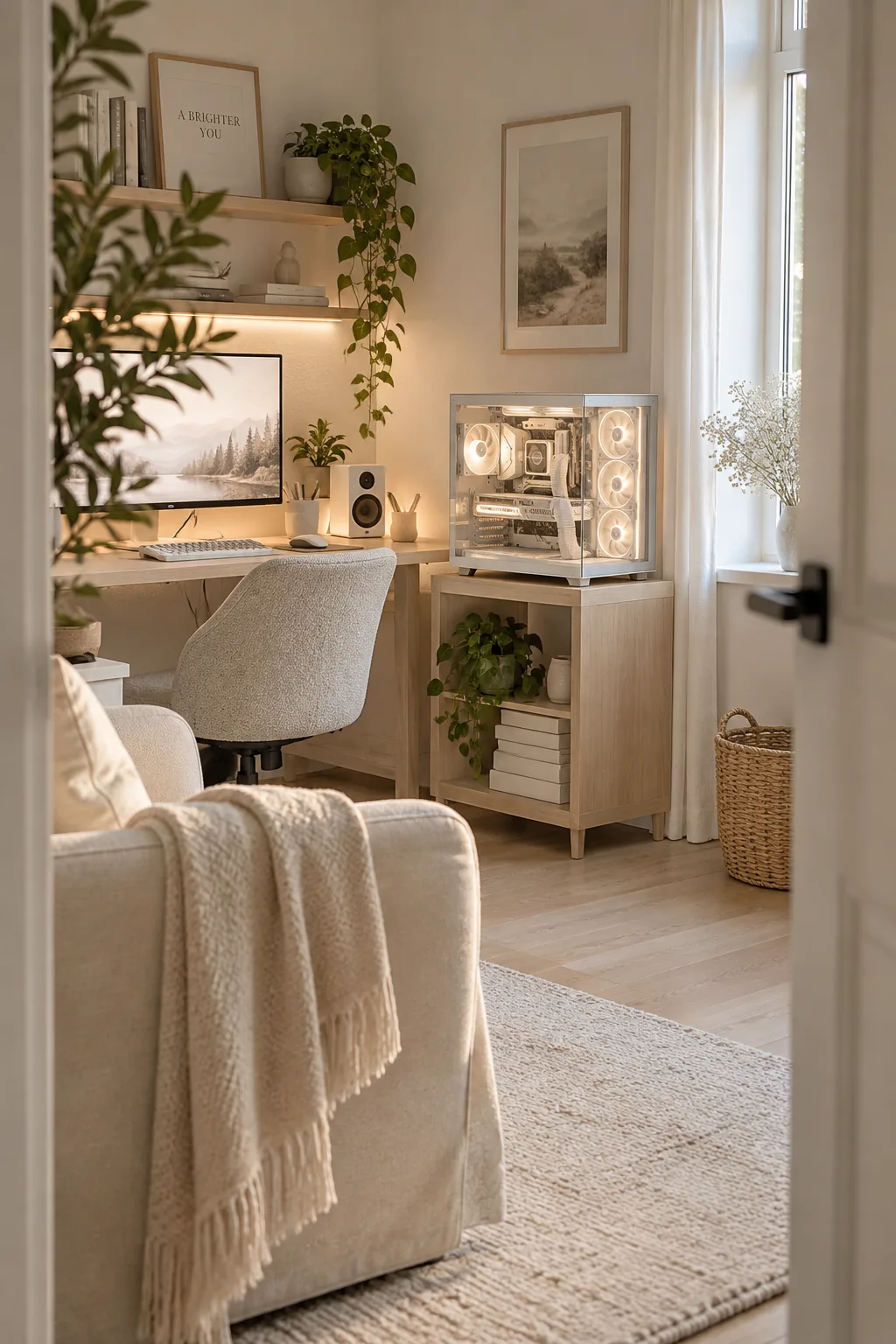
Placing your PC tower on the floor acts like a vacuum for dust and pet hair. Moving a beautiful glass-panel PC case onto a dedicated side table keeps it clean and turns it into a focal point. You get to see all the internal lighting without sacrificing your main desk space. Just ensure the side table is sturdy enough to hold at least forty pounds.
11. Install Acoustic Wall Panels
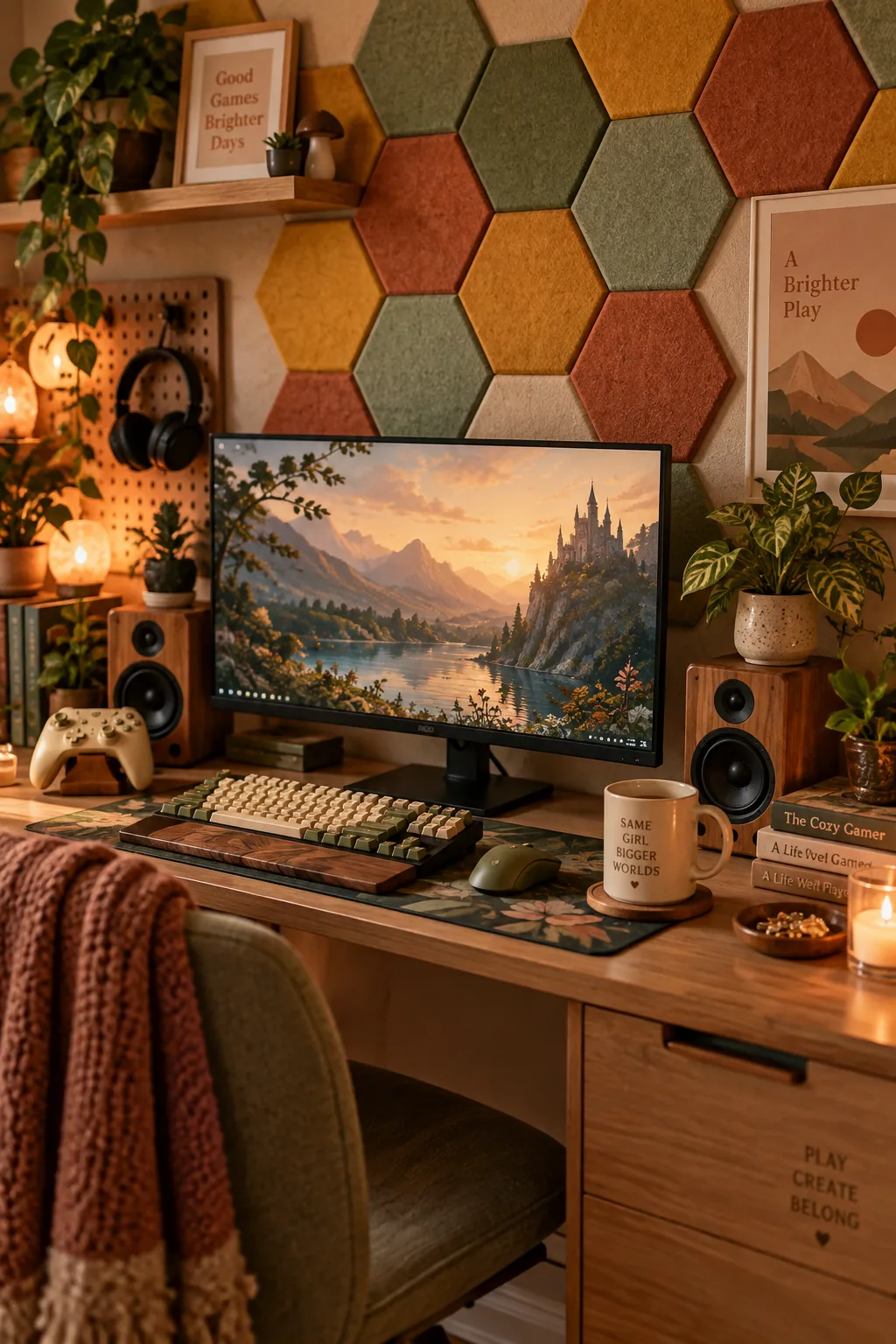
Acoustic wall panels absorb echoing sound while adding a brilliant architectural texture to the room. Hexagon-shaped felt panels let you build custom geometric patterns behind your gaming monitors. They come in dozens of colors so you can match your room's exact palette.
You just stick them to the drywall with removable adhesive strips.
12. Build a Butcher Block Desk
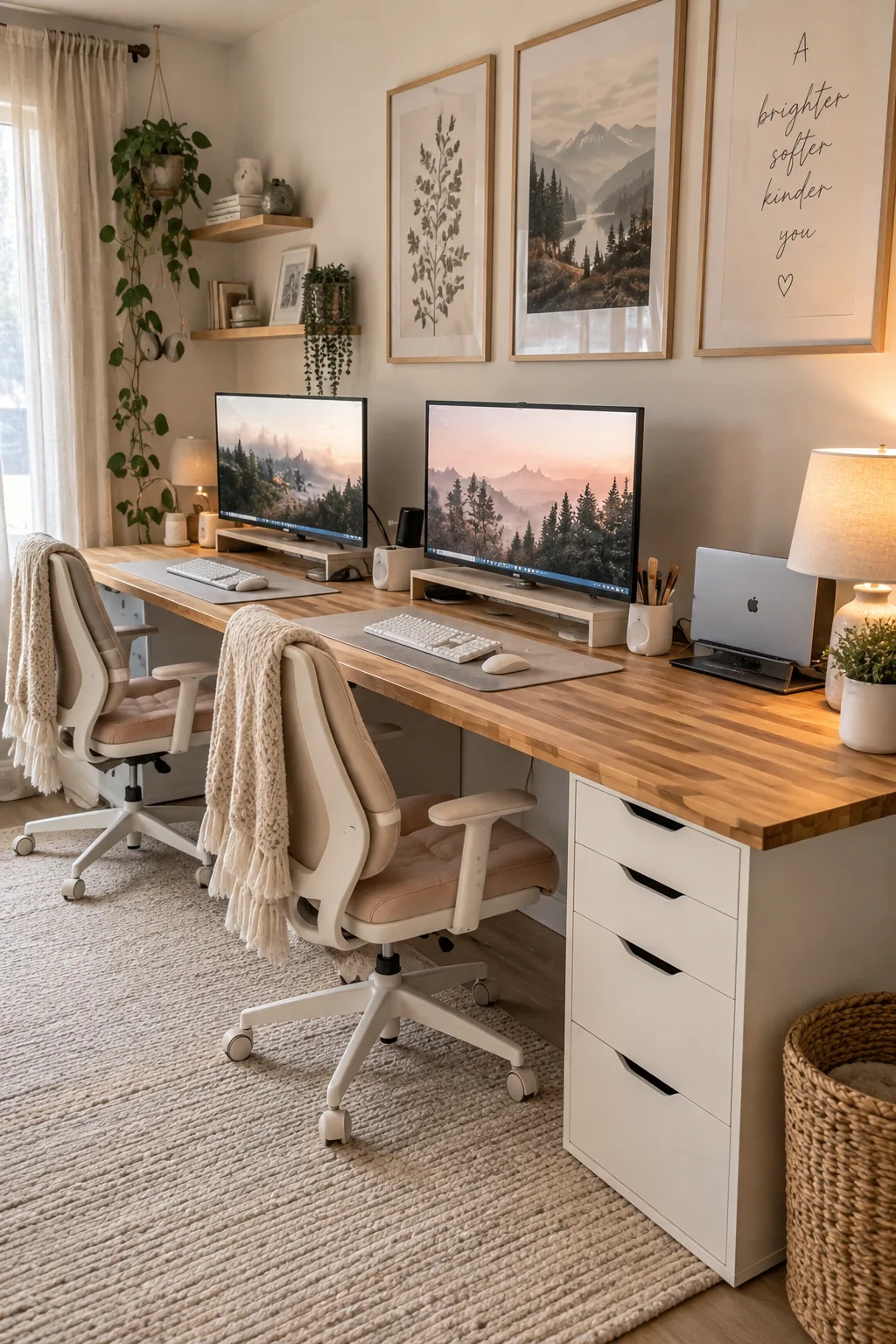
A 72-inch butcher block countertop makes the ultimate heavy-duty gaming desk. You can rest it on top of two standard filing cabinets for instant, massive storage. This gives you plenty of room for a dual PC setup or extra space for a laptop dock.
Just seal the wood with polyurethane first to prevent water rings.
- 72-inch butcher block countertop
- Two matching filing cabinets
- Polyurethane wood sealer
13. Organize with a Pegboard
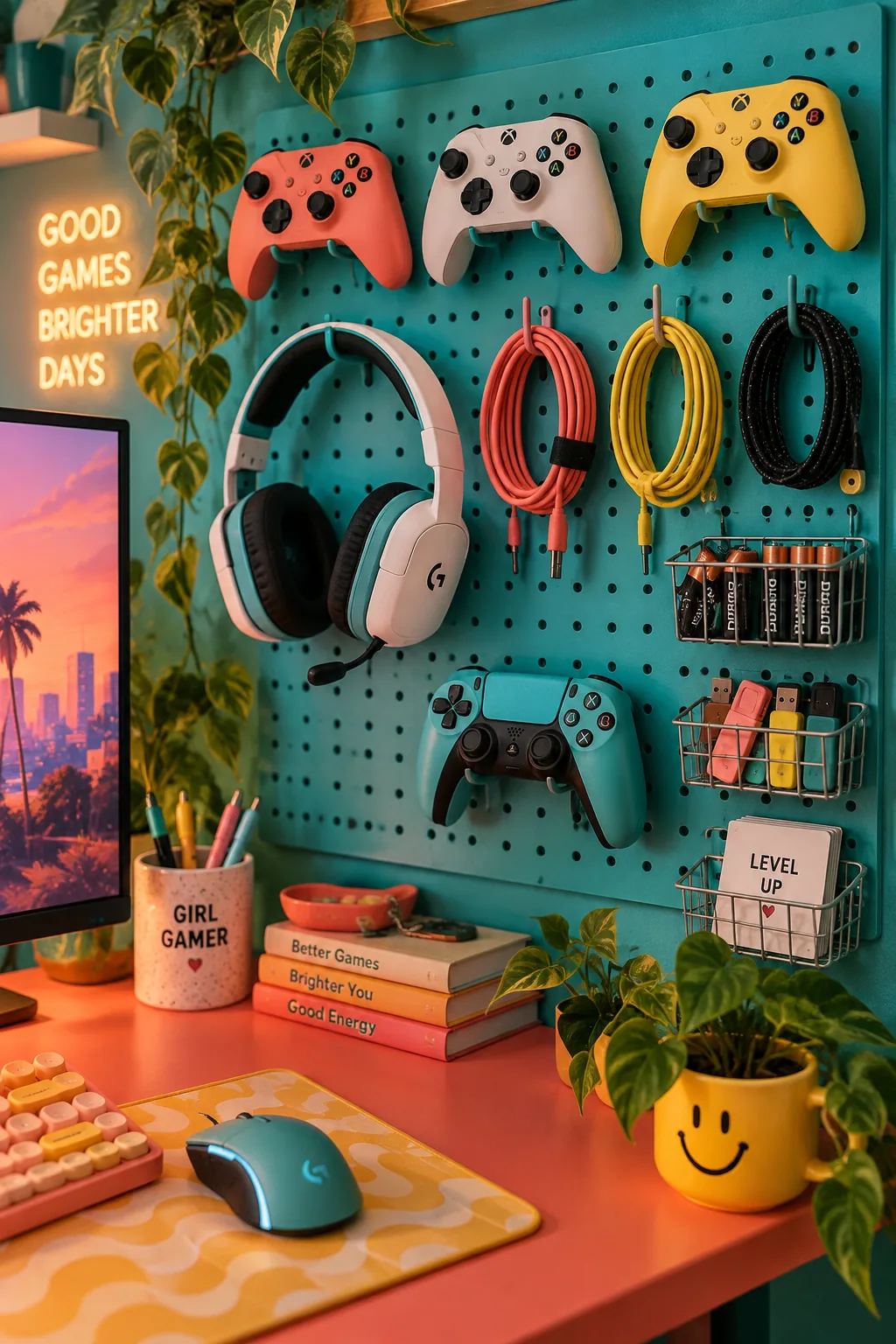
Pegboards are the best way to organize controllers, headsets, and spare cables on the wall. You can spray paint a standard hardware store pegboard to match your wall color perfectly. Adding a few small metal baskets holds extra batteries and thumb drives right where you need them.
Why it works: It takes the clutter off your desk surface and turns your gaming accessories into functional wall art.
14. Wall-Mount Your Screens
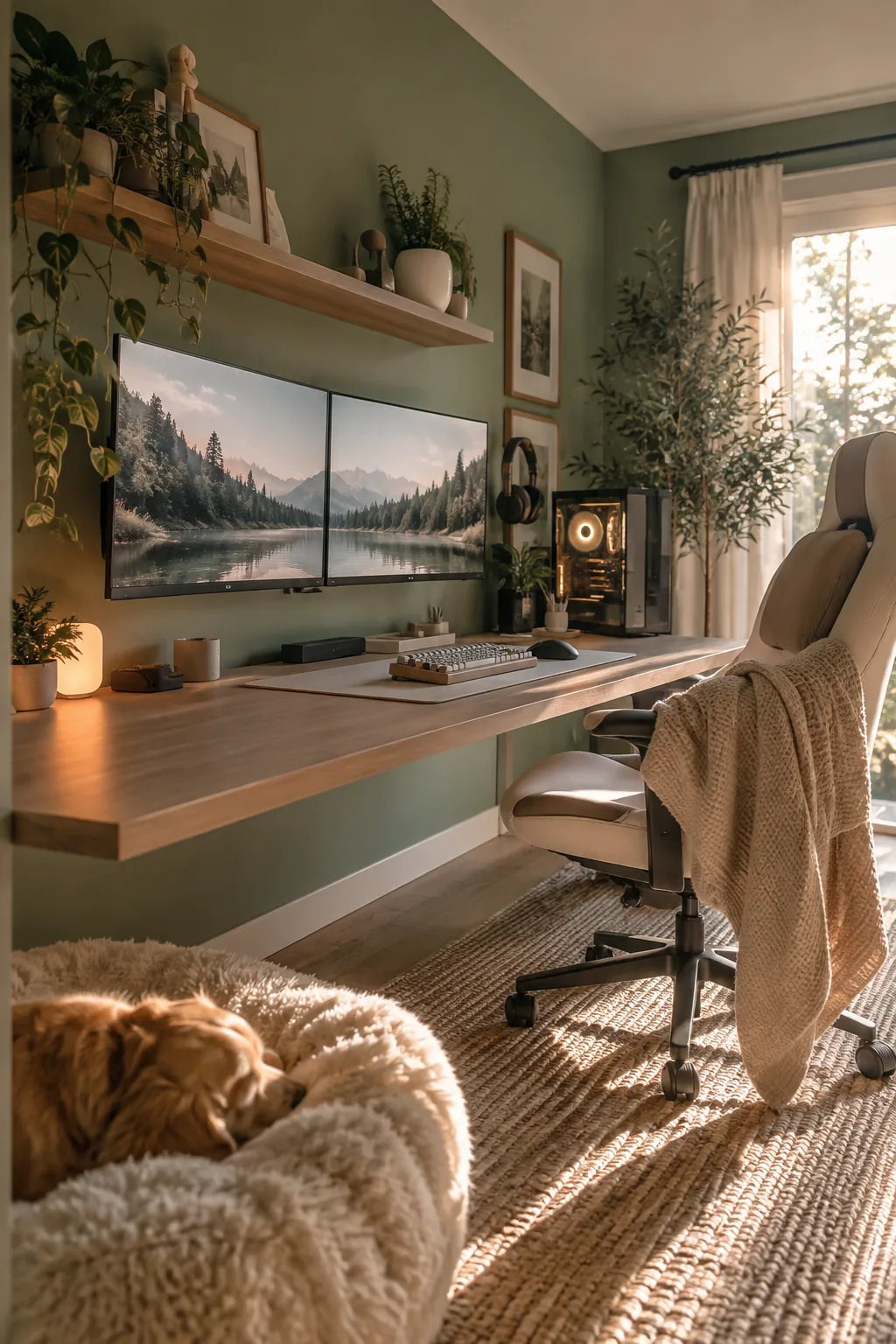
The average gaming desk depth is only 24 inches, which puts large screens way too close to your eyes. Pulling the desk out about six inches and mounting the monitors directly to the wall solves this instantly. You regain all that depth for your mouse pad and keyboard.
It also makes wiping down the desk surface a breeze.
15. Clamp a Headphone Hook
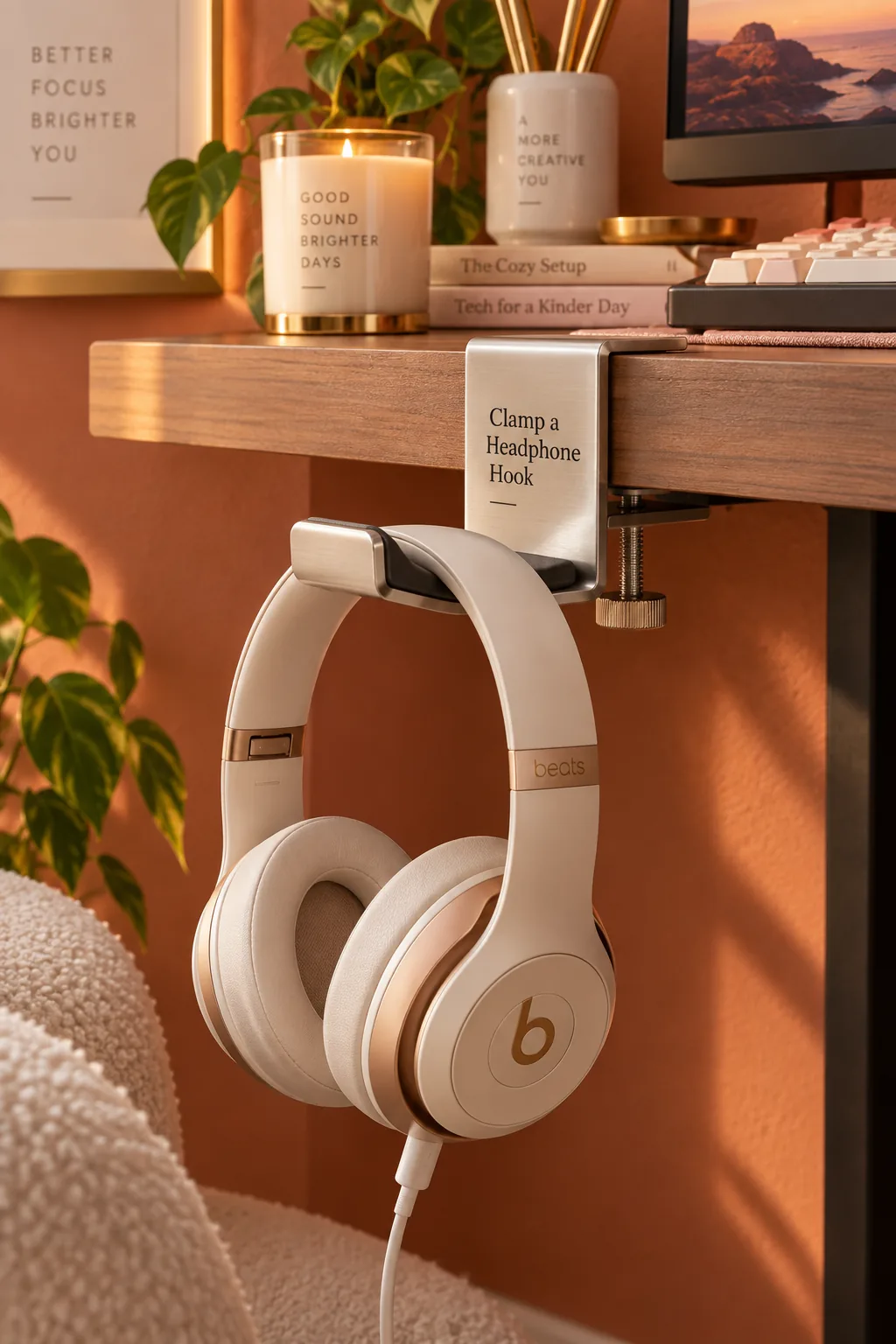
A dedicated headphone hanger prevents your expensive headset from getting knocked off the desk.
You can buy simple aluminum hooks that clamp right onto the edge of your desk to keep the cord out of your chair wheels.
Some models even have built-in USB ports to charge your wireless headset while it hangs.
16. Create a Cozy Amber Glow
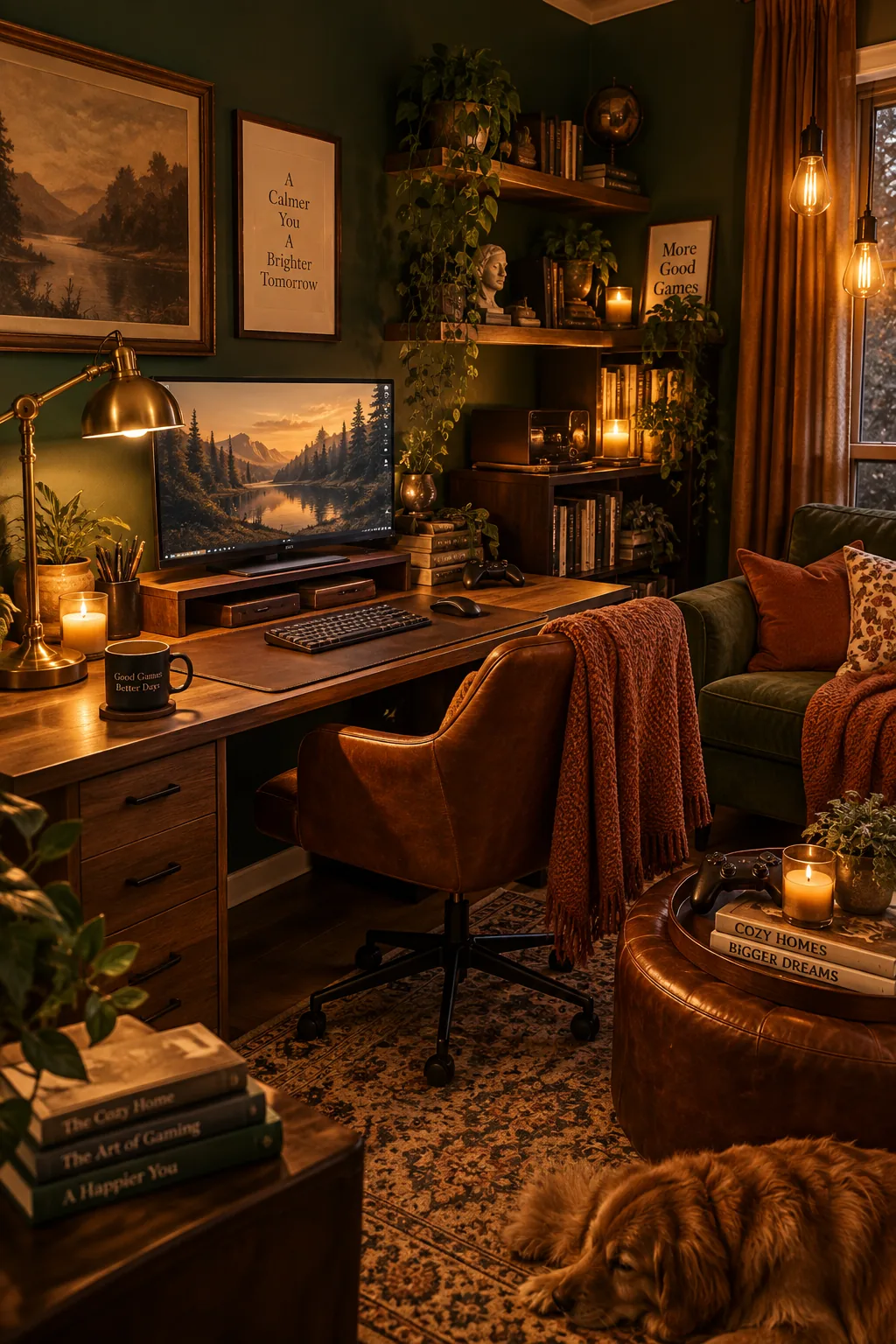
A warm, cozy aesthetic comes from swapping harsh RGB lighting for soft Edison bulbs and amber LEDs. A vintage desk lamp pairs beautifully with a wooden monitor stand and leather desk accessories. It feels more like a classic study than an arcade.
This style blends perfectly into a shared living room.
17. Maximize Space with an L-Desk
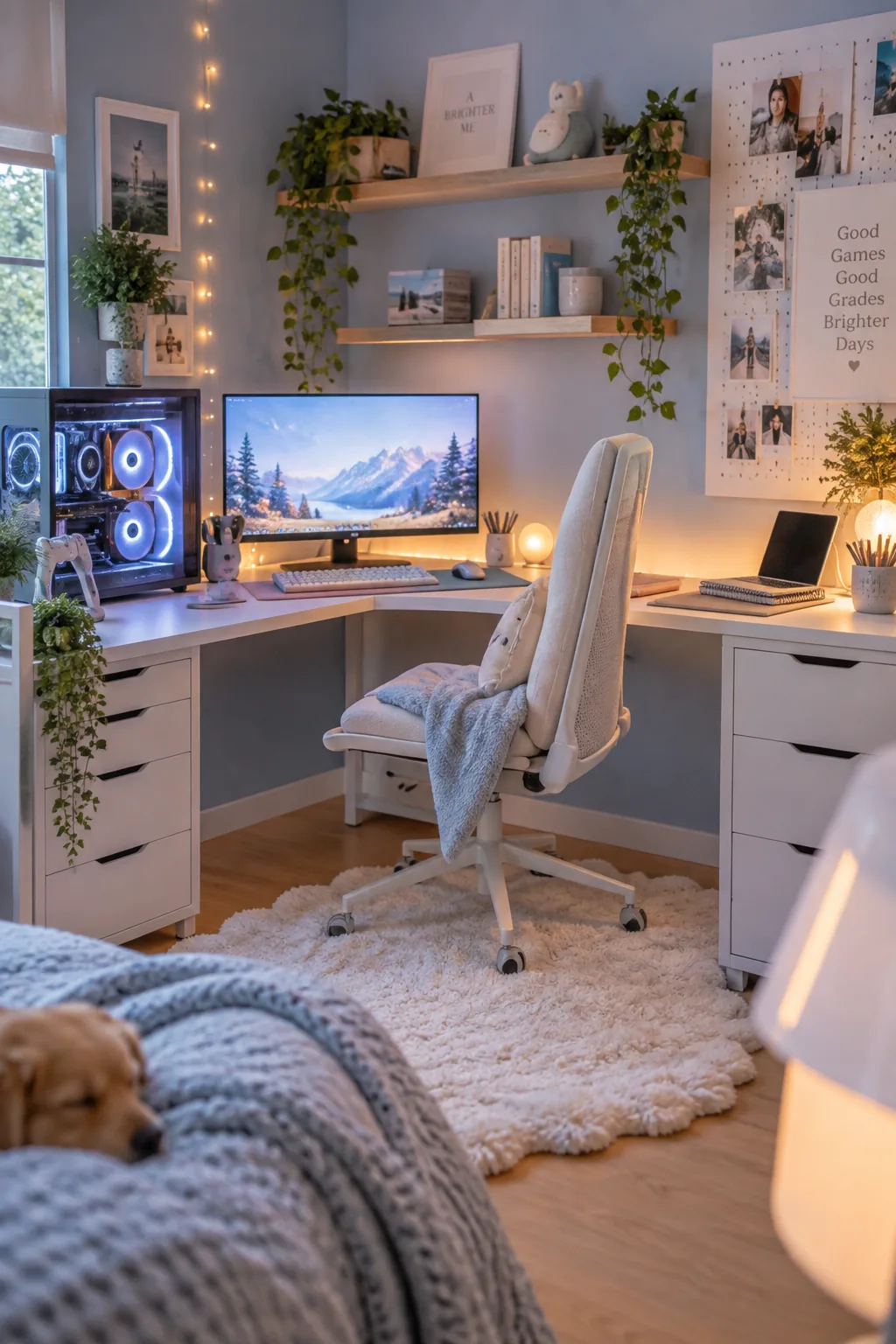
L-shaped desks maximize dead corner space in small bedrooms. Putting your main gaming monitor in the corner gives you deep desk space for your arms to rest comfortably. You can use the left wing for your PC tower and the right wing for a writing or homework area. It clearly divides your work and play zones without needing two separate tables.
Why it works: Corner placement naturally creates a wraparound, immersive feeling when you are playing.
18. Frame the Desk with Bookshelves
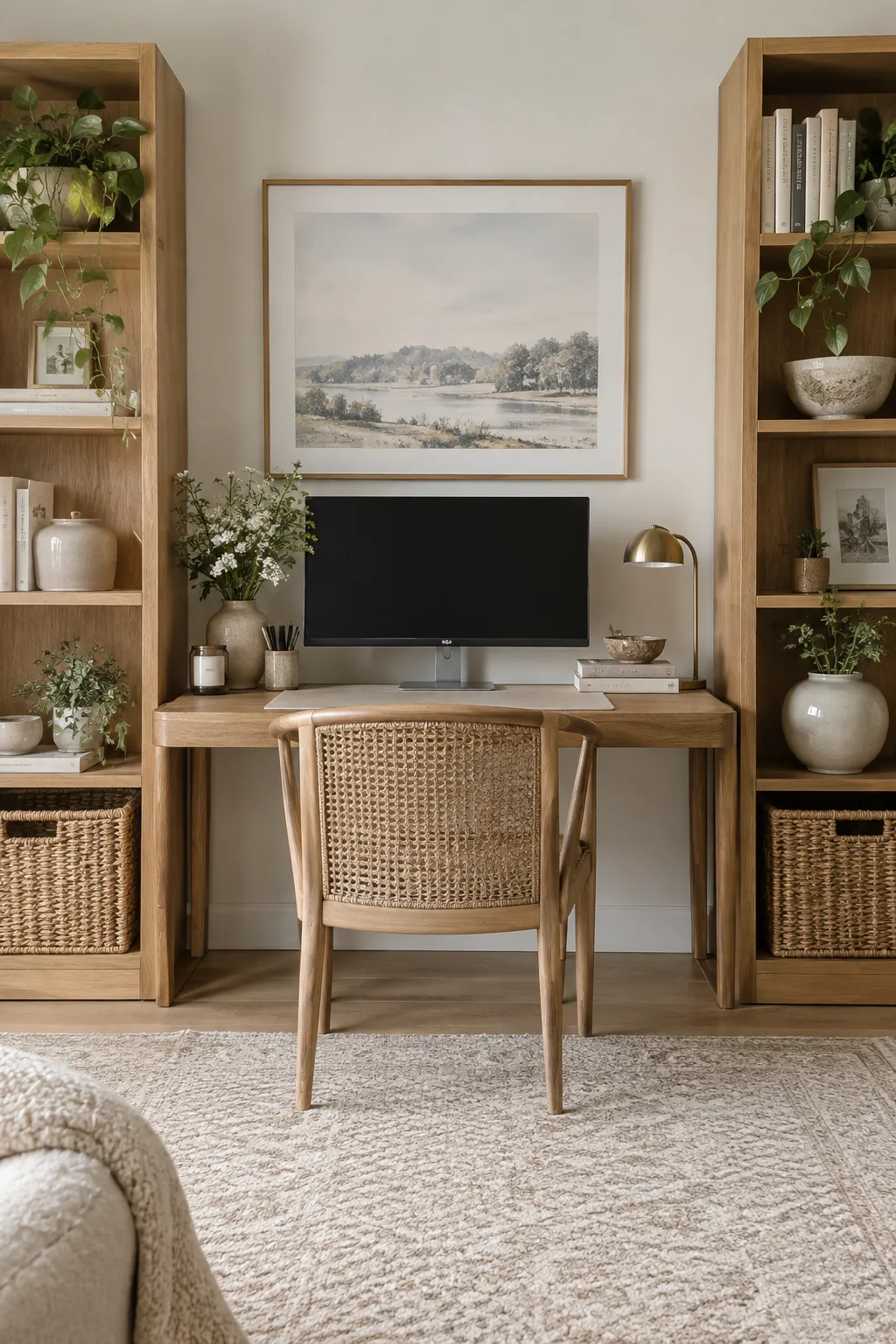
A symmetrical layout looks incredibly balanced and calm.
Place two identical tall bookshelves on either side of your desk to frame the gaming setup. You can hide ugly router boxes and extra cables in woven baskets on the bottom shelves.