
Small Space Gaming Room Setup: The Complete Clearance Guide
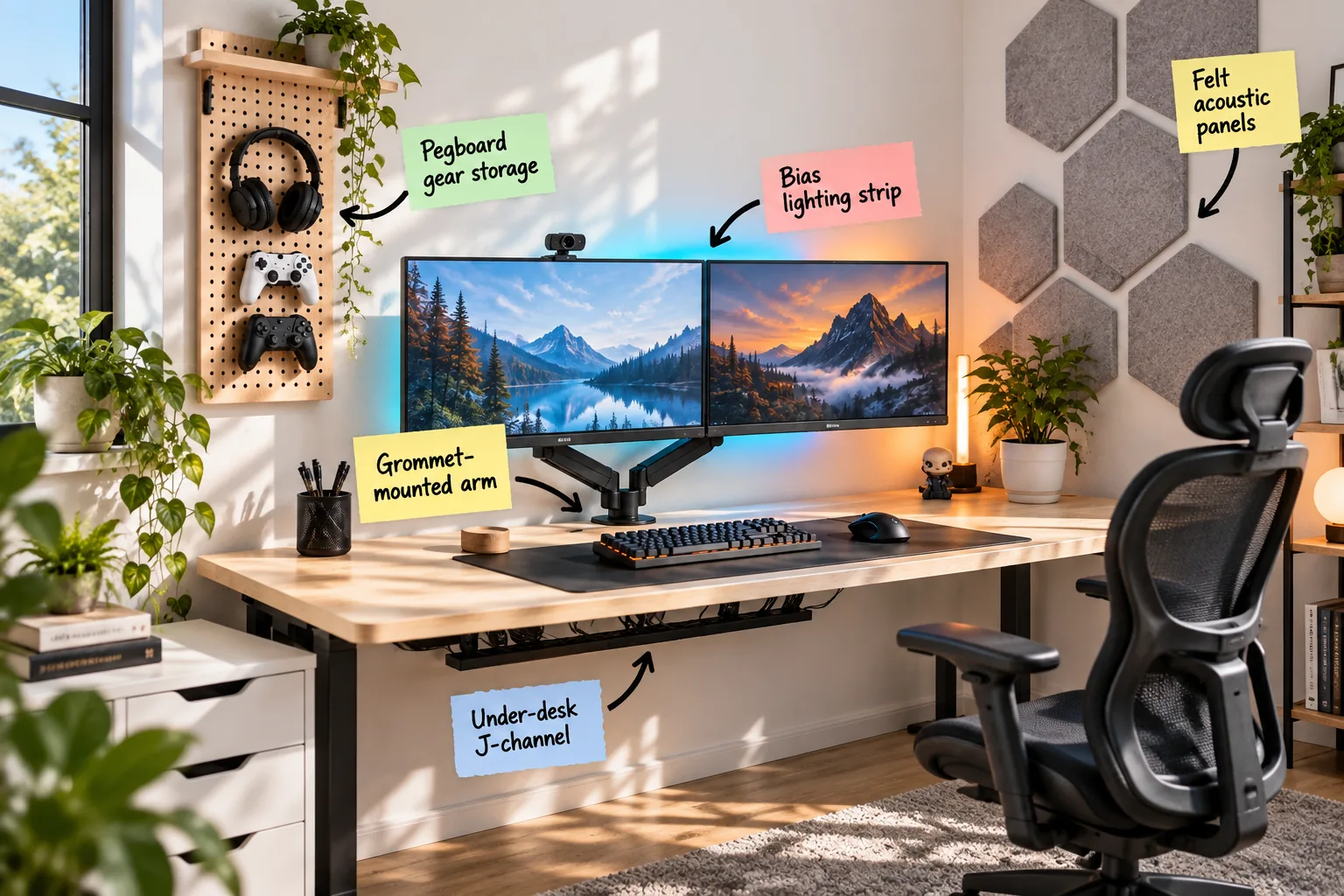
Planning a small space gaming room setup can feel like a spatial puzzle, but you can master a dual-monitor station in tight quarters with this complete clearance and measurement guide. I will show you exactly how to measure, route, and mount a clutter-free setup that maximizes every inch of your room.
The Small-Space Clearance Guide
Establish foundational measurements for a comfortable gaming station, requiring a minimum desk depth of 24 inches to keep dual monitors at a safe viewing distance.
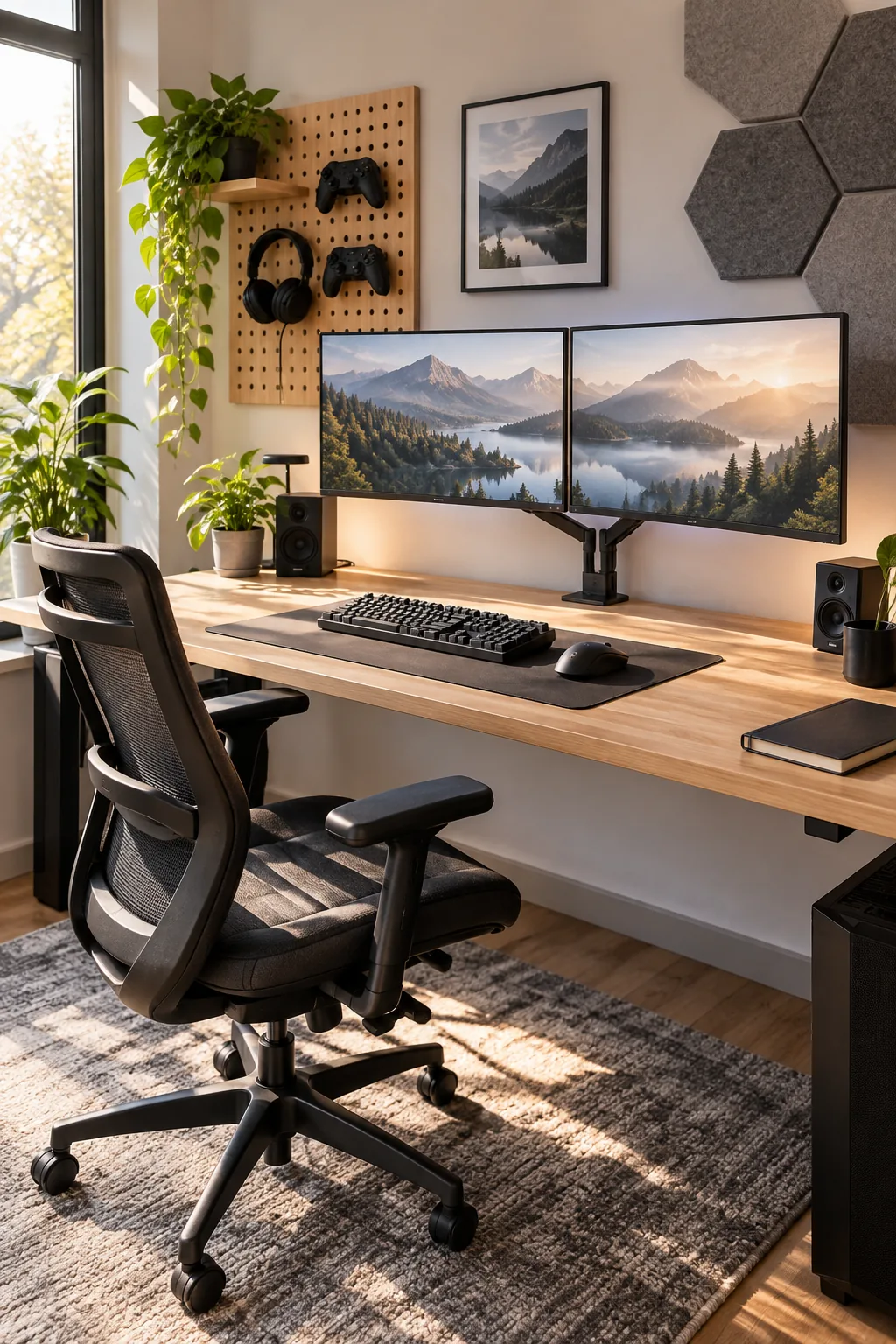
Before buying your desk and mounts, verify these three non-negotiable measurements in your room to ensure everything fits perfectly.
Reclaiming the Desktop with a Grommet Mount
Free up valuable surface area by skipping the bulky clamp and routing a monitor arm directly through a standard 2-inch desk grommet hole.
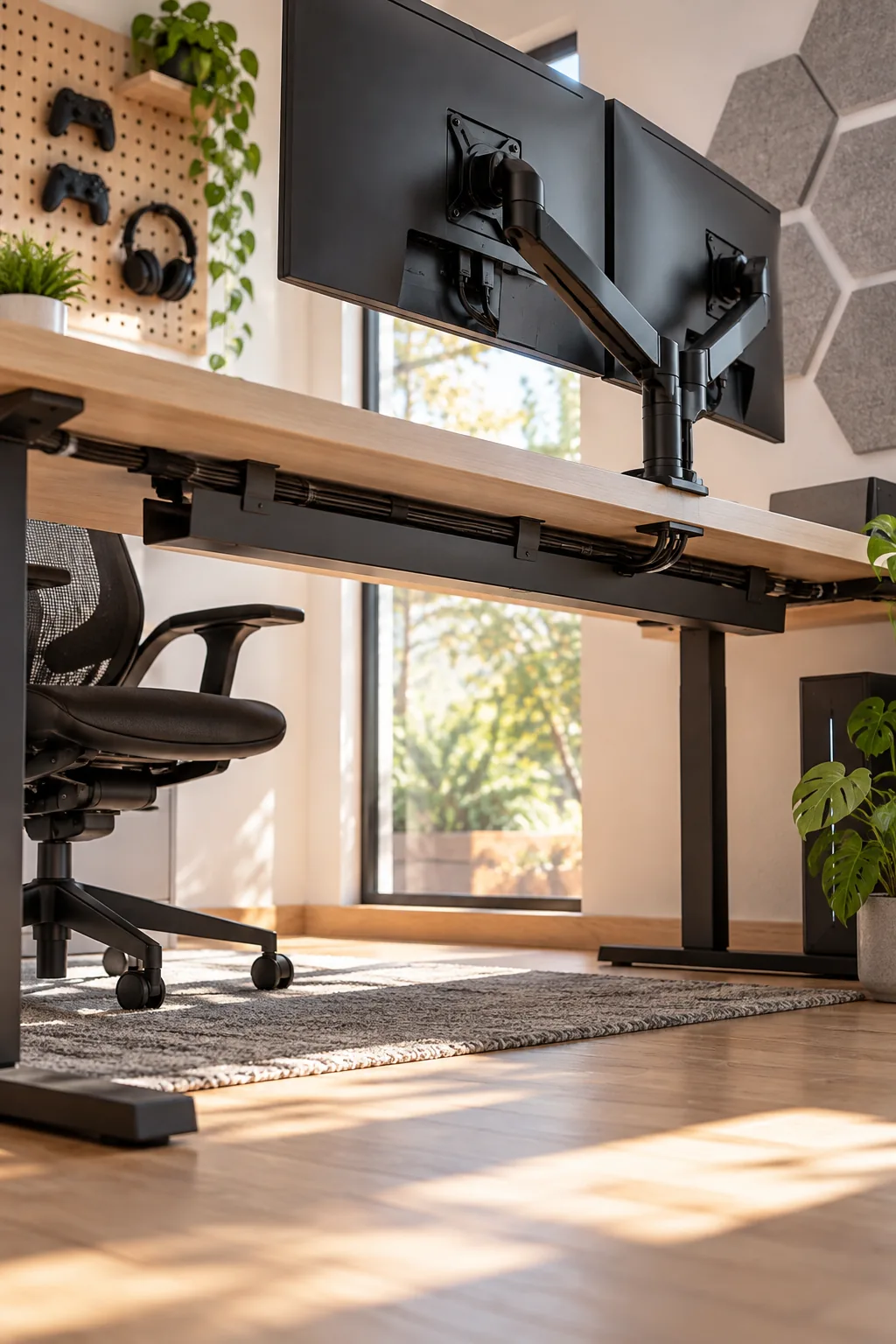
This clever mounting trick saves approximately 30 square inches of base space and allows your desk to sit completely flush against the wall.
Routing Cables Through an Under-Desk J-Channel
Eliminate the visual clutter of dangling wires by installing a J-channel routing raceway right beneath the surface. In my own home office, hiding these cords instantly made the room feel twice as large and much more serene.
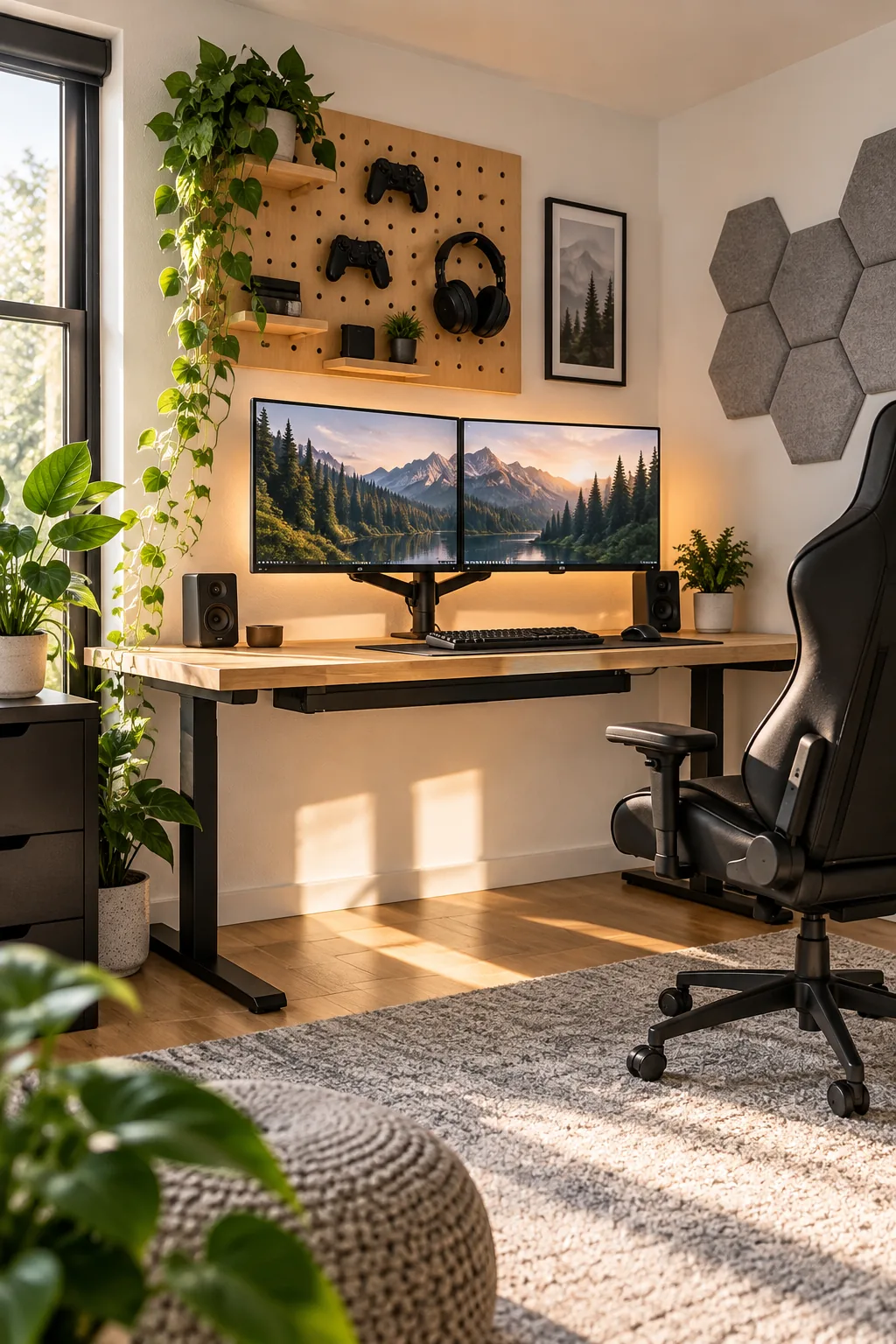
Mount the channel exactly 2 inches from the back edge of the desk so thick power adapter plugs have enough clearance to sit flat. A little preparation keeps the routing channel from becoming an untangled mess.
Maximizing Vertical Storage with a Pegboard
Move peripherals off the desk by utilizing the empty wall space to keep your setup visually balanced.
- Locate the wall studs behind your desk for secure anchoring.
- Measure 15 to 18 inches above the desk surface.
- Mount your wooden pegboard so headsets and controllers stay within arm’s reach.
This exact placement ensures your gear remains highly accessible without interfering with monitor rotation.
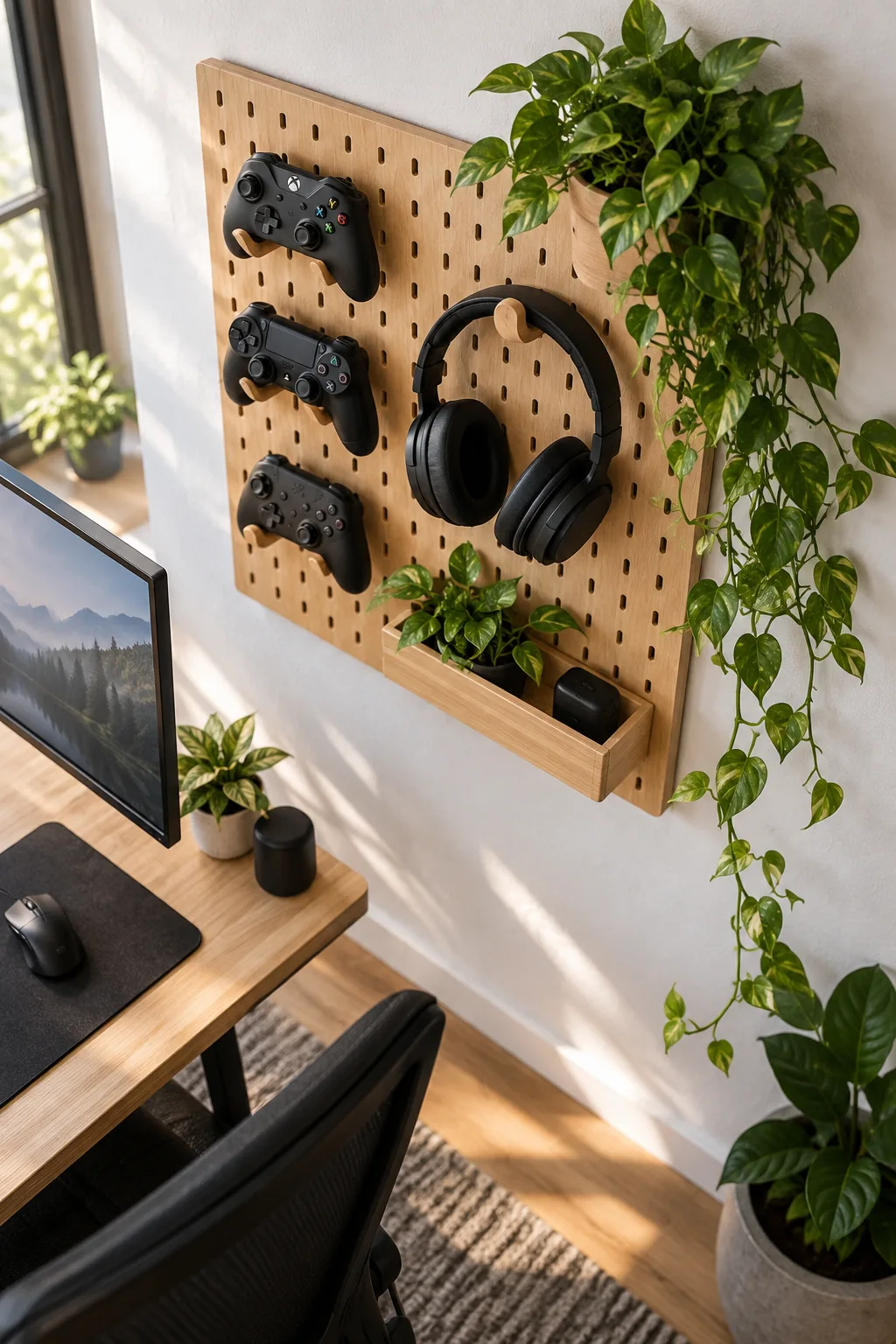
Keeping your essential tools displayed vertically frees up the primary work zone for unrestricted mouse movement.
Dampening Sound with Felt Acoustic Panels
Reduce room echo and add architectural interest with textured wall treatments that absorb high-frequency noise. I recently installed these in a client’s downtown loft, and the acoustic difference during their streaming sessions was immediately noticeable.
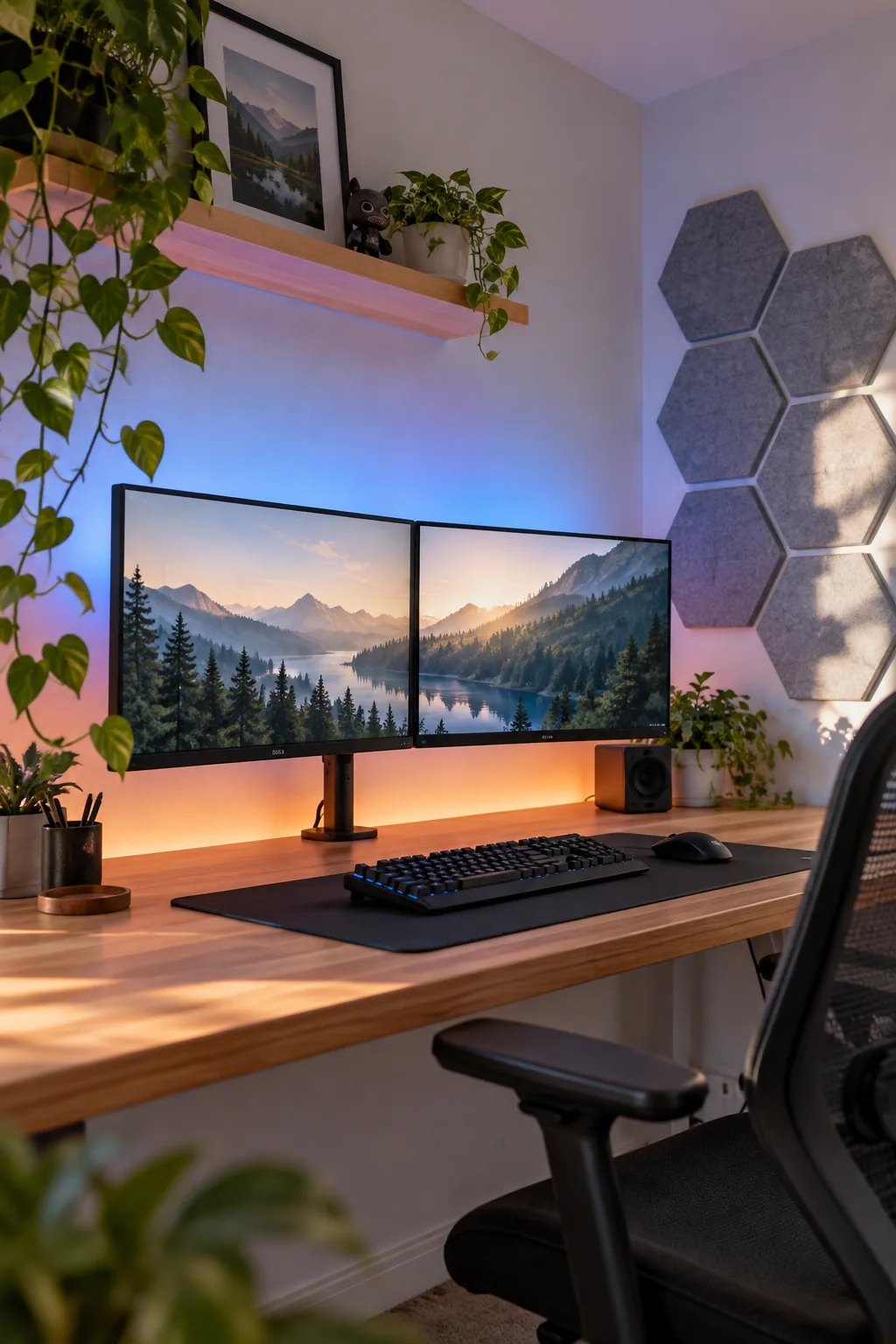
Covering at least 15 to 20 percent of the adjacent side wall with hexagonal felt acoustic panels significantly dampens keyboard clicks and voice chatter.
Expanding the Room with Bias Lighting
Create the illusion of a deeper room by washing the wall behind the desk in a soft, diffused glow.
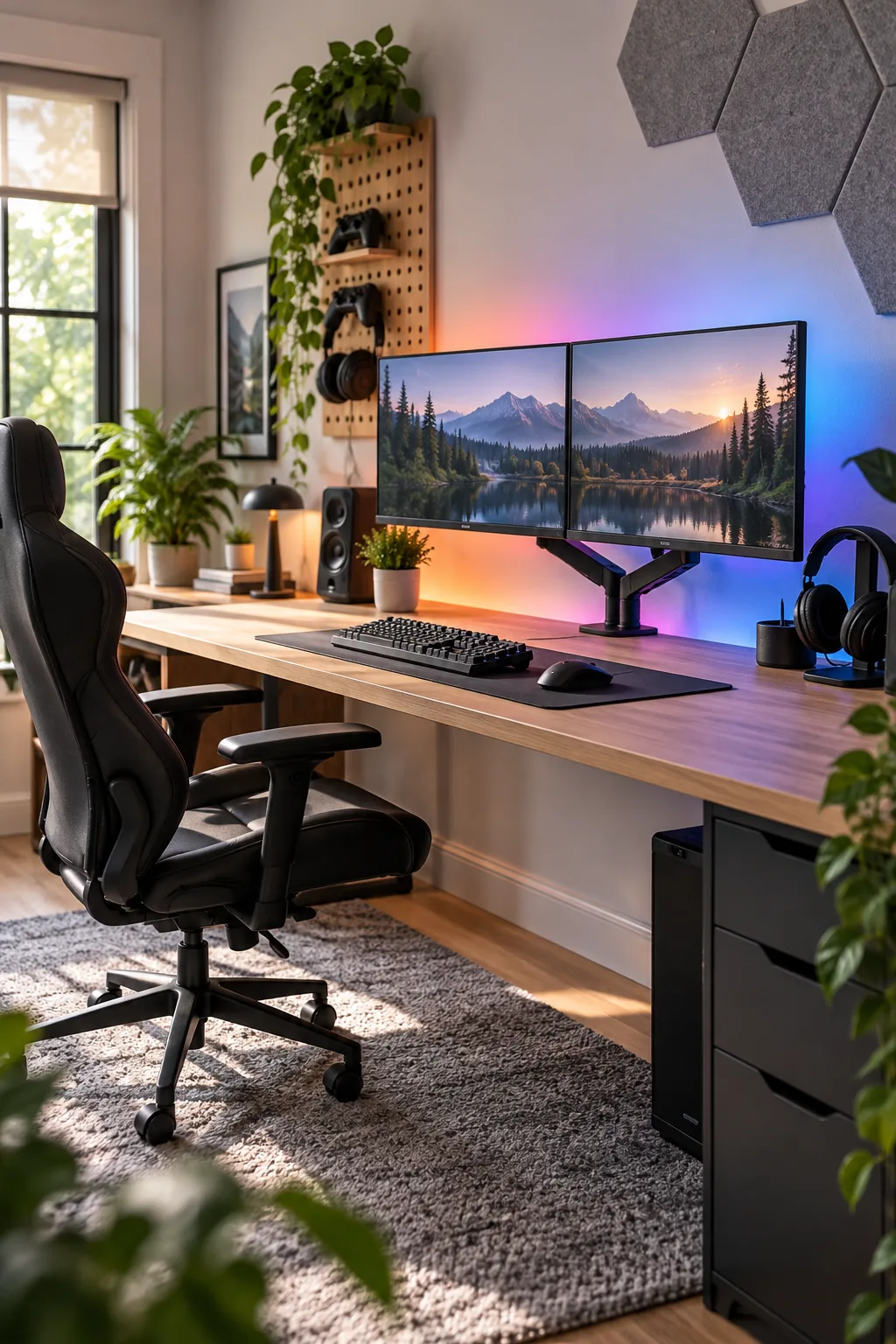
Apply an LED bias lighting strip 2 to 3 inches from the outer back edge of the monitors to ease eye strain during late-night gaming.
3 Distinct Gaming Room Aesthetics
Find the perfect style to match your home's architecture and your personal gaming vibe.
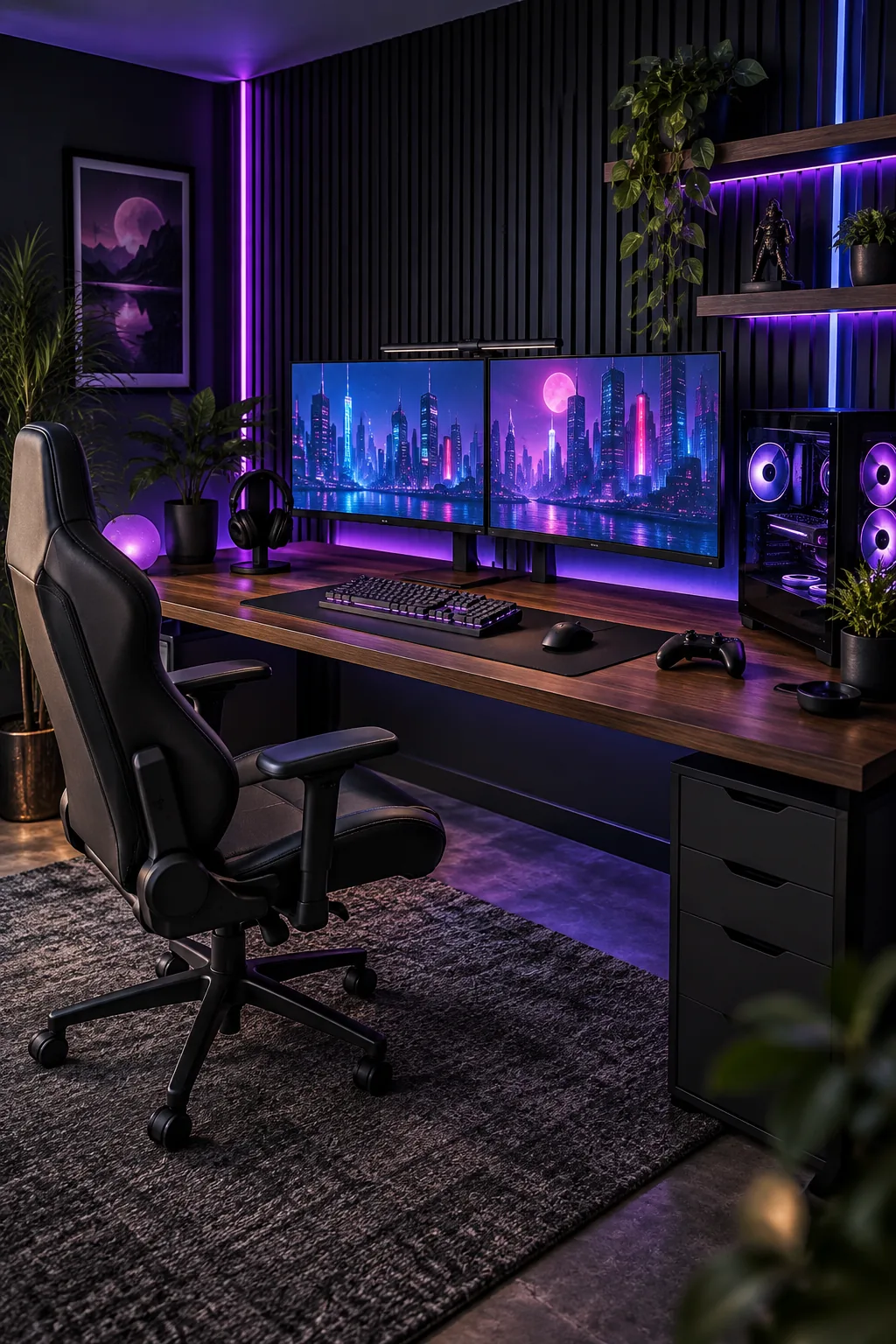
Moody Cyberpunk Neon Setup: Dark walnut surfaces and black slat walls create a dramatic backdrop for vibrant purple and blue neon lighting.
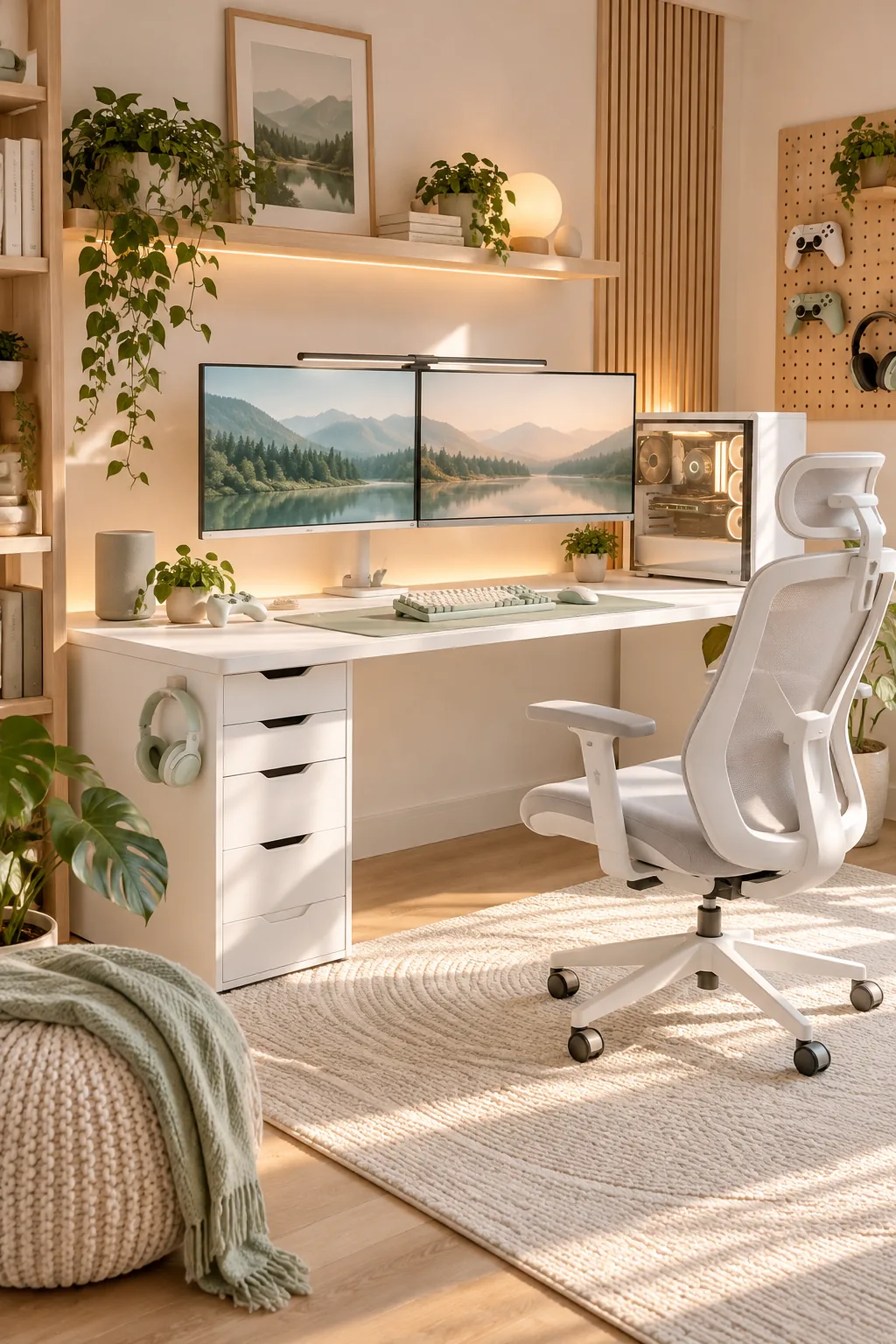
Minimalist Scandi Pastel Setup: An all-white desk paired with light birch accents and pastel mint peripherals keeps the room feeling airy and calm.
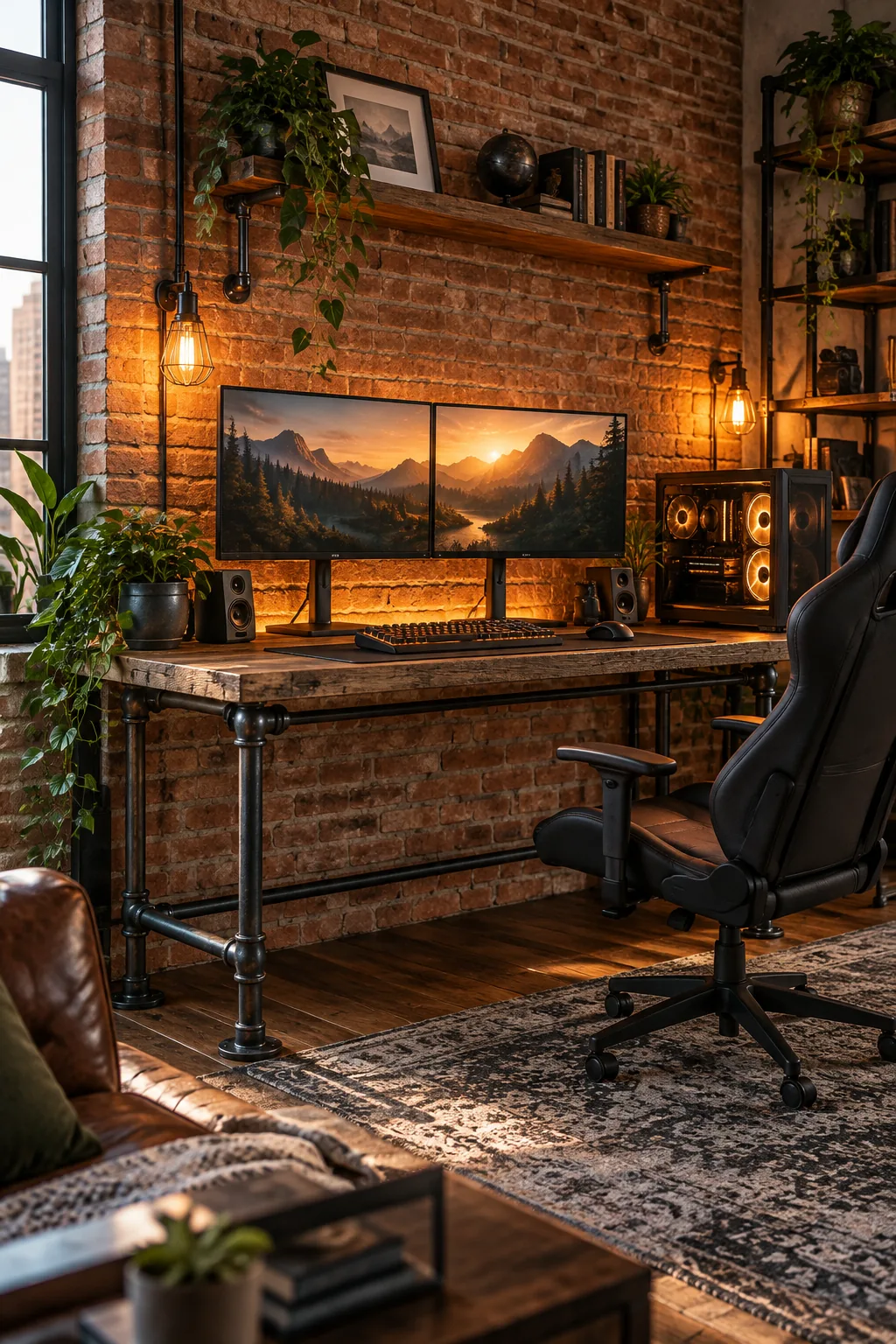
Industrial Loft Brick Setup: Reclaimed wood and raw steel pipes add rugged texture that perfectly complements an exposed brick accent wall.
Finalizing Ergonomic Chair and Floor Clearances
Ensure the physical footprint of the gaming station supports your natural movement. When I first set up my own gaming corner, I underestimated this radius and constantly bumped my chair into the bedframe.
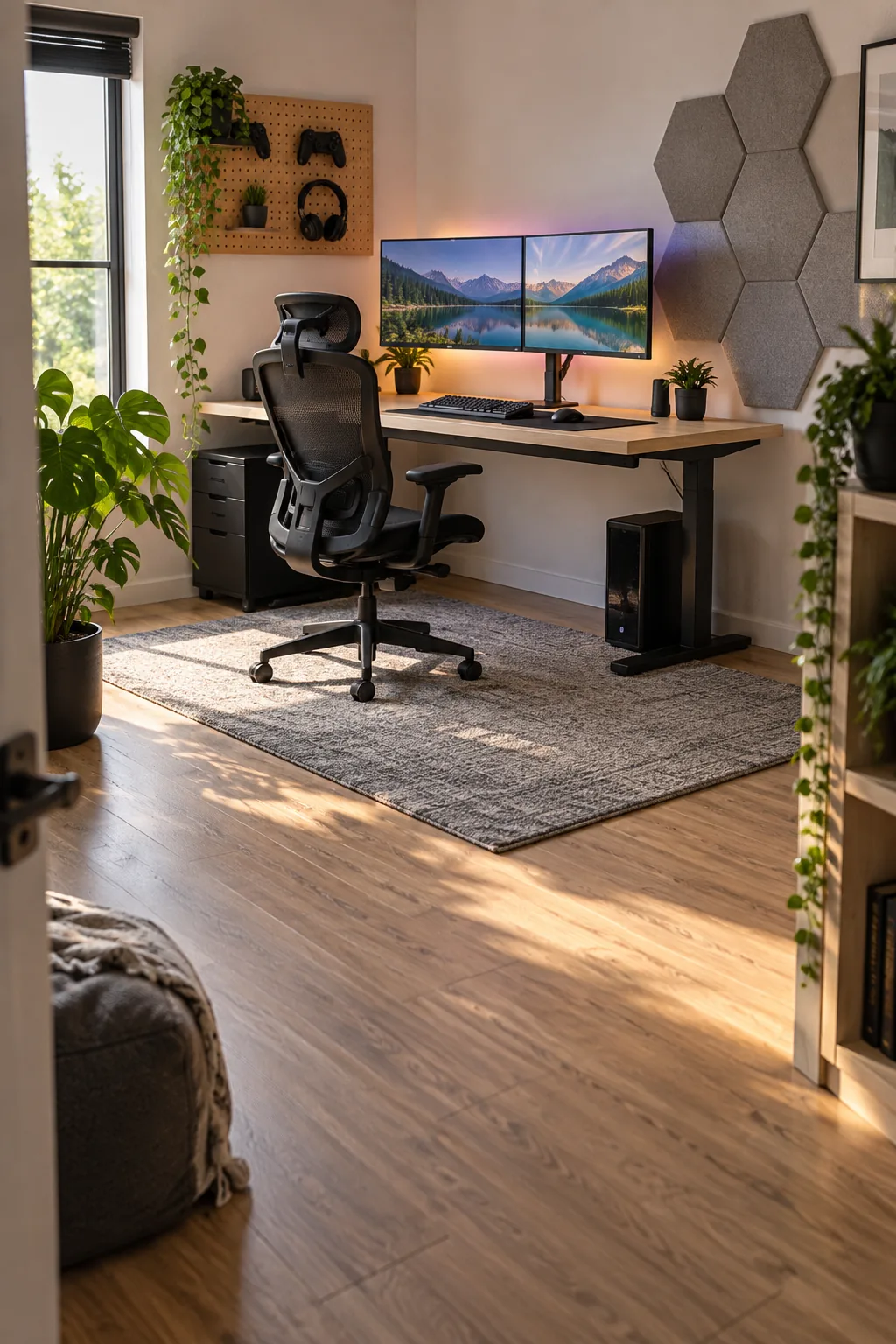
Leave a minimum of 36 inches of clear space behind the desk edge to allow an ergonomic chair to recline and roll back comfortably.