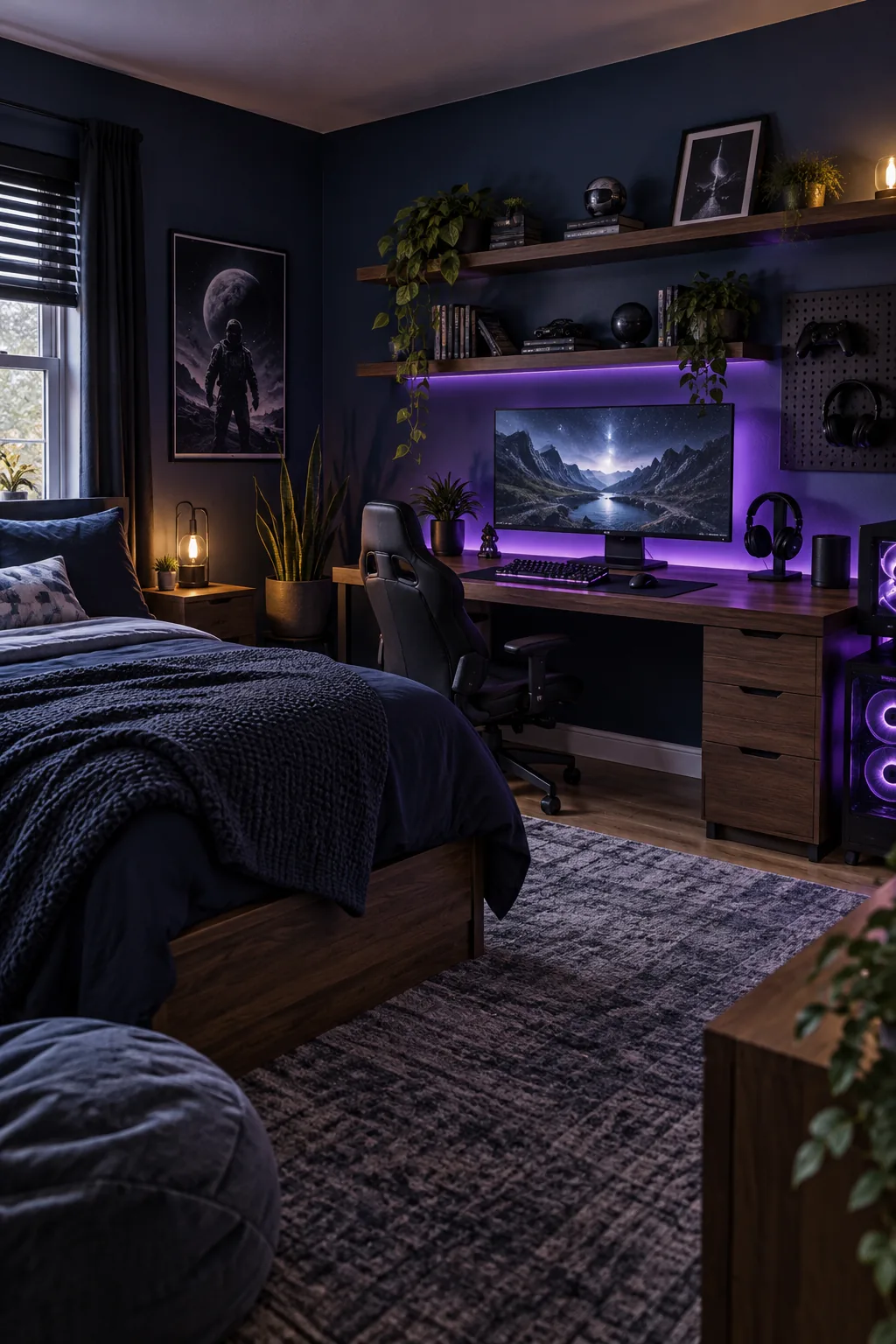
Teen Boy Bedroom Setup: The Streamer-Studio Measurement Sheet
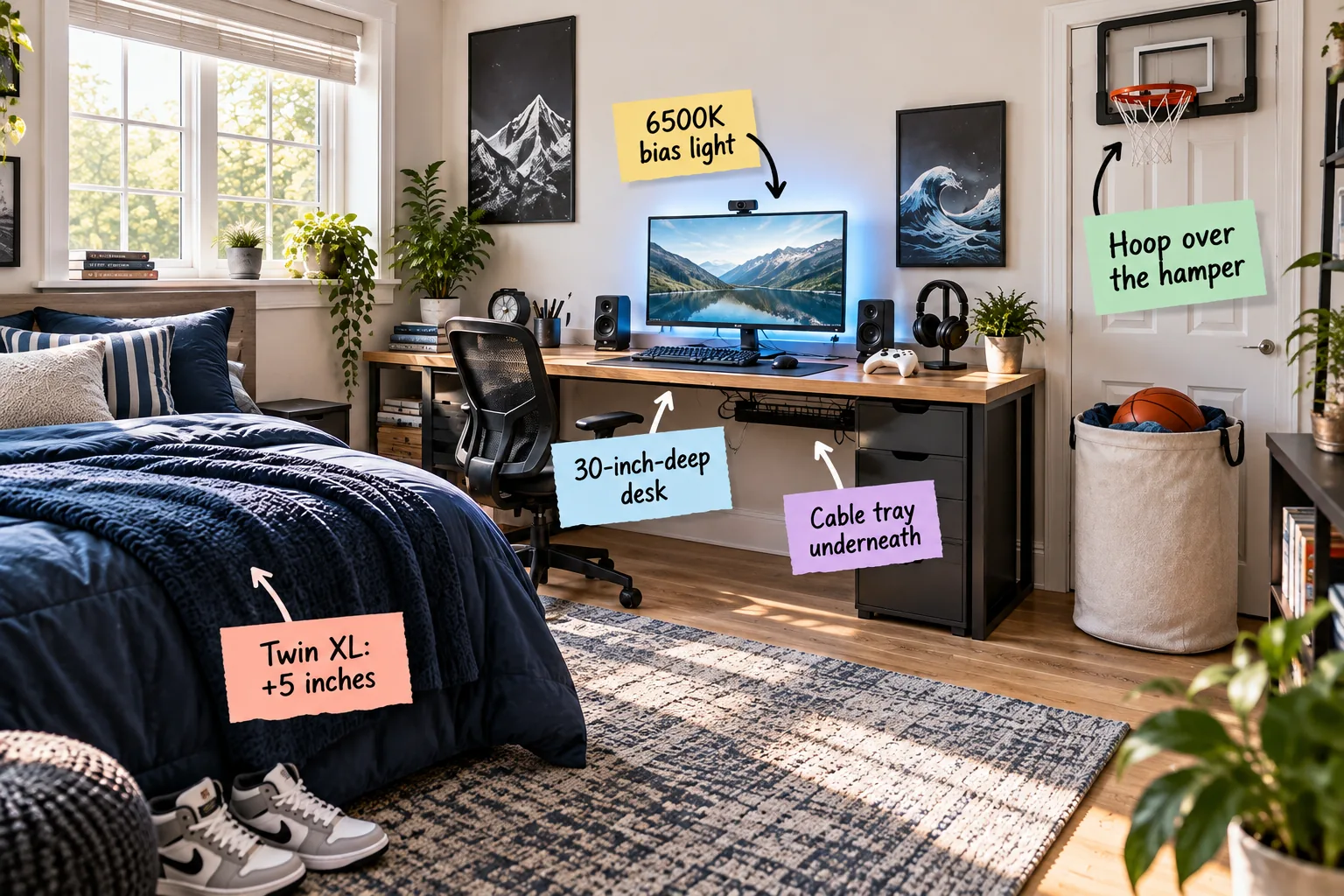
You will be able to arrange, measure, and install a comfortable, organized teen boy bedroom using exact streamer-studio dimensions. Print our complete teen boy room setup measurement sheet below for exact desk depths, monitor distances, and mattress dimensions.
Upgrading to a Twin XL Mattress
When planning a sleep zone for a growing teenager, upgrading to a Twin XL mattress adds a crucial five extra inches of length. Standard twins measure just 75 inches long, which often leaves taller teens with their feet dangling uncomfortably over the edge.
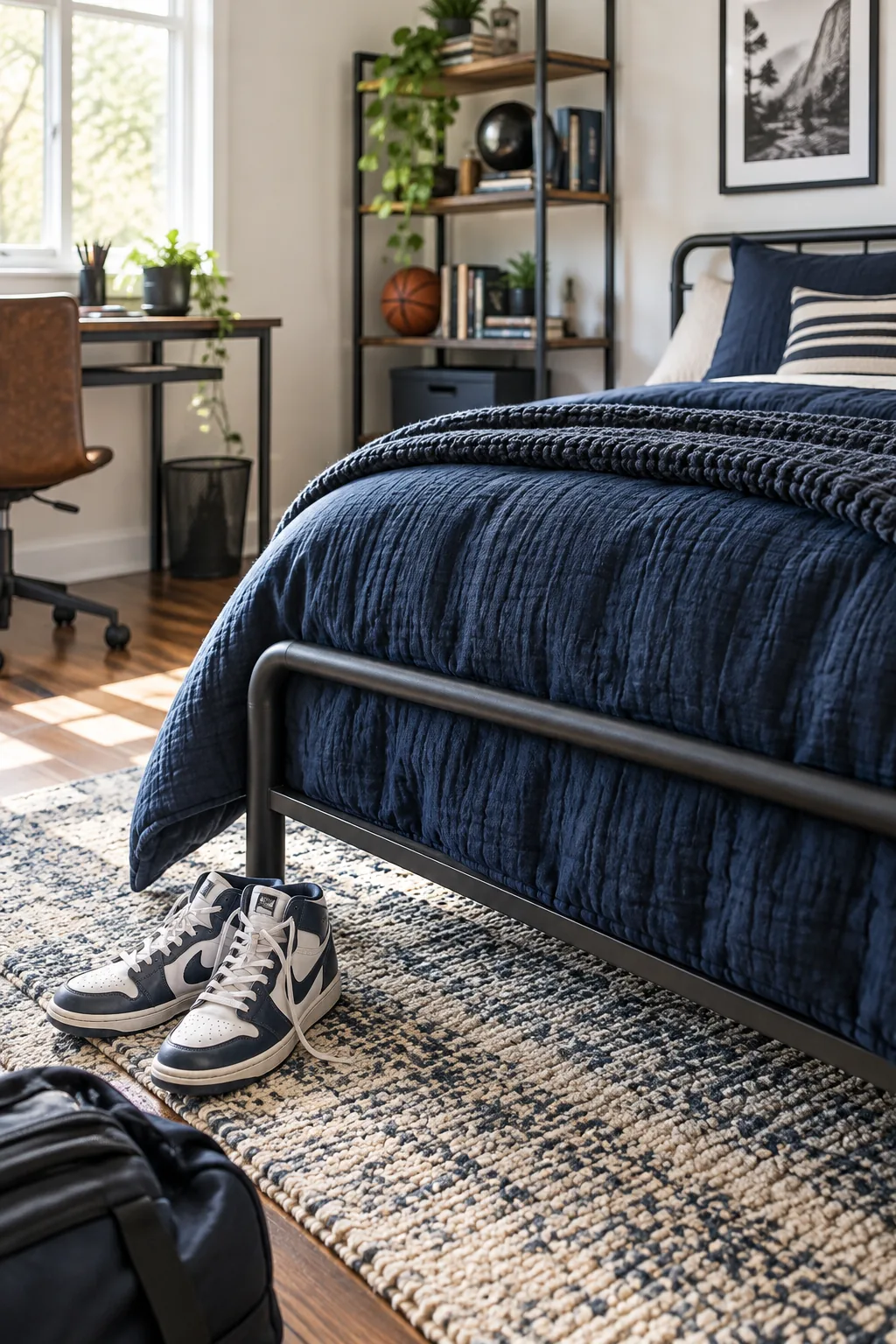
At a full 80 inches long, this mattress size perfectly matches the length of a queen or king bed to support their adult height. Securing properly fitted sheets now prevents messy, untucked bedding from cluttering the room’s visual balance.
Selecting Breathable Bedding Materials
Because high-end gaming computers generate significant ambient heat, selecting lightweight, breathable cotton percale sheets becomes a strict necessity for this space. Layering a medium-weight duvet allows him to easily regulate his sleeping temperature without relying on bulky, heat-trapping polyester blankets.
Choosing a 30-Inch-Deep Desk
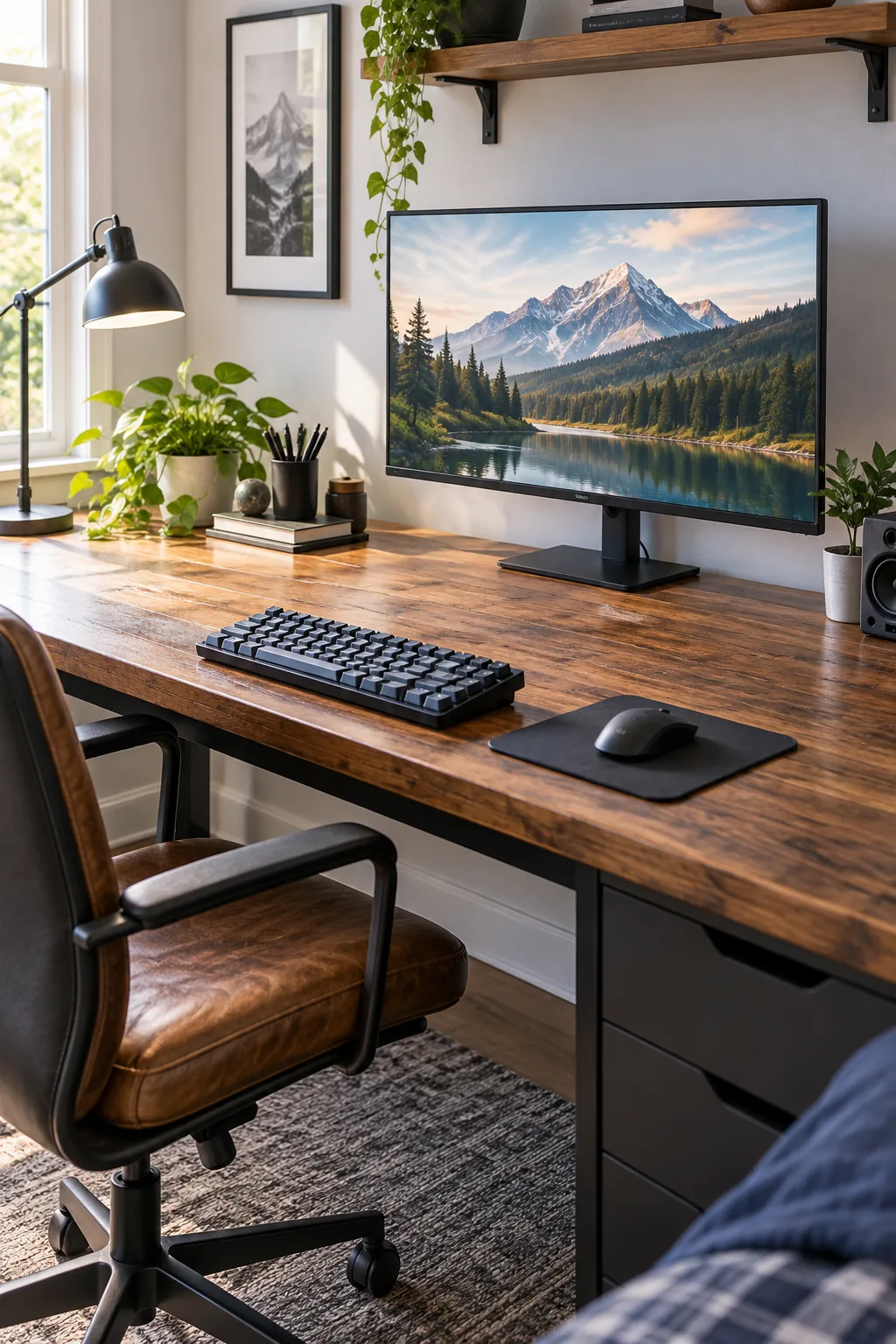
A standard 24-inch desk simply cannot handle a multi-monitor streamer setup while leaving enough room for a full-sized gaming keyboard. Upgrading to a 30-inch-deep desk provides the necessary physical distance to protect their eyes from intense screen glare.
When I upgraded my own home office to a deeper surface, that extra six inches completely eliminated my end-of-day eye fatigue. This generous depth allows the primary monitor to sit far back, maintaining a comfortable, ergonomic viewing angle.
Sizing the Extended Mouse Pad
To protect that deep wooden desktop from aggressive mouse movements, roll out an extra-large desk mat that measures at least 36 inches wide. This oversized layer defines the active workstation zone while dampening the sharp clicking sounds during late-night gaming sessions.
Mounting the Under-Desk Cable Tray
The secret to a clean gaming station is an under-desk cable tray mounted exactly two to three inches below the back edge. I learned quickly in my son’s room that elevating the heavy power strip prevents a massive, dusty tangle of wires.
- Position the metal tray perfectly centered along the rear desk edge.
- Mark the mounting holes two inches inward to keep the hardware hidden.
- Pre-drill shallow pilot holes to prevent the wooden surface from splitting.
- Secure the brackets with short wood screws to avoid piercing the desktop.
- Load the power strip first before routing the individual monitor cords.
- Bundle excess wire lengths with reusable velcro straps for easy adjustments.
Before drilling into the desktop, avoid these common cable management pitfalls that can ruin the clean, professional look of the setup.
Securing Loose Wires with Ties
Once the main tray is mounted, guide the remaining peripheral cables down the back of the desk legs using simple zip ties. Keeping these secondary wires tightly bound against the metal frame creates an almost invisible silhouette from the doorway.
Installing 6500K Bias Lighting
Placing a 6500K bias light directly behind the monitor creates a daylight-balanced soft white glow that dramatically reduces eye strain in darkened rooms. This specific color temperature matches natural daylight, preventing the screen colors from looking distorted during long sessions.
For a seamless halo effect, buy an LED strip that measures roughly three-quarters of the screen’s perimeter. Mounting the strip slightly inward from the monitor edge ensures the light diffuses beautifully against the wall without exposing the raw bulbs.
Balancing Ambient Room Light
To complement the bias lighting, install blackout cellular shades over the windows to block unpredictable afternoon sun glare. Controlling the natural light allows the carefully calibrated LED strips to illuminate the workspace evenly without washing out the monitor contrast.
Positioning the Monitor and Seating
Proper ergonomics dictate that the monitor should sit exactly an arm’s length away from their seated position. I always test this in my client designs by sitting in the chair myself to ensure the screen feels visually immersive but never physically overwhelming.
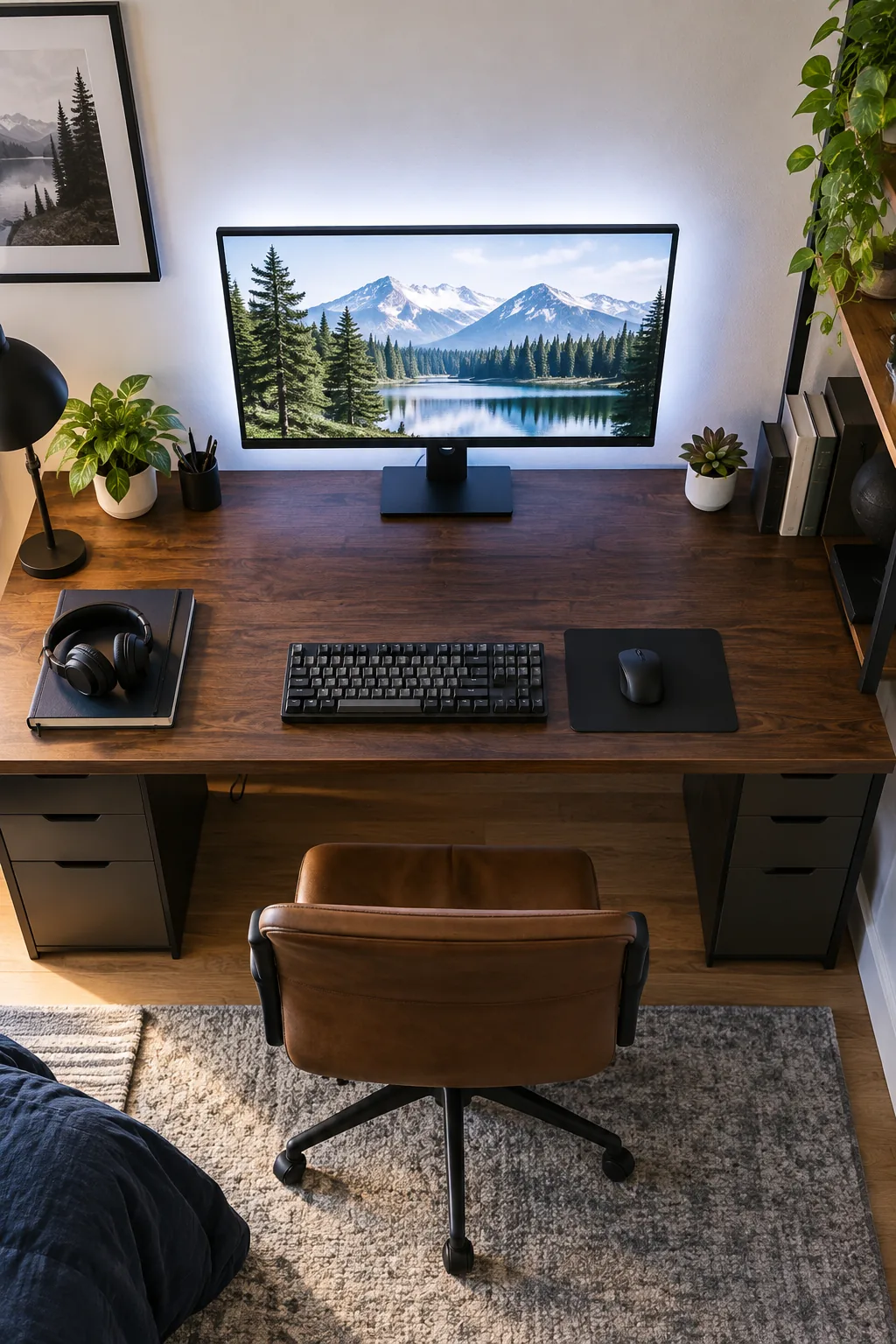
| Ergonomic Component | Ideal Measurement | Adjustment Technique | Primary Benefit |
|---|---|---|---|
| Screen Distance | 20 to 30 inches | Push monitor back | Reduces eye strain |
| Screen Height | Top third at eyes | Raise monitor arm | Prevents neck pain |
| Chair Height | Feet flat on floor | Use pneumatic lift | Supports lower back |
| Armrest Level | Flush with desktop | Adjust side triggers | Relieves wrist tension |
| Keyboard Angle | Zero degree tilt | Fold bottom feet flat | Maintains neutral wrists |
| Webcam Position | Dead center top | Clip to bezel | Creates eye contact |
Adjust the pneumatic cylinder on their desk chair until their feet rest flat on the floor and their gaze naturally hits that upper screen zone. This precise alignment prevents them from slouching or craning their neck during marathon study sessions.
Calibrating the Microphone Arm
If he uses a standalone microphone for streaming, clamp the adjustable boom arm to the far left or right corner of the desk. Extending the arm from the side keeps the bulky microphone base completely out of his immediate typing space.
The Hoop-Over-Hamper Laundry Trick
You can effortlessly turn picking up clothes into a daily game by installing a mini basketball hoop over the hamper. Mounting the backboard squarely above an open canvas basket builds a reliable spatial habit that keeps dirty laundry off the floor.
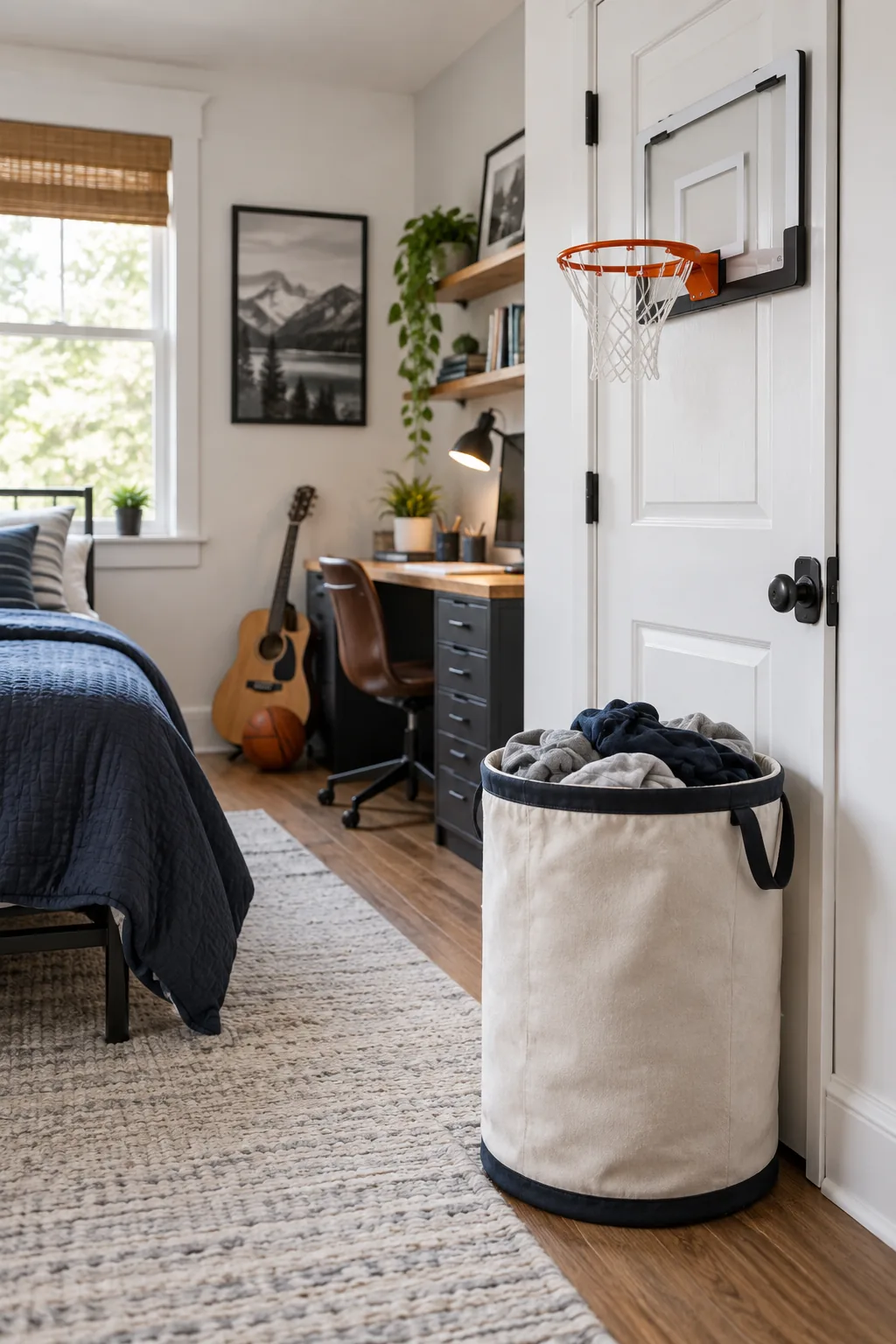
Position the rim exactly at their standing eye level to encourage a natural, satisfying toss from across the room. This simple, playful target transforms a tedious daily chore into an automatic reflex that actually maintains the bedroom’s cleanliness.
Creating a Dedicated Shoe Zone
Directly beside the laundry hamper, place a low-profile rubber boot tray to catch dirty sneakers before they track dirt across the rug. Establishing this strict drop zone near the closet doors preserves the pristine look of the main floor space.
Your Room Setup Measurement Sheet
Delivering on our promise, here is your complete teen boy room setup measurement sheet to guarantee the spatial math works perfectly. I carry these exact dimensions to every installation, so save this quick reference list before buying furniture or mounting hardware.
Planning the Wall Art Grid
Above the long desk surface, hang a structured grid of framed posters starting exactly eight inches above the monitors. This precise spacing prevents the frames from feeling disconnected while drawing the eye upward to make the ceiling feel taller.
Managing Room Acoustics
Because hard surfaces bounce sound around the room, lay down a thick, high-pile area rug directly beneath the desk chair. This soft layer absorbs the sharp echoes of late-night voice chats while protecting the hardwood floors from rolling casters.
Storing Bulky Backpacks
To keep heavy school gear off the floor, mount a heavy-duty double hook directly behind the bedroom door. Hanging the backpack at waist height makes it incredibly easy to grab on busy mornings without cluttering the primary gaming zone.
Finalizing the Streamer-Studio Layout
To wrap up the spatial flow, always position the workstation so the desk faces the room or the entry door rather than a blank wall. This strategic orientation creates a commanding, welcoming environment while simultaneously minimizing harsh window glare.
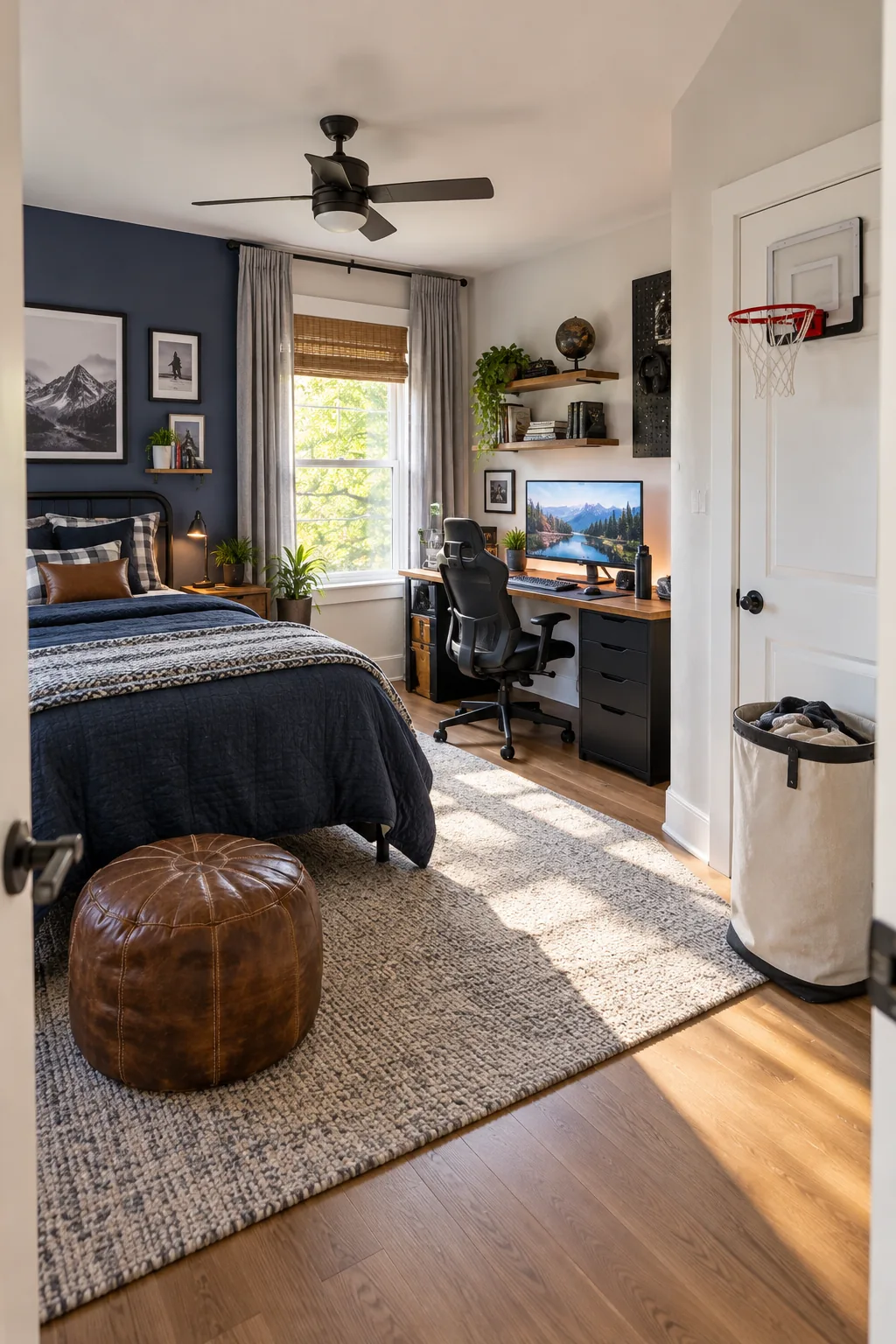
Leaving ample clearance behind the chair ensures the main walkway remains completely unobstructed for daily traffic. A balanced layout ultimately transforms a chaotic teenage bedroom into a streamlined, highly functional studio space.
More Teen Boy Bedroom Styles
Explore these alternative color palettes and material combinations to match his personal style.
Industrial loft with metal accents: Exposed brick and charcoal textiles give this room a rugged, mature atmosphere.
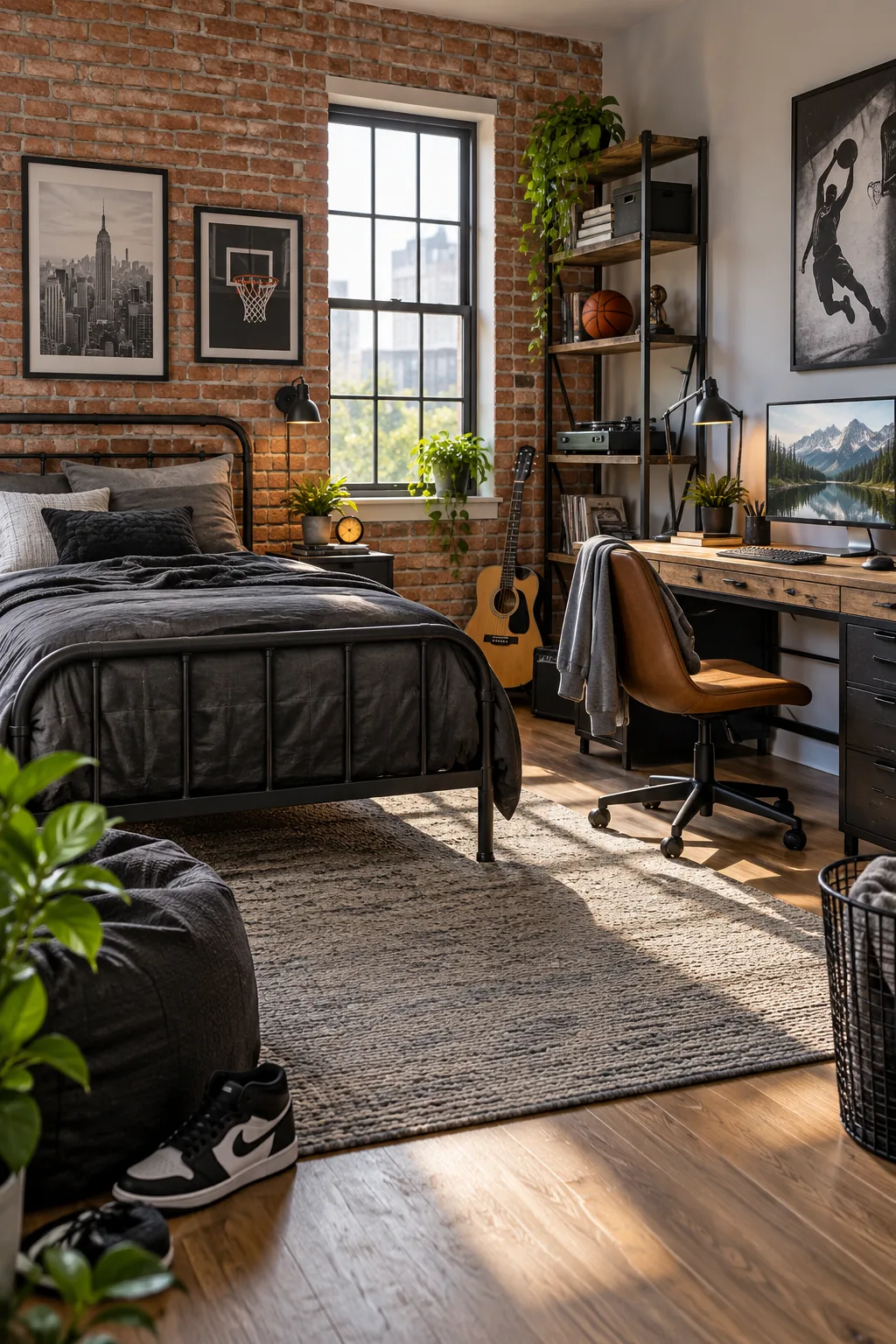
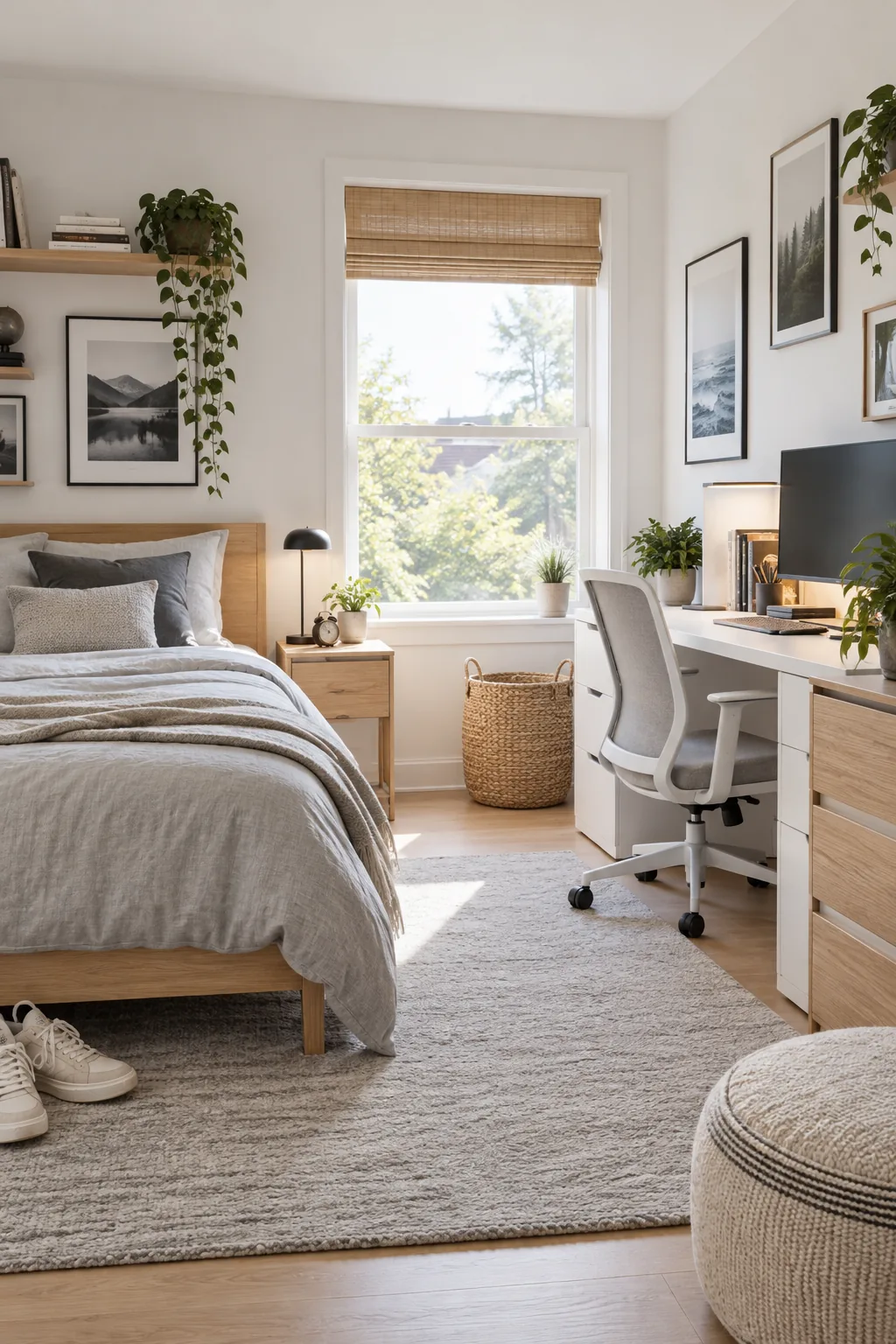
Minimalist Scandi in light oak: Pale woods and crisp white walls maximize natural light for a focused study environment.
Dark moody gamer with RGB: Deep navy walls and rich walnut wood create the perfect backdrop for vibrant ambient lighting.