
Minimalist Desk Setup: Hidden Cable Routing Guide & Gear List
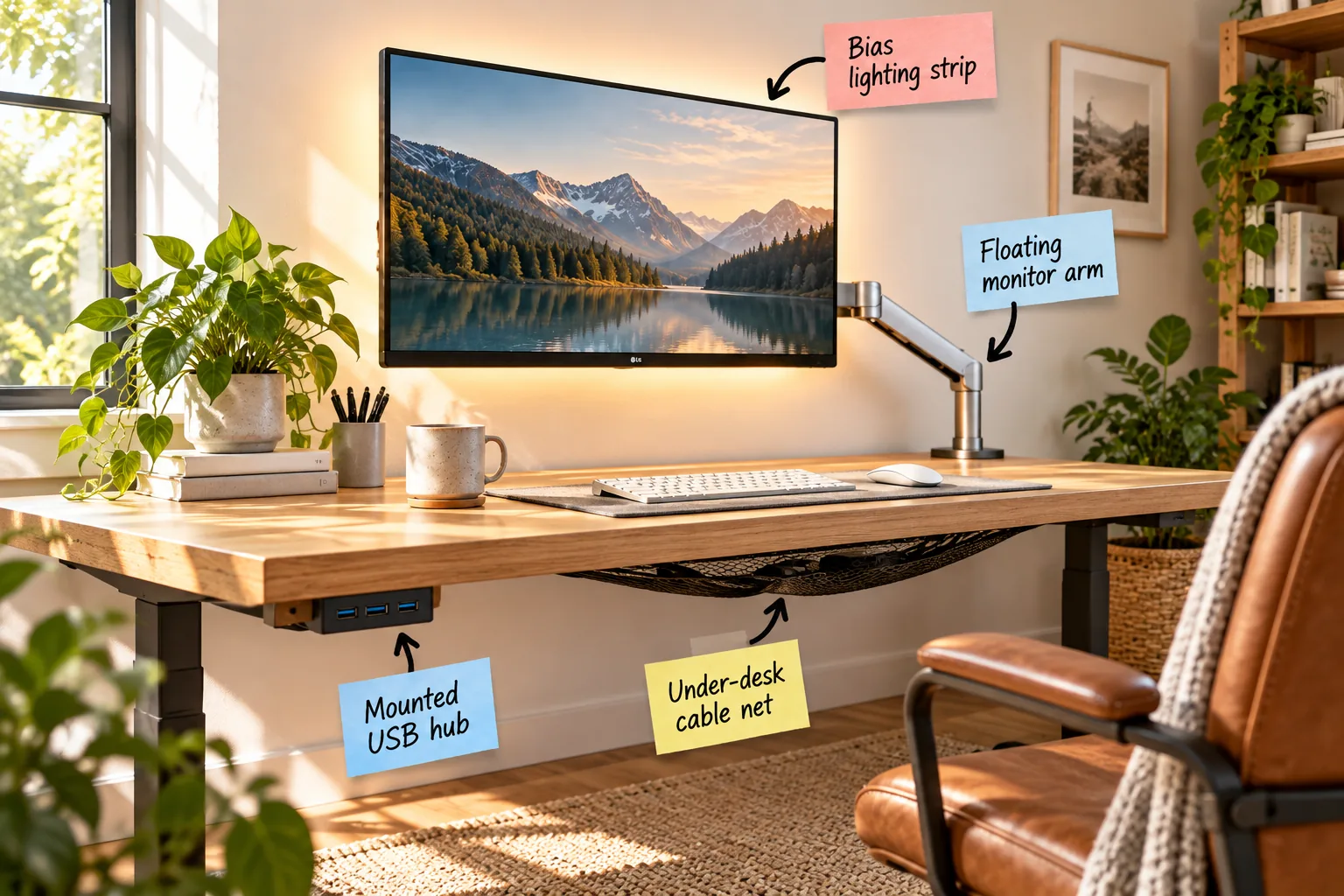
If you want a serene workspace, you need to eliminate visual noise by downloading my hidden cable routing guide and exact gear list. You will be able to mount your peripherals, hide every cord, and use the exact routing map to build this zero-clutter minimalist desk setup.
The Bias Lighting Strip
Backlighting your monitor with a 3000K warm white LED strip drastically reduces eye strain while matching your room’s ambient glow. This subtle wash of light balances the harsh brightness of the screen and creates a calming atmosphere for late-night focus.
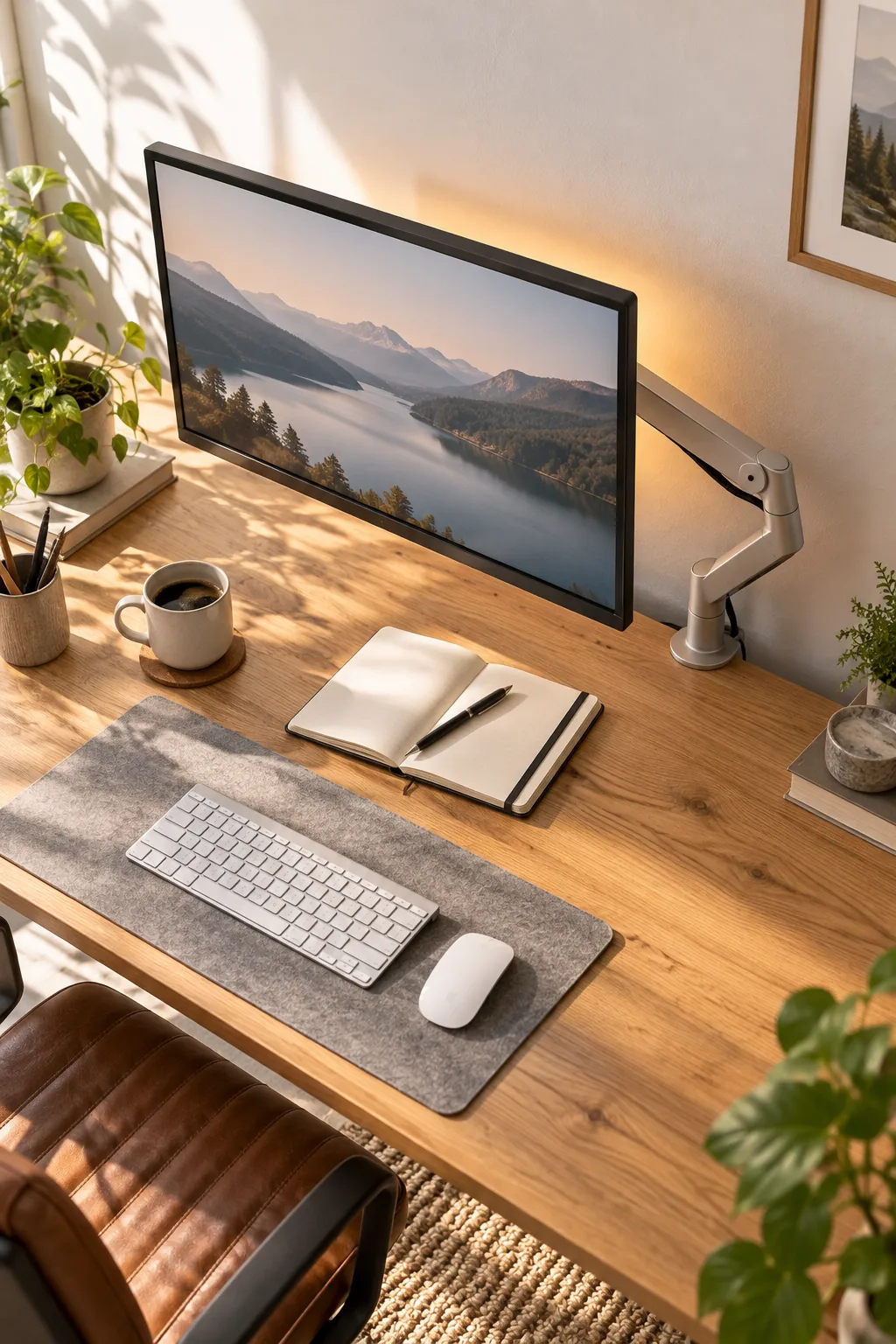
Positioning the light correctly is just as important as choosing the right color temperature for a comfortable evening workspace.
The Floating Monitor Arm
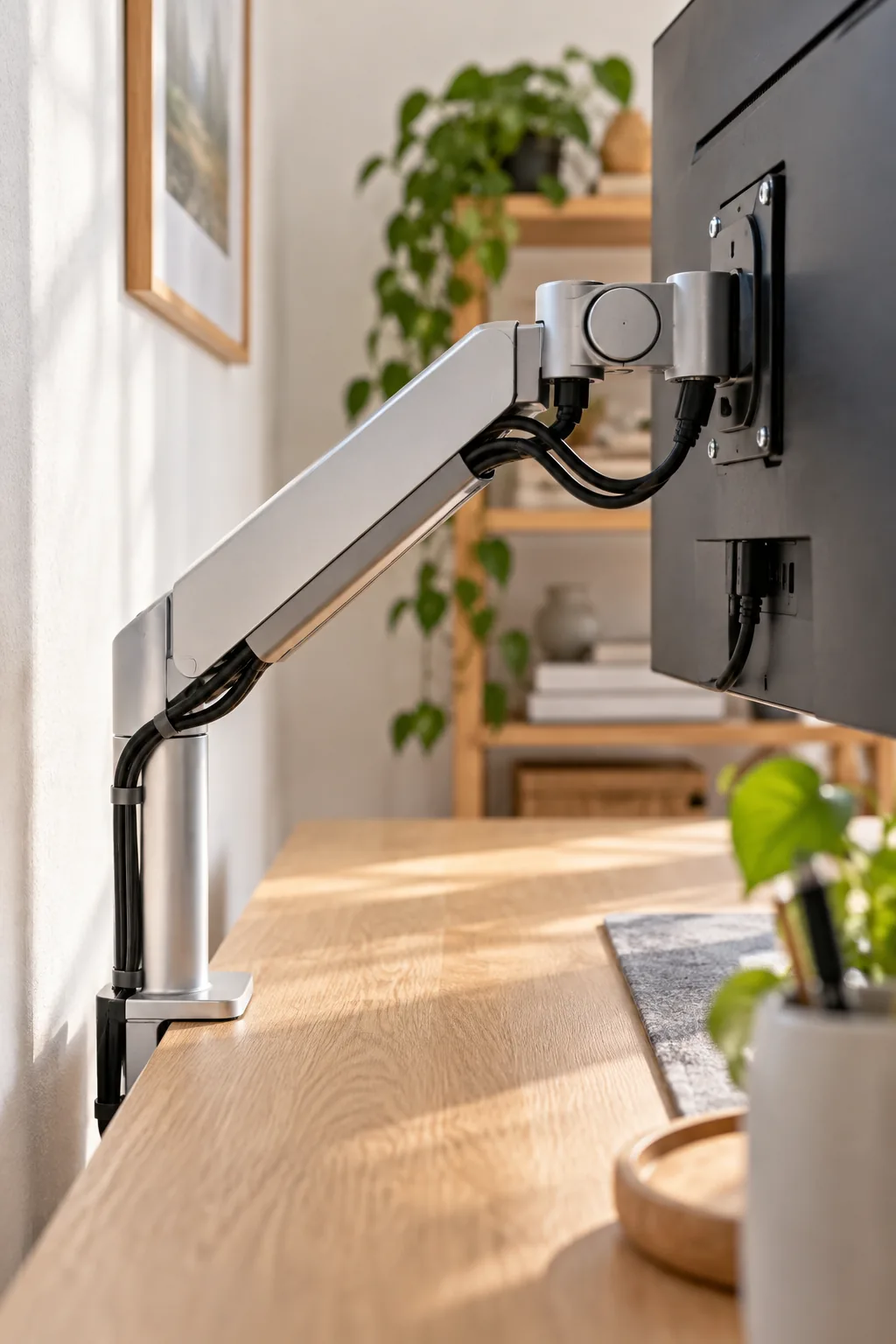
Removing the factory stand and installing a pneumatic arm reclaims valuable desk depth for notebooks and coffee cups.
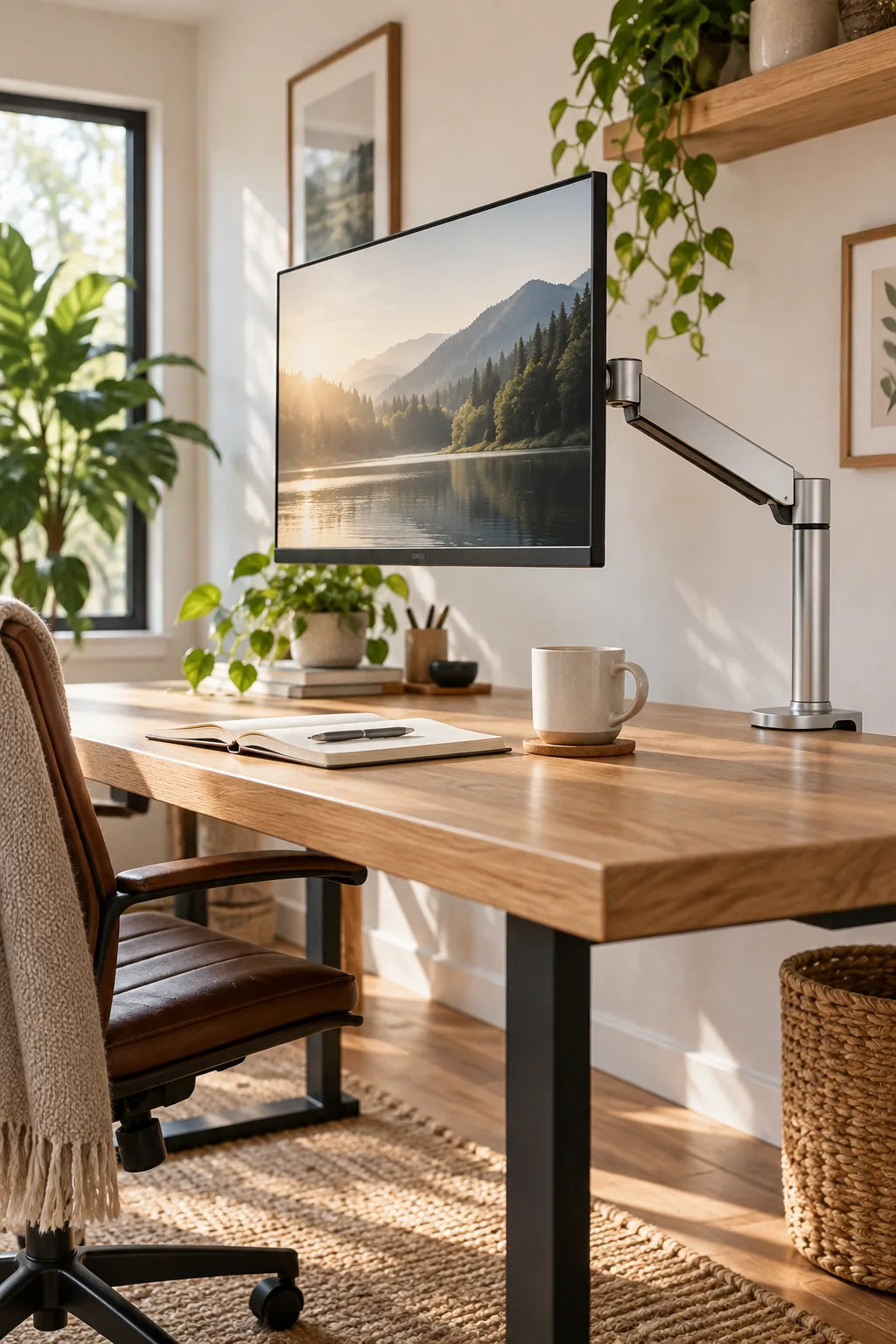
A standard articulating arm requires at least 3 inches of clearance behind the desk to fold completely flat against the wall.
The Mounted USB Hub
Attaching a low-profile hub under your desk keeps high-use connection points within arm’s reach without cluttering the visible surface.
Measure exactly 4 inches inward from the desk edge so the device remains completely hidden from a standing viewing angle.
The Under-Desk Cable Net
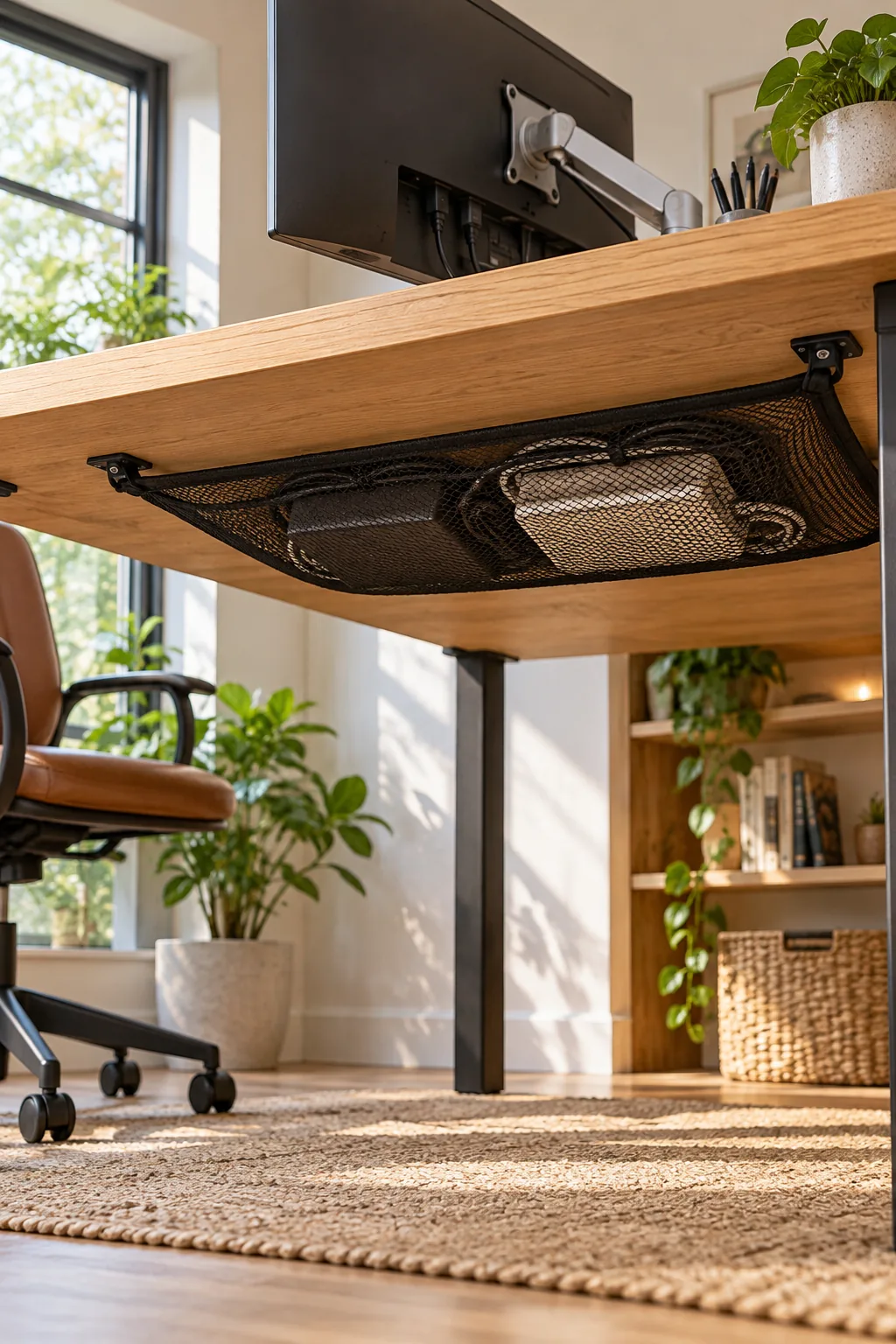
A flexible mesh net outperforms rigid metal trays by easily swallowing bulky laptop chargers and oddly shaped power bricks.
I installed a four-point anchored net in my own Denver home office, and it completely eliminated the ugly sagging I used to get with metal baskets.
Routing Cables Down the Arm
Running your display and power cables through the monitor arm’s built-in channels creates a seamless, floating aesthetic.
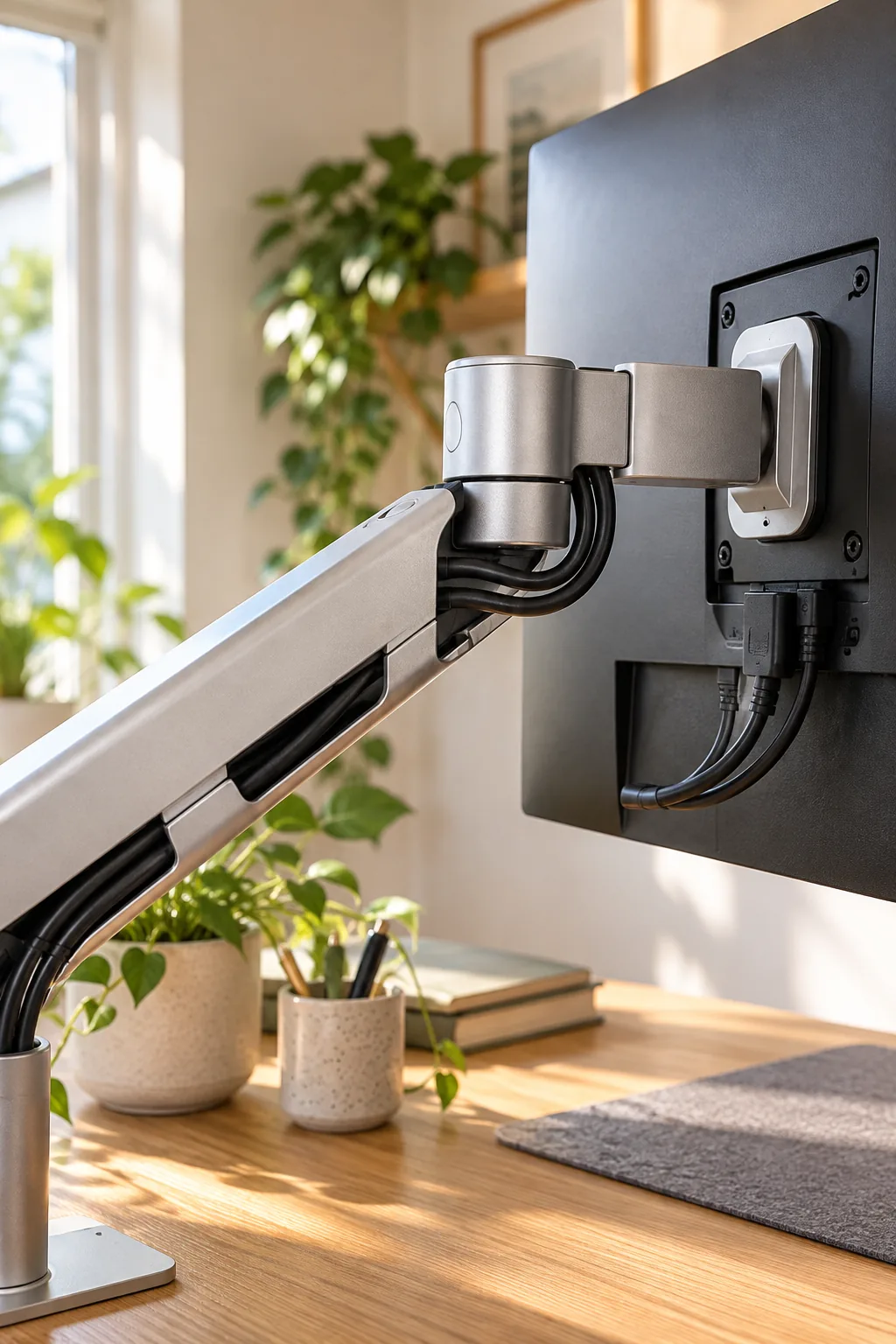
I learned the hard way on a client project that you must leave a small slack loop at the pivot joint to prevent the cables from snapping when you adjust the screen.
Managing Peripheral Cords
Upgrading to a wireless keyboard and mouse completely clears your primary work zone of distracting, tangled wires.
When I finally switched my own setup to wireless tools, I routed a single braided charging cable under my desk mat for occasional weekly top-ups.
Power Delivery and Surge Protection
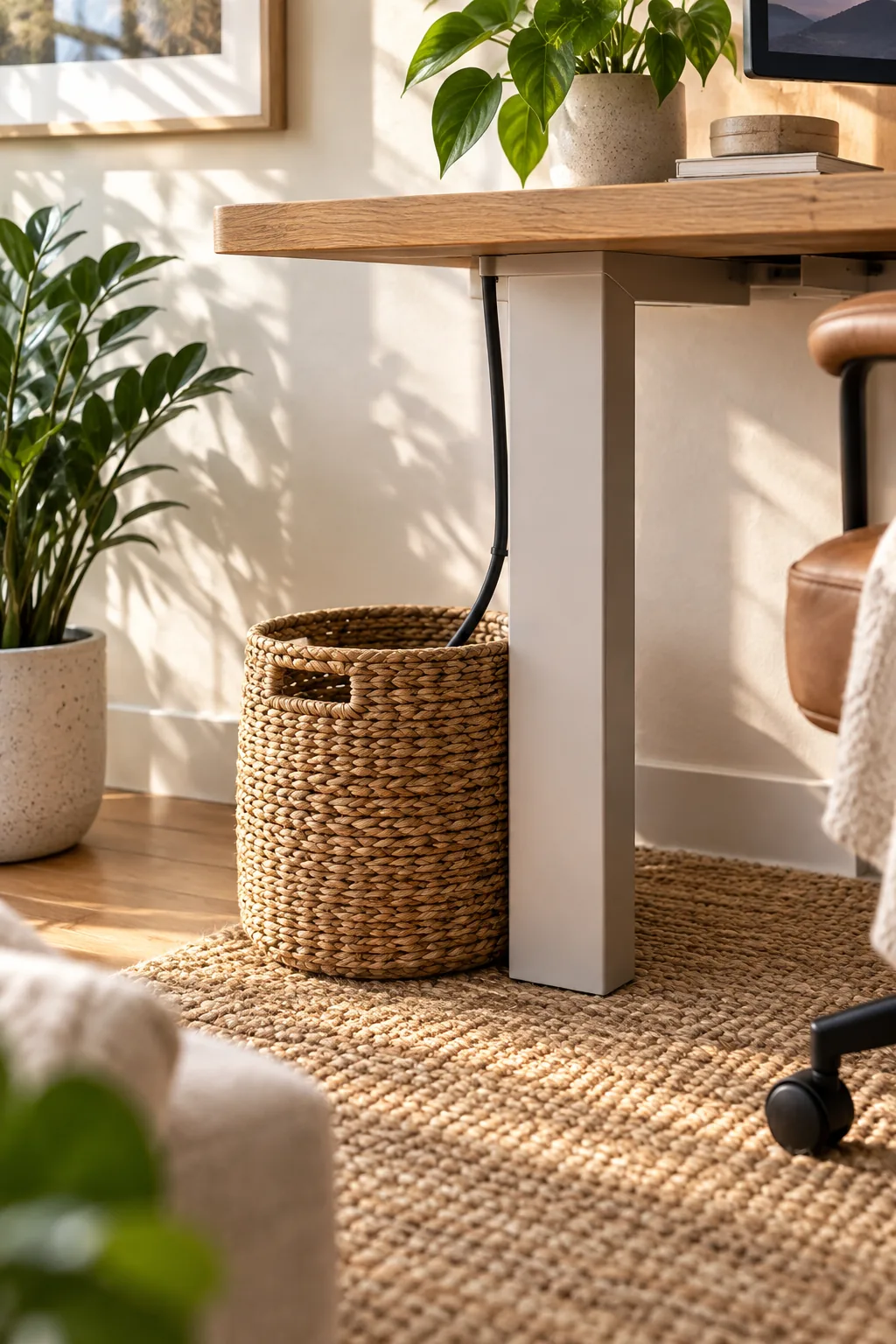
Consolidating all your power needs into a single high-capacity surge protector hidden in a breathable floor basket eliminates wall outlet clutter. This strategy ensures only one thick power cable ever needs to run from your beautiful desk setup to the wall.

Before finalizing your floor cable management, verify your power delivery is safe and well-ventilated.
Download the Hidden Cable Routing Guide
Planning your exact routing path before applying any adhesive mounts will save you hours of frustrating rework.
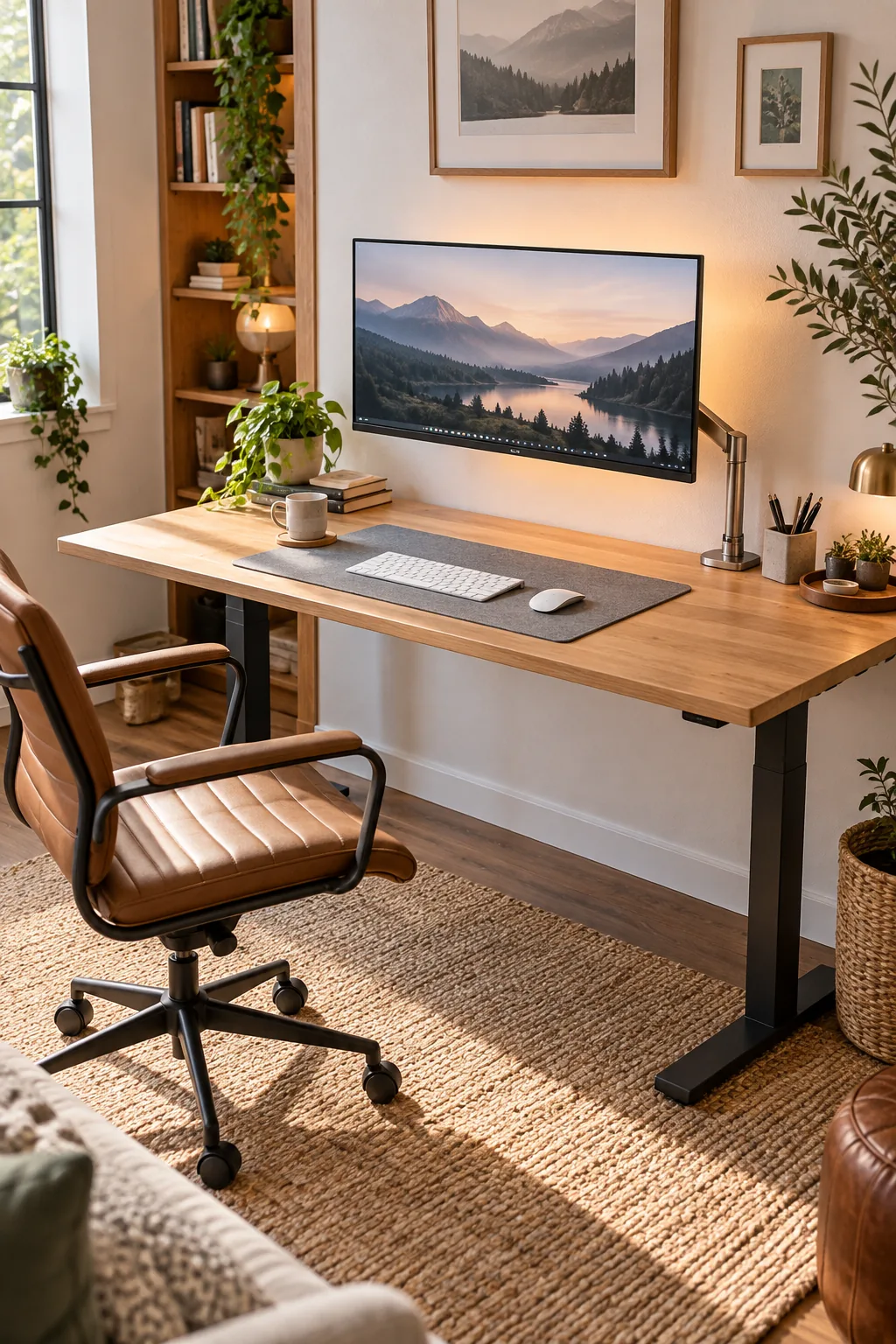
Access the complete hidden cable routing guide below to get my exact measurements, and gather your structural hardware in this specific installation order to replicate this peaceful workspace.
- Heavy-duty pneumatic floating monitor arm
- Four-point mesh under-desk cable net
- Low-profile flush-mount USB hub
More Zero-Clutter Desk Ideas
Explore how these hidden cable techniques adapt to completely different interior styles.
Moody Dark Walnut Setup: Deep walnut wood and charcoal walls create a dramatic backdrop for vibrant RGB backlighting.
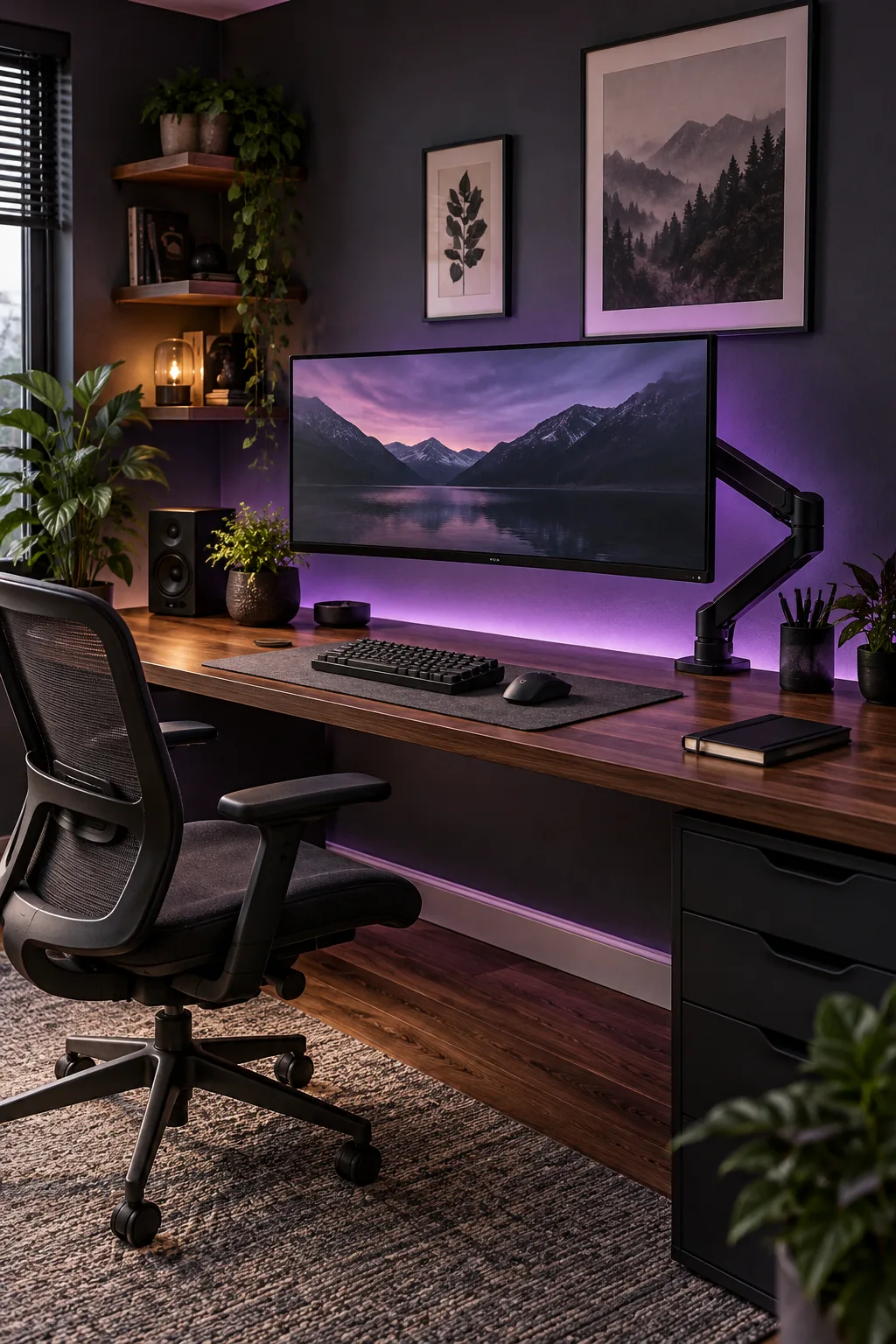
Airy Scandinavian Birch: Light birch wood and mint green accents keep this bright Scandinavian workspace feeling fresh and open.

Industrial Reclaimed Loft: Exposed brick and matte black hardware give this reclaimed wood desk a rugged, industrial edge.
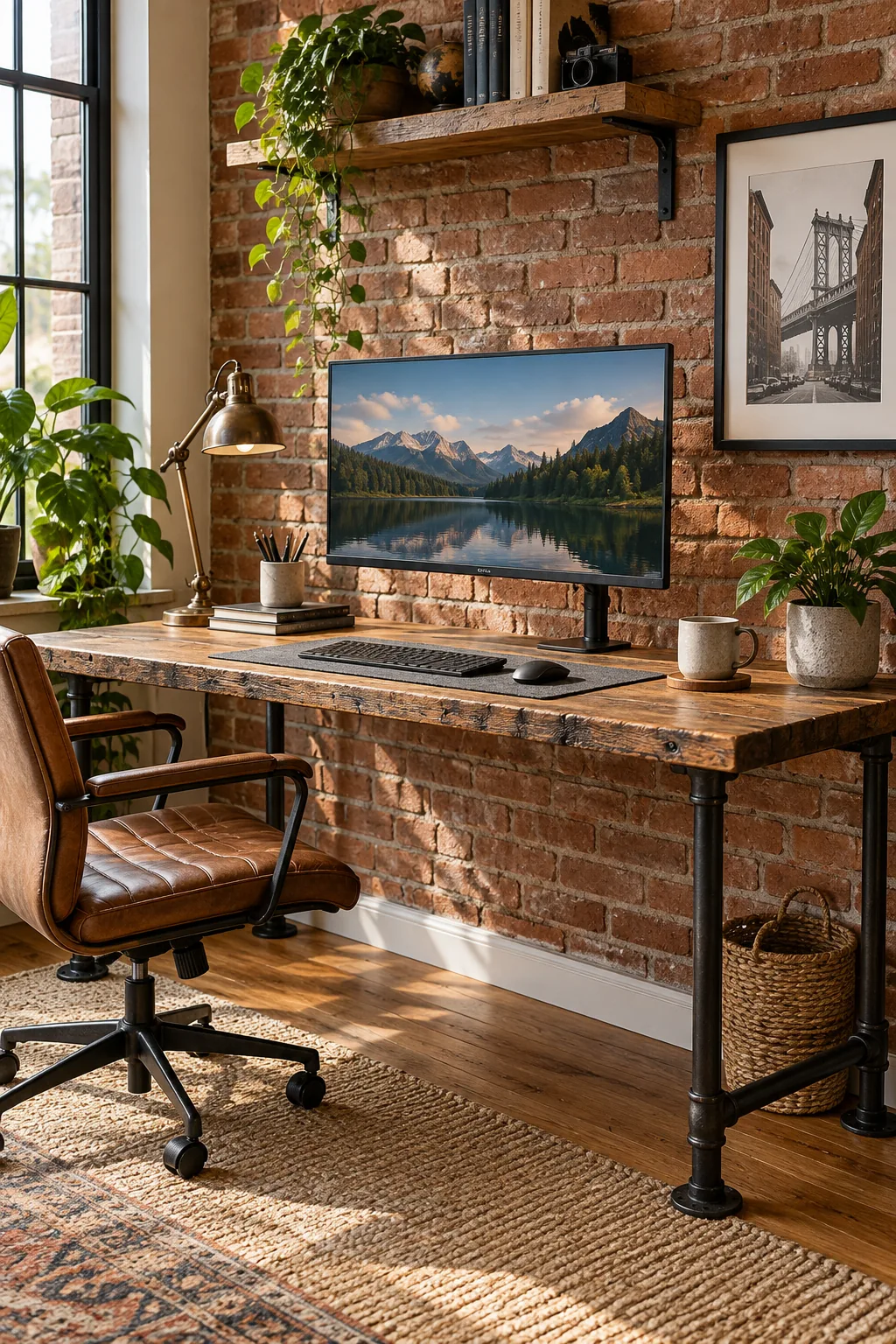
Mid-Century Modern Teak: Warm teak tones and brass accessories pop beautifully against a calming sage green accent wall.