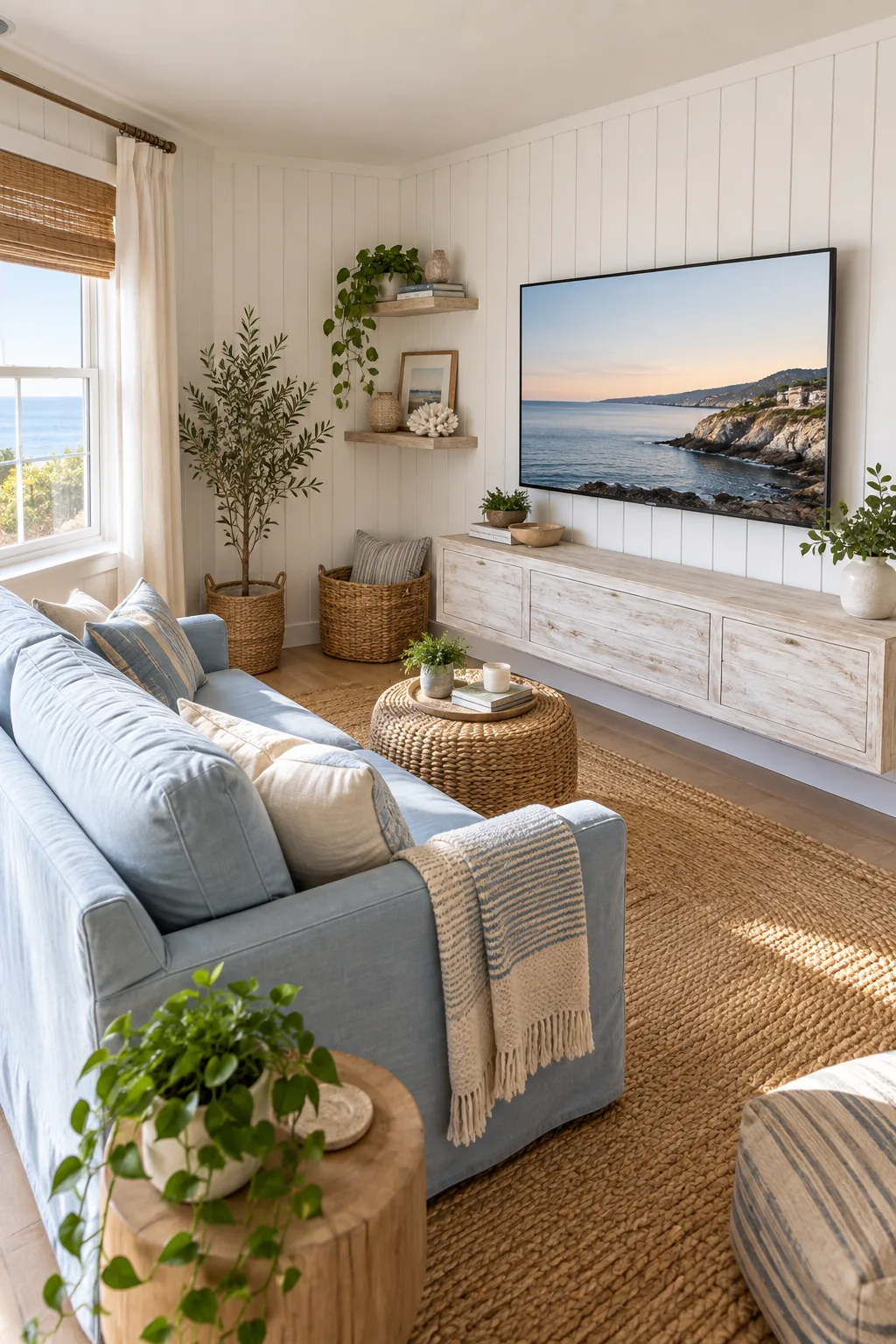
Small TV Room Layout: How to Fit a 65-Inch Screen Perfectly
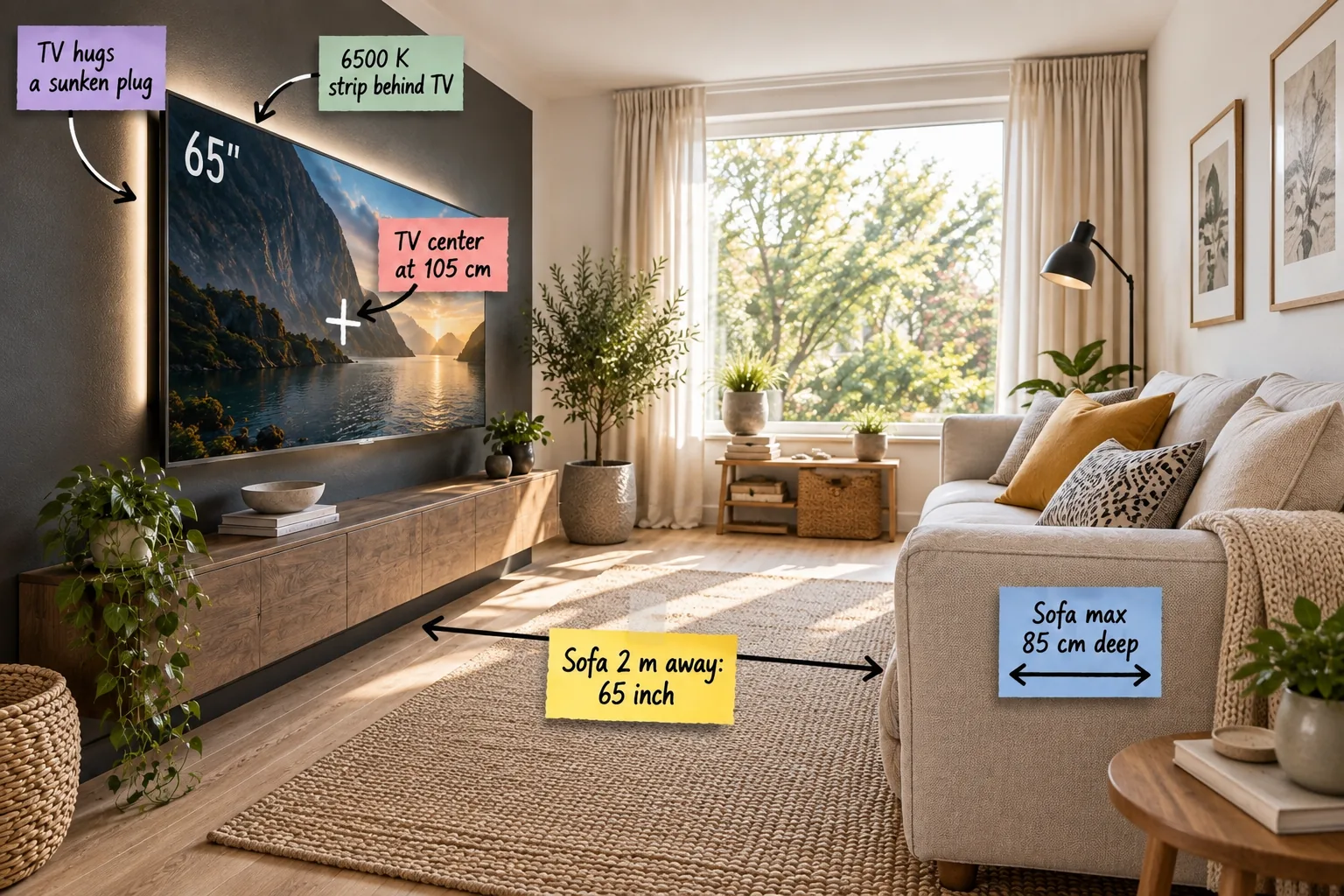
Grab our printable Small TV Room Fit Chart to measure your exact dimensions and confidently mount the largest possible television at the perfect ergonomic height.
Maximize Floor Space with a Shallow Sofa
Standard deep sofas easily choke a compact three-by-three meter room, so I always enforce a maximum depth of 85 cm to preserve crucial walkway space.
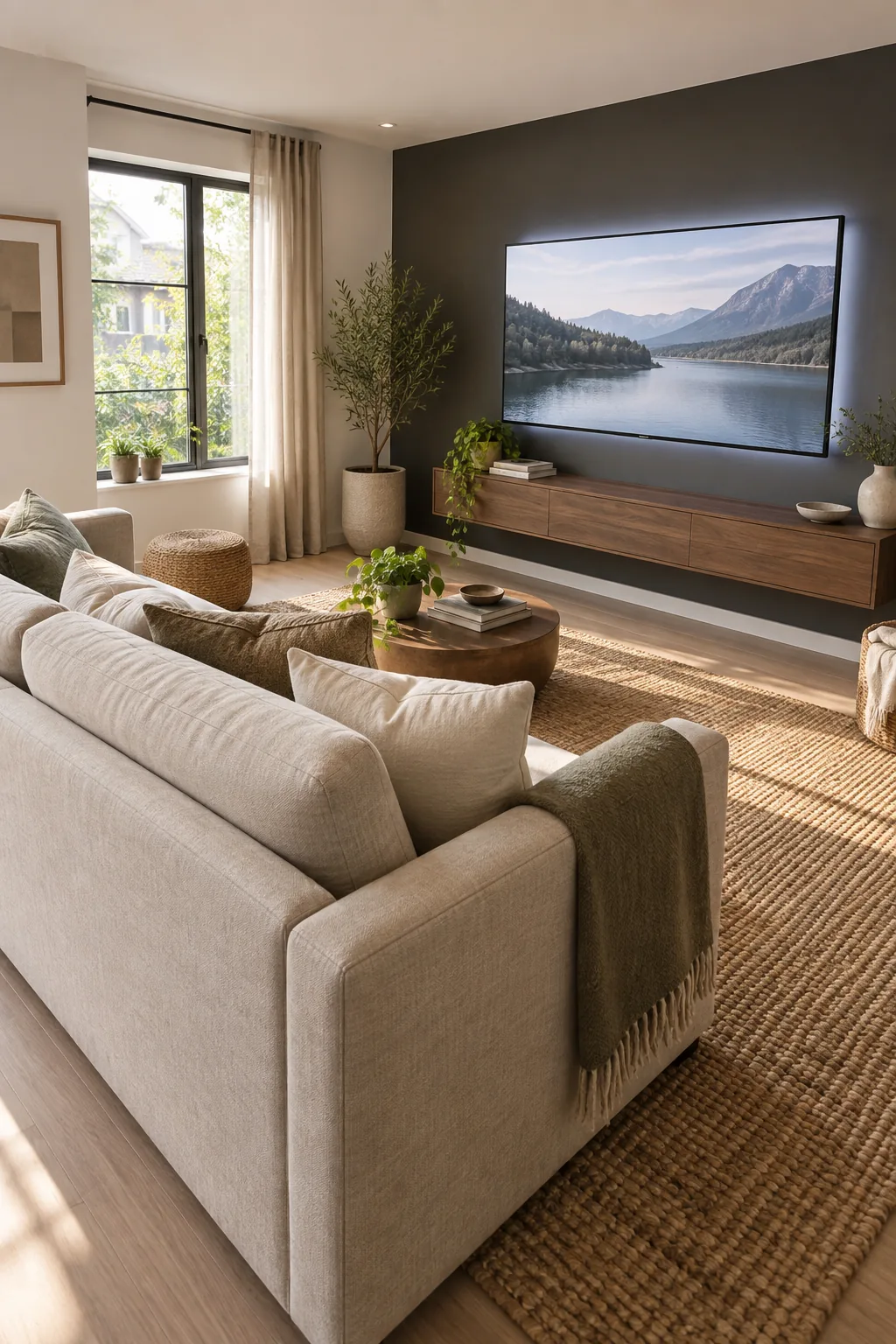
In my own Denver home, swapping an overstuffed couch for a tailored linen piece instantly opened up the floor plan.
Selecting the Right Upholstery Profile
Beyond just seating depth, the structural frame of your furniture dictates how light moves through the snug. Specifying exposed wooden legs lifts the piece off the floor, creating an illusion of expanded square footage beneath the frame.
Positioning the Rug for Visual Depth
Anchoring that tailored sofa requires a rug that spans the width of the seating area without swallowing the room. Leaving a border of 20 cm around the perimeter of the rug ensures the hard floor finish remains visible.
The Two-Meter Viewing Distance Rule
Once your shallow seating is set, you can map the relationship between the sofa’s front edge and the television wall. When the sofa is exactly 2 meters away, a 65-inch screen delivers an immersive, cinematic field of view.
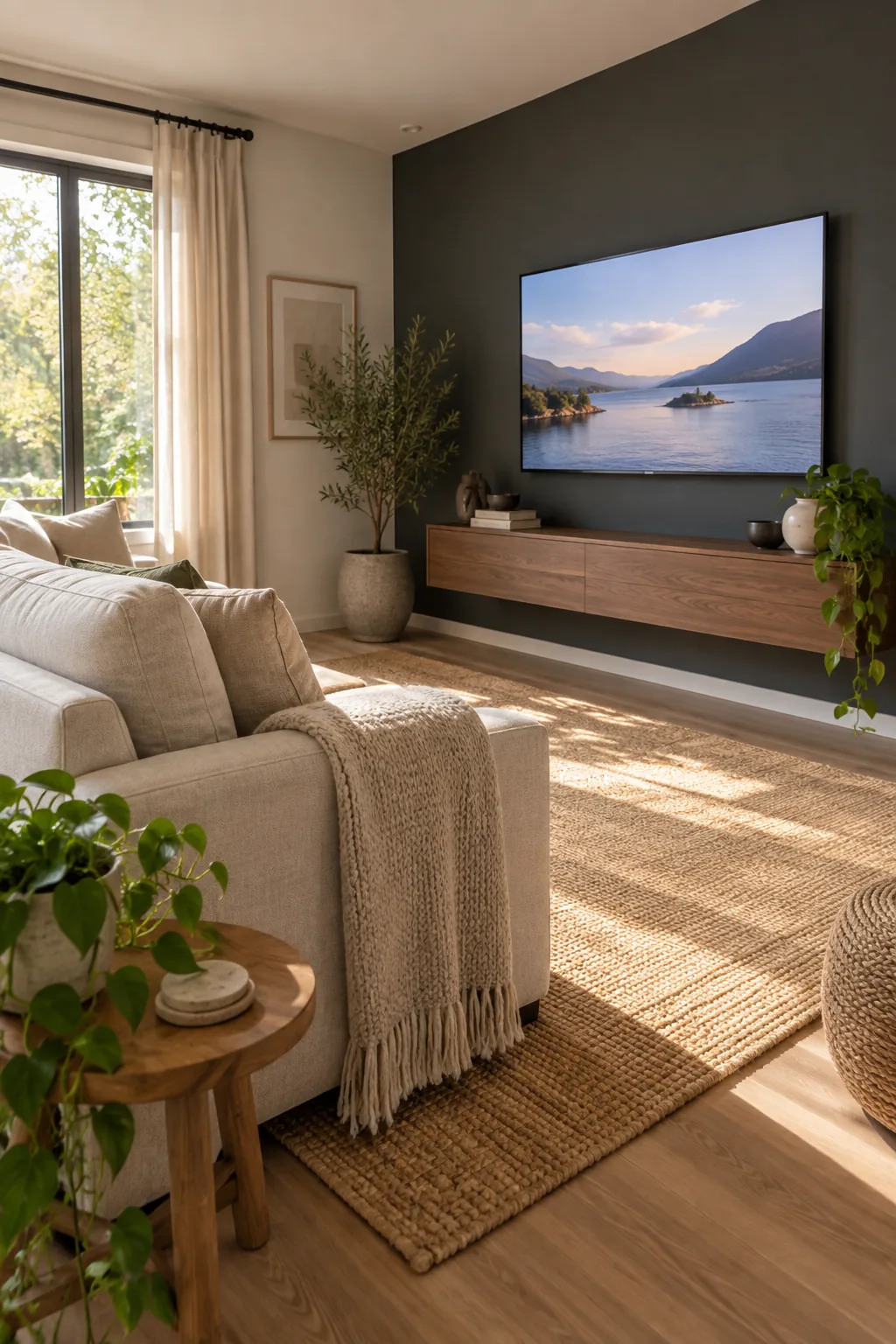
Calculating the Ideal Viewing Angle
Sitting too close to a massive display forces your eyes to dart back and forth, causing rapid fatigue. Maintaining a 30-degree viewing angle ensures the entire screen remains comfortably within your natural peripheral vision.
The Small TV Room Fit Chart
Finding that sweet spot requires balancing your room width with the right hardware, which is exactly why I created this printable measurement sheet.
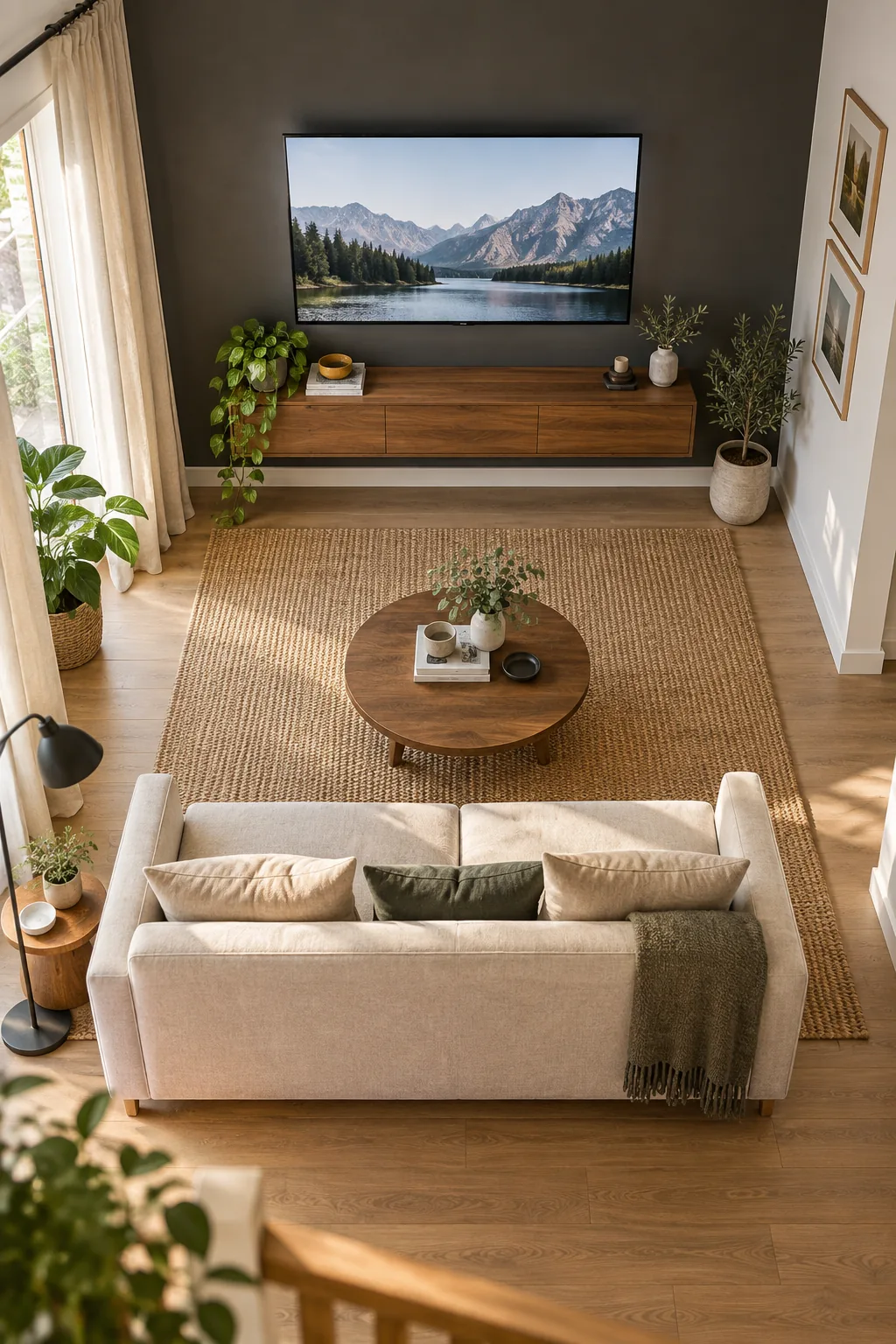
| Distance | Ideal TV Size | TV Center Height | Max Sofa Depth |
|---|---|---|---|
| 1.5 m | 50 inch | 100 cm | 80 cm |
| 2.0 m | 65 inch | 105 cm | 85 cm |
| 2.5 m | 75 inch | 110 cm | 90 cm |
| 3.0 m | 85 inch | 115 cm | 95 cm |
Symmetrical layouts rely on these precise measurements to keep compact rooms from feeling visually heavy or chaotic.
Mapping the Walkway Clearances
Even with the perfect screen size, you must leave enough room to navigate around the coffee table. I recommend keeping a minimum 45 cm clearance between the seating edge and any central furniture pieces.
Addressing Off-Center Seating Arrangements
If architectural features force your sofa against a side wall, do not mount the television perfectly centered on the opposite surface. Align the screen directly across from the primary seating position to maintain ergonomic alignment.
Mounting at the Perfect Eye Level
Proper screen height prevents neck strain, and I learned quickly on my first tiny-home project that guessing always leads to mistakes. When pairing a 65-inch screen with a standard-height shallow sofa, place the exact center point at 105 cm from the floor.
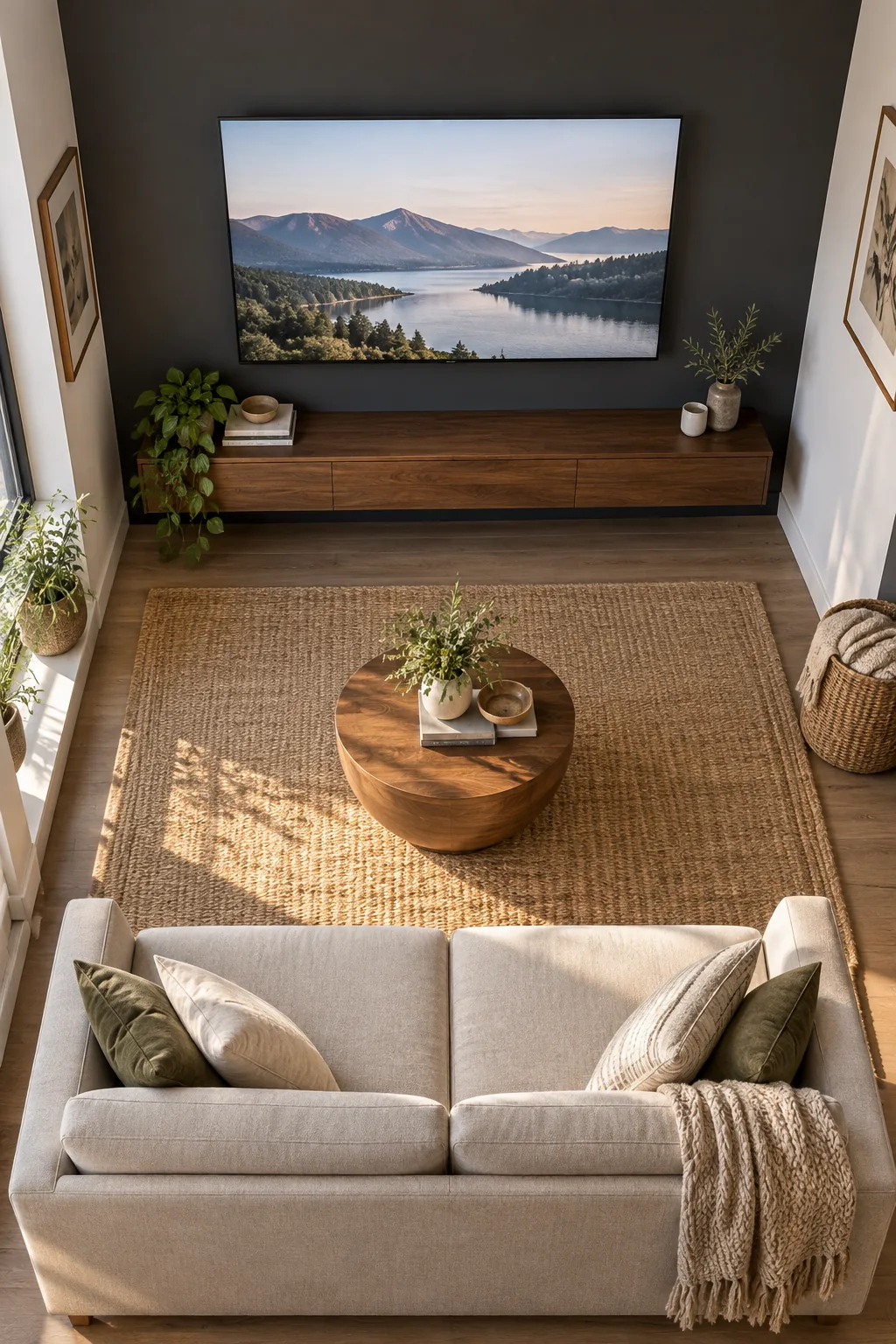
Adjusting for Different Sofa Heights
If you opt for a low-profile modular sofa, that standard mounting height will force you to look upward. Drop the screen center to roughly 95 cm to keep your gaze perfectly level with the action.
Securing the Mount to Wood Studs
Heavy modern displays require robust structural support that drywall anchors simply cannot provide. Always locate and anchor your mounting bracket into solid wood studs, spacing the lag bolts evenly to distribute the substantial weight.
Achieving a Flush Fit with Sunken Outlets
A truly gapless wall mount requires installing a recessed outlet box behind the screen so the TV hugs a sunken plug.
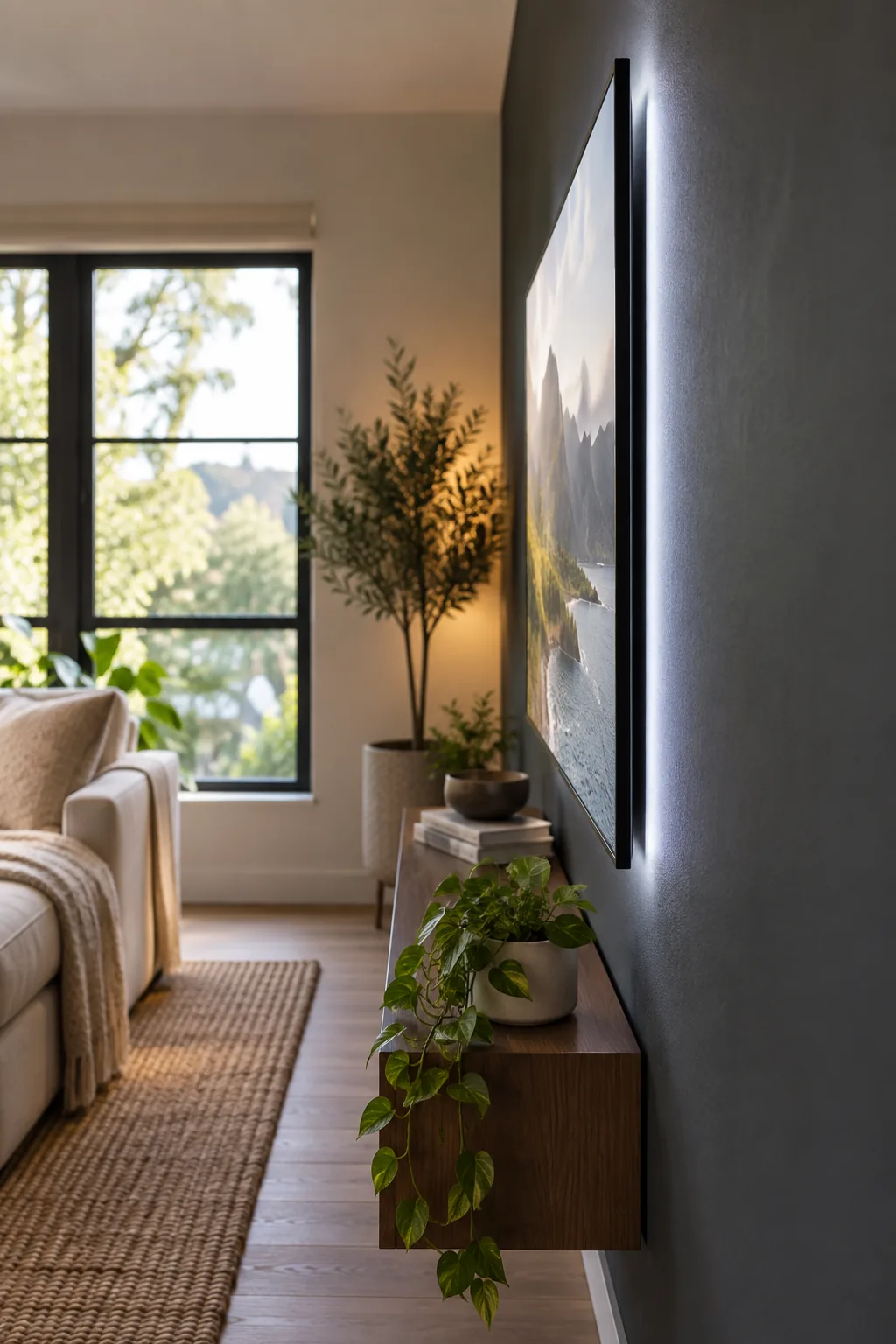
A flush mount is only possible if the hardware behind the screen is completely contained within the wall cavity.
Managing Cable Routing Inside the Wall
Dropping wires behind the drywall keeps the aesthetic incredibly clean, but safety codes mandate specific materials. Always verify your power extension kits are rated for in-wall use before sealing them behind the plaster.
Selecting High-Bandwidth HDMI Cables
Feeding a pristine 4K signal to a large display demands cables capable of handling massive data loads. Upgrading to an ultra-high-speed HDMI cord prevents frustrating signal drops and ensures your expensive screen performs flawlessly.
Easing Eye Strain with Bias Lighting
Placing a bright 65-inch screen in a small, dark-painted room requires backlighting to prevent severe visual fatigue. Installing a 6500 K LED strip behind the TV creates a soft white glow that dramatically improves perceived contrast.
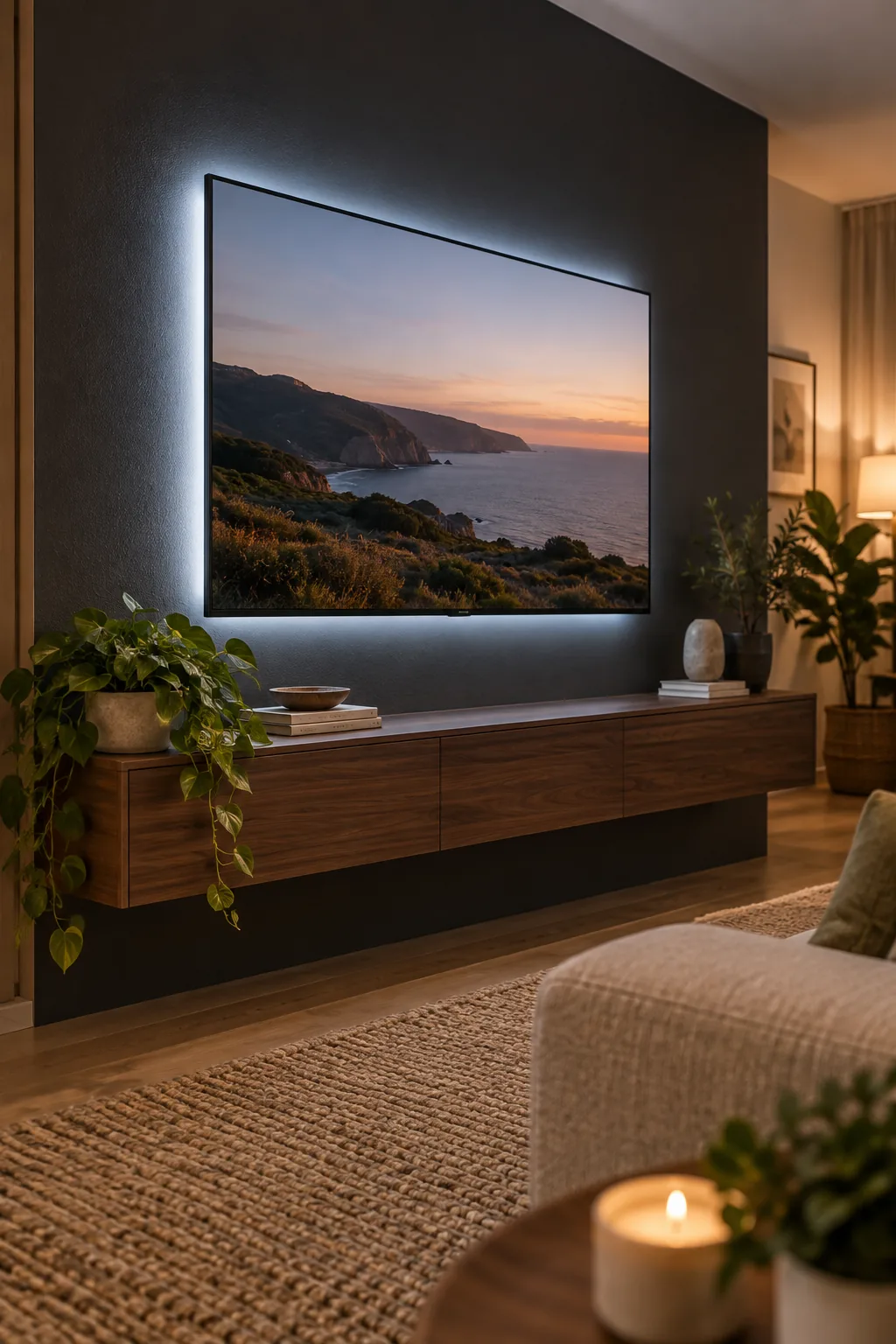
Controlling Ambient Room Light
Daytime viewing in a tiny snug often suffers from harsh glare bouncing off the glass display. Layering blackout roller shades behind decorative linen curtains gives you total control over the ambient lighting conditions.
Choosing the Right Paint Finish for Dark Walls
Dark charcoal walls absorb stray light beautifully, but the wrong sheen will reflect every lamp in the room.
- Matte finish: Absorbs light completely but shows scuffs easily.
- Eggshell finish: Offers slight durability with minimal glare.
- Satin finish: Avoid this entirely behind a television screen.
Grounding the Screen with a Floating Console
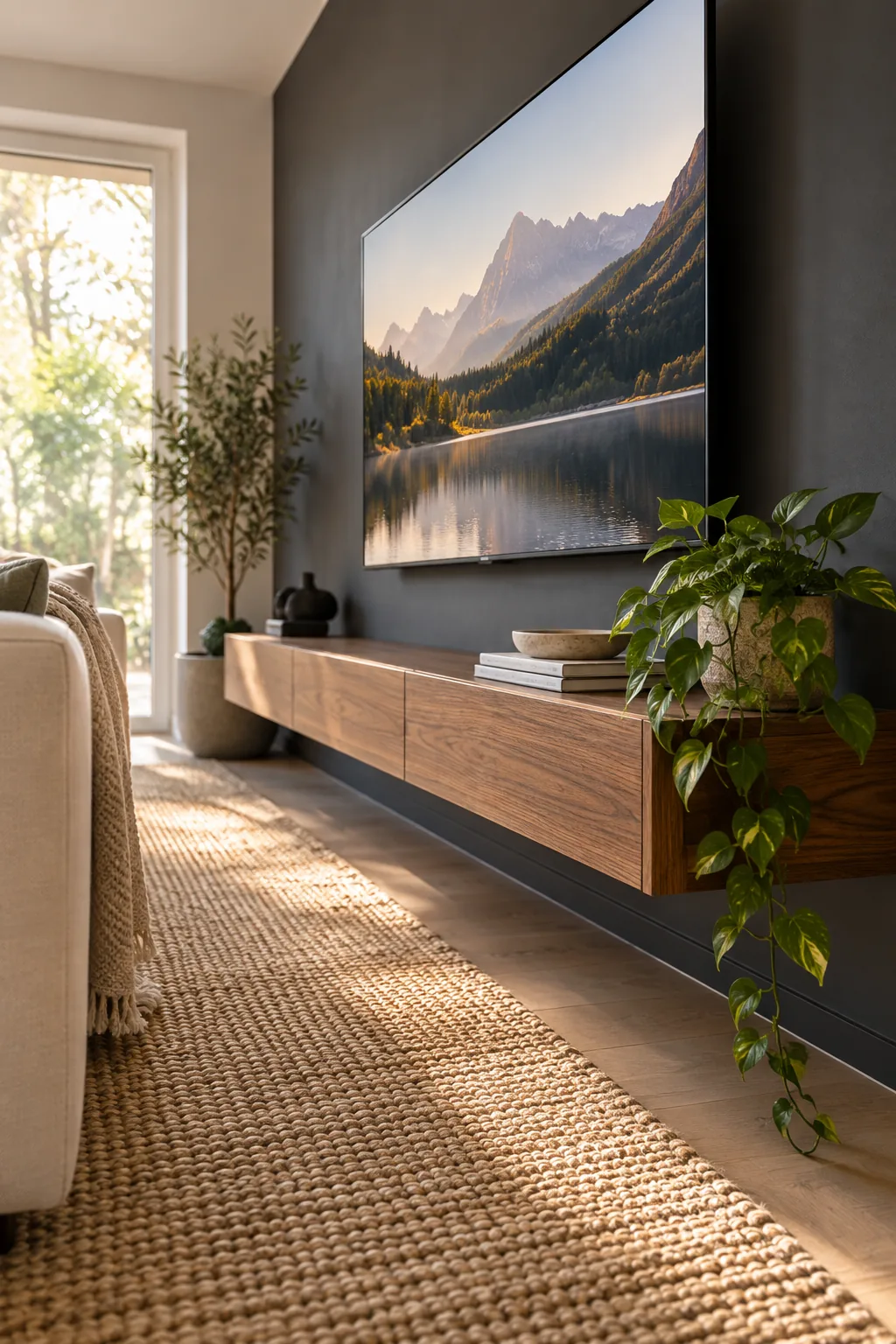
In a recent downtown loft project, adding a sleek walnut unit instantly grounded the massive display while hiding the cable box. A massive black rectangle on the wall needs visual anchoring, which I solve by installing a shallow floating media unit.
Organizing Devices Inside the Media Unit
Floating consoles offer limited internal volume, so heat management becomes a critical design factor. Ensure your cabinet features rear ventilation slots to prevent your streaming boxes and gaming consoles from overheating during long sessions.
Balancing Acoustics in a Small Boxy Room
Hard surfaces in a compact three-by-three meter space cause audio to bounce erratically, muddying the dialogue. Introducing thick drapery and plush floor coverings helps absorb high-frequency reflections for a much cleaner sound profile.
Integrating Secondary Audio Speakers
Relying on built-in television speakers rarely delivers the depth required for a true home theater experience. Mounting a slim acoustic soundbar directly to the bottom of the display bracket keeps the audio perfectly synced with the visuals.
Hiding the Subwoofer in Plain Sight
Deep bass frequencies are omnidirectional, meaning you do not need to place the bulky subwoofer directly under the screen. Tucking it into a front-facing corner behind a side table maximizes floor space while actually amplifying the low-end rumble.
Selecting a Low-Profile Coffee Table
When your seating is perfectly calibrated to the screen height, a tall coffee table will obstruct the bottom edge of the display. Choose a piece with a maximum height of 40 cm to ensure an uninterrupted view from every seat.
Maintaining Clear Sightlines
Keep the surface beneath the screen largely clear to avoid distracting from the cinematic experience. A single trailing plant or a stacked pair of low-profile books provides just enough organic visual interest without cluttering the frame.
More Small TV Room Styles
Explore how different color palettes and materials can completely change the mood of a compact media room.
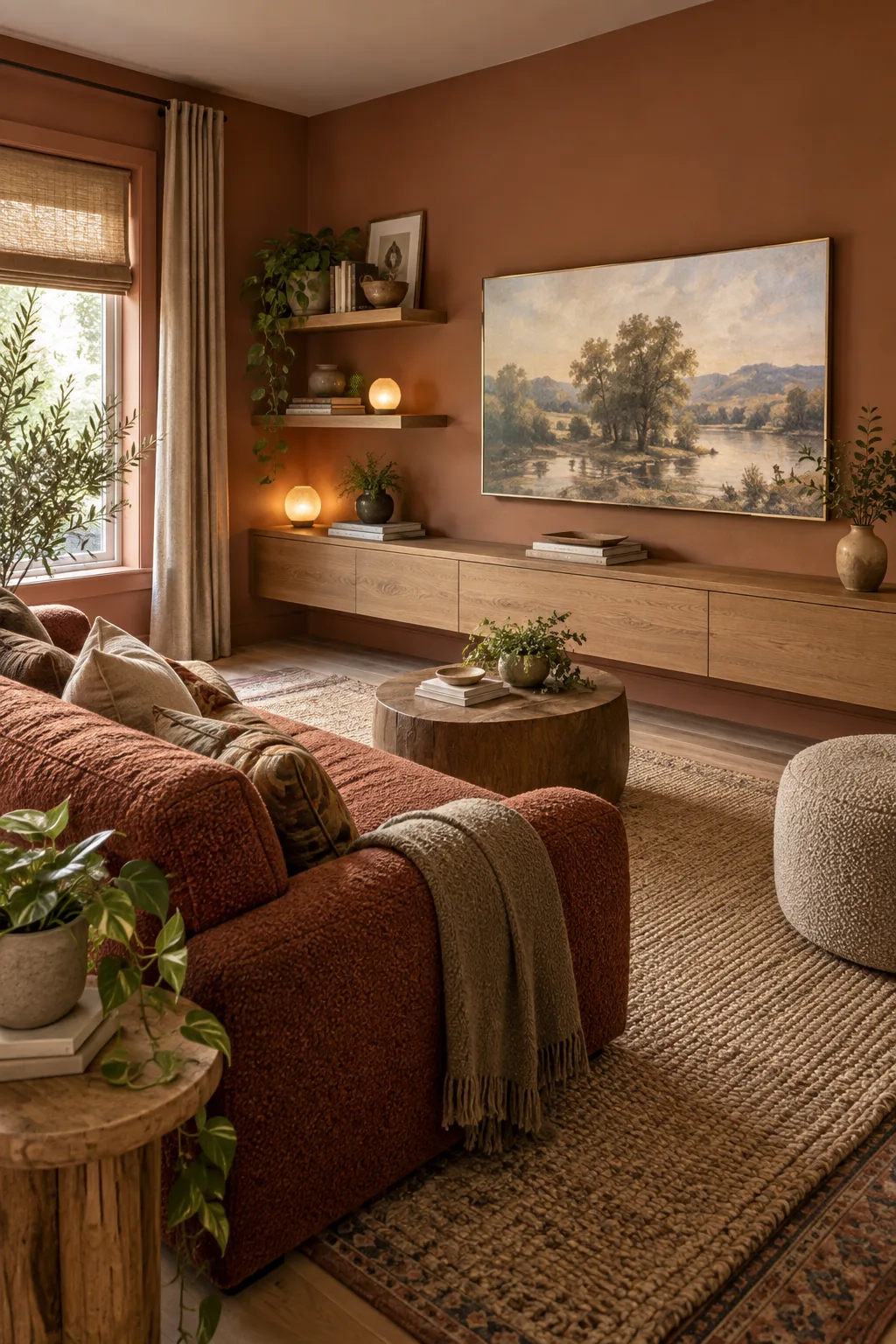
Warm Terracotta Snug: Earthy clay tones and textured boucle fabrics soften the technology, making the room feel like a cozy reading den.
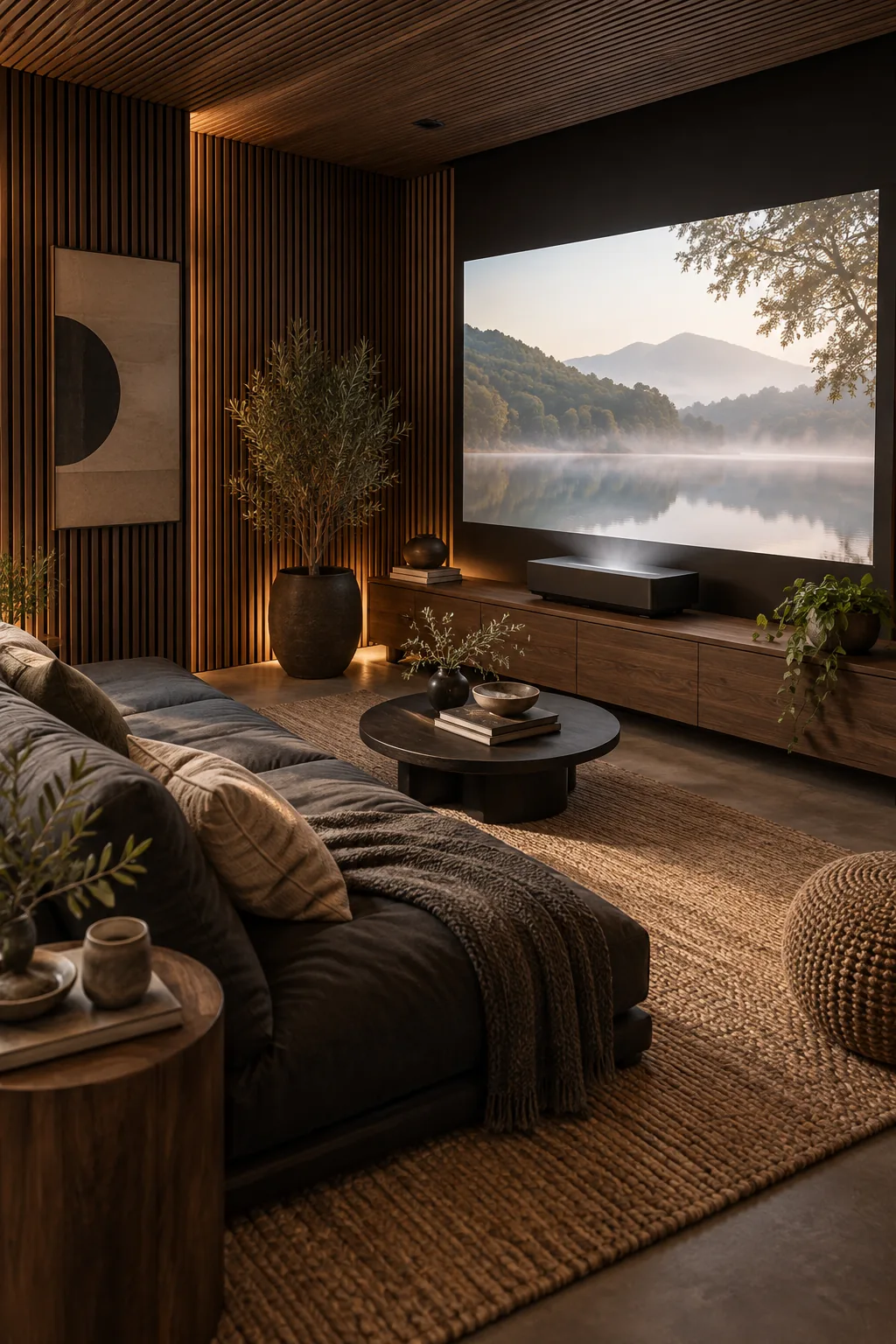
Moody Japandi Den: Slatted acoustic wood panels and a low-profile futon create a minimalist, theater-like atmosphere in a tiny footprint.
Bright Coastal Nook: Crisp white shiplap and a pale slipcovered loveseat keep the room feeling airy and expansive despite the large screen.