
11+ Clever Office Game Room Ideas for Your Home
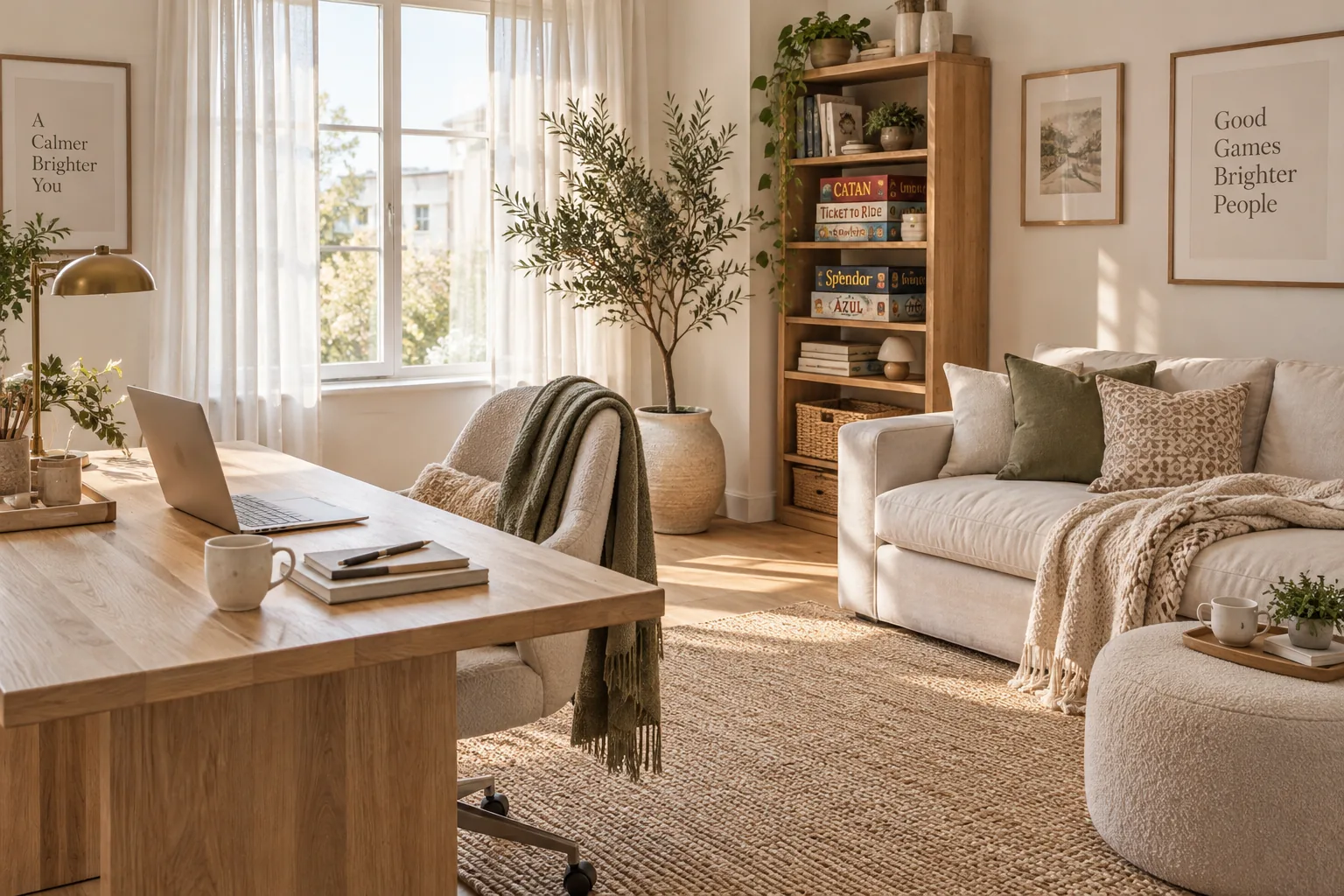
Creating a space that handles both intense focus and serious downtime requires a smart layout and the right furniture. Let's look at how you can blend your workspace with a game room without making it look like a cluttered mess.
1. Divide the Space Functionally
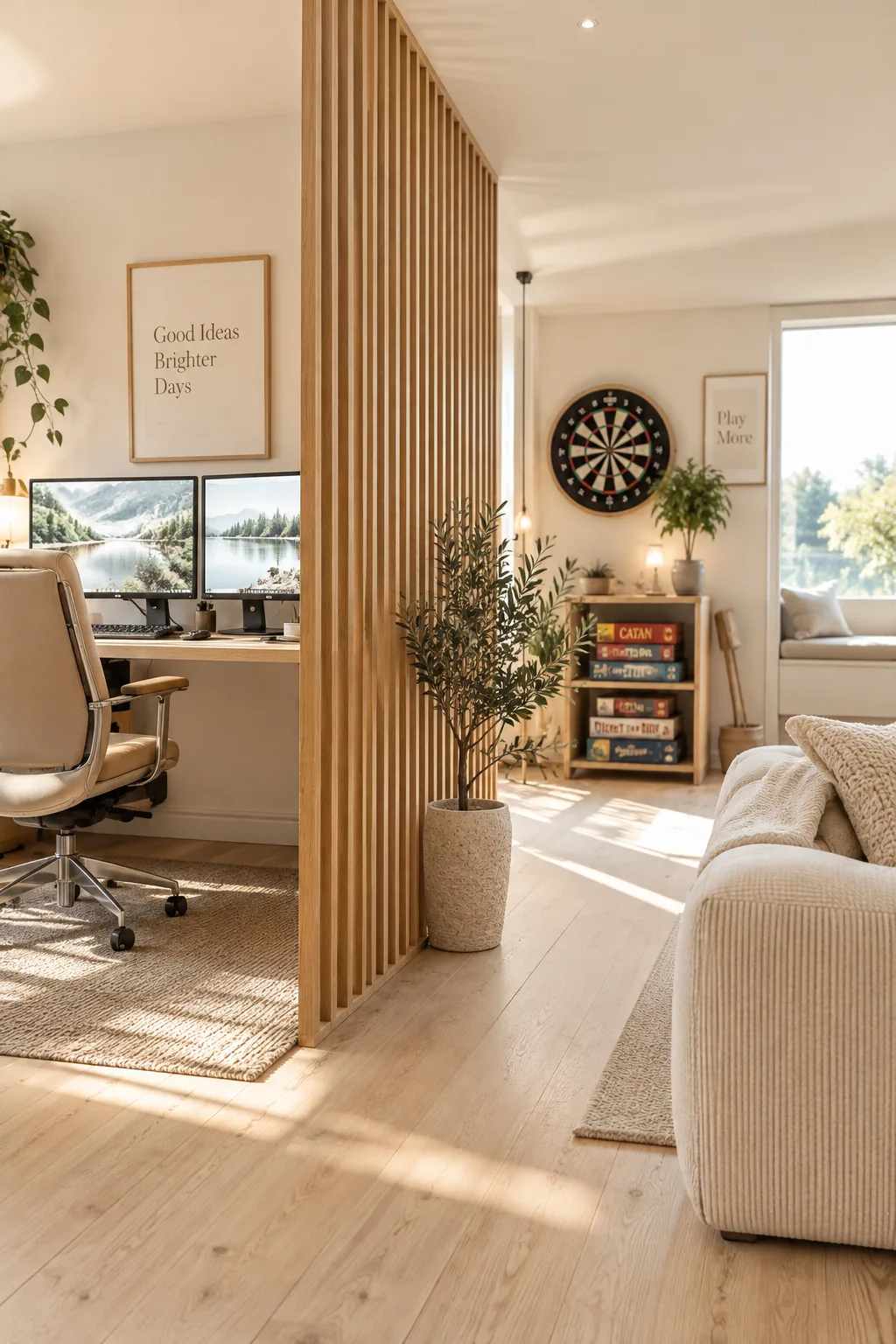
I always struggle to keep my own workspace looking professional when my gaming gear is out. The trick is to use a double-sided room divider to physically separate the desk from the play area. You can place your monitors on one side and mount a dartboard or display board games on the other. This keeps your video calls distraction-free while still keeping the fun stuff just a few steps away. It completely changes how the room functions without needing to build any actual walls.
2. Use Adaptable Storage
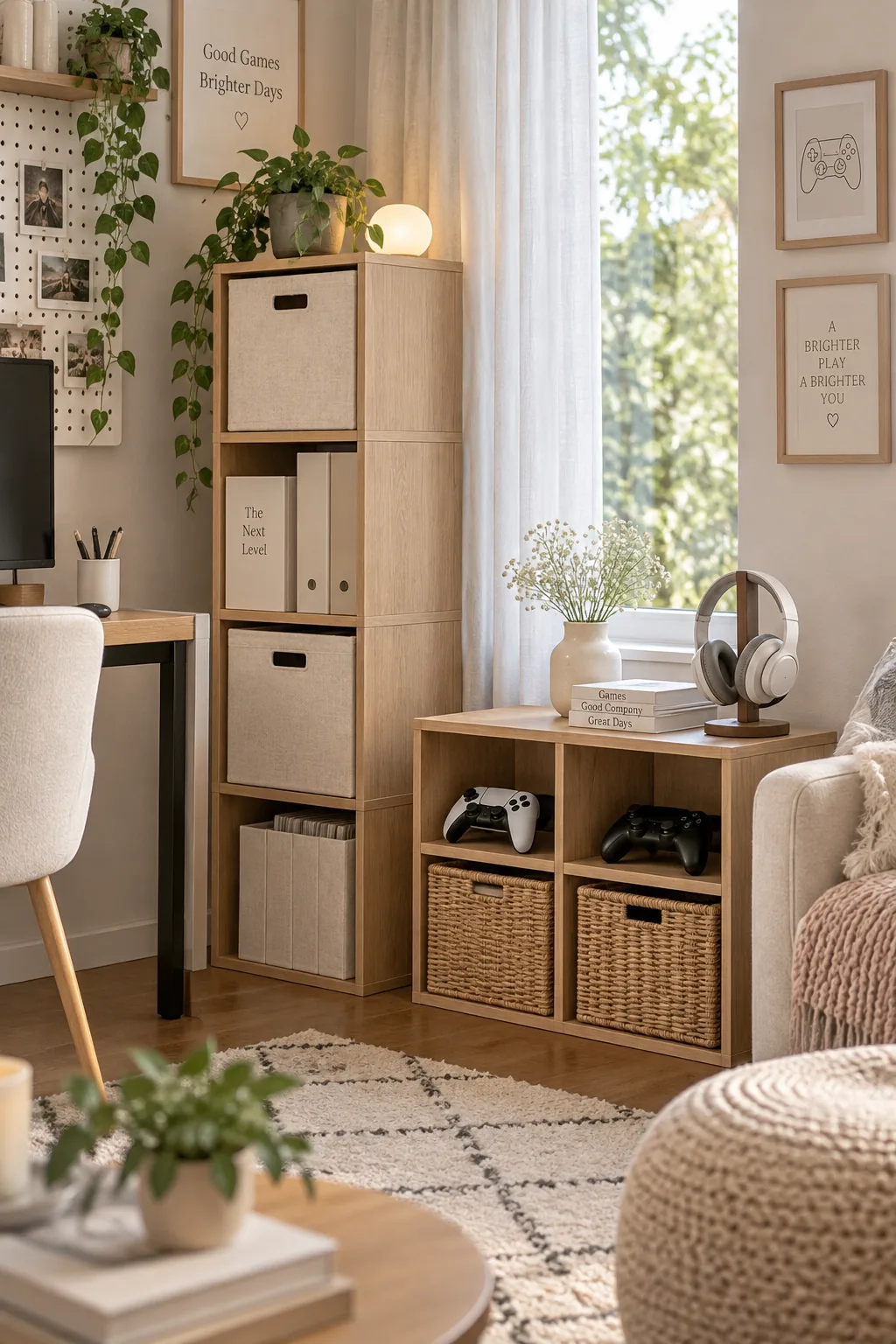
What makes this setup work is the use of modular storage cubes that seamlessly transition from office supplies to game controllers. You can stack them high near your desk for files, and keep them low near the sofa to act as a casual media console.
3. Choose Dual-Purpose Furniture
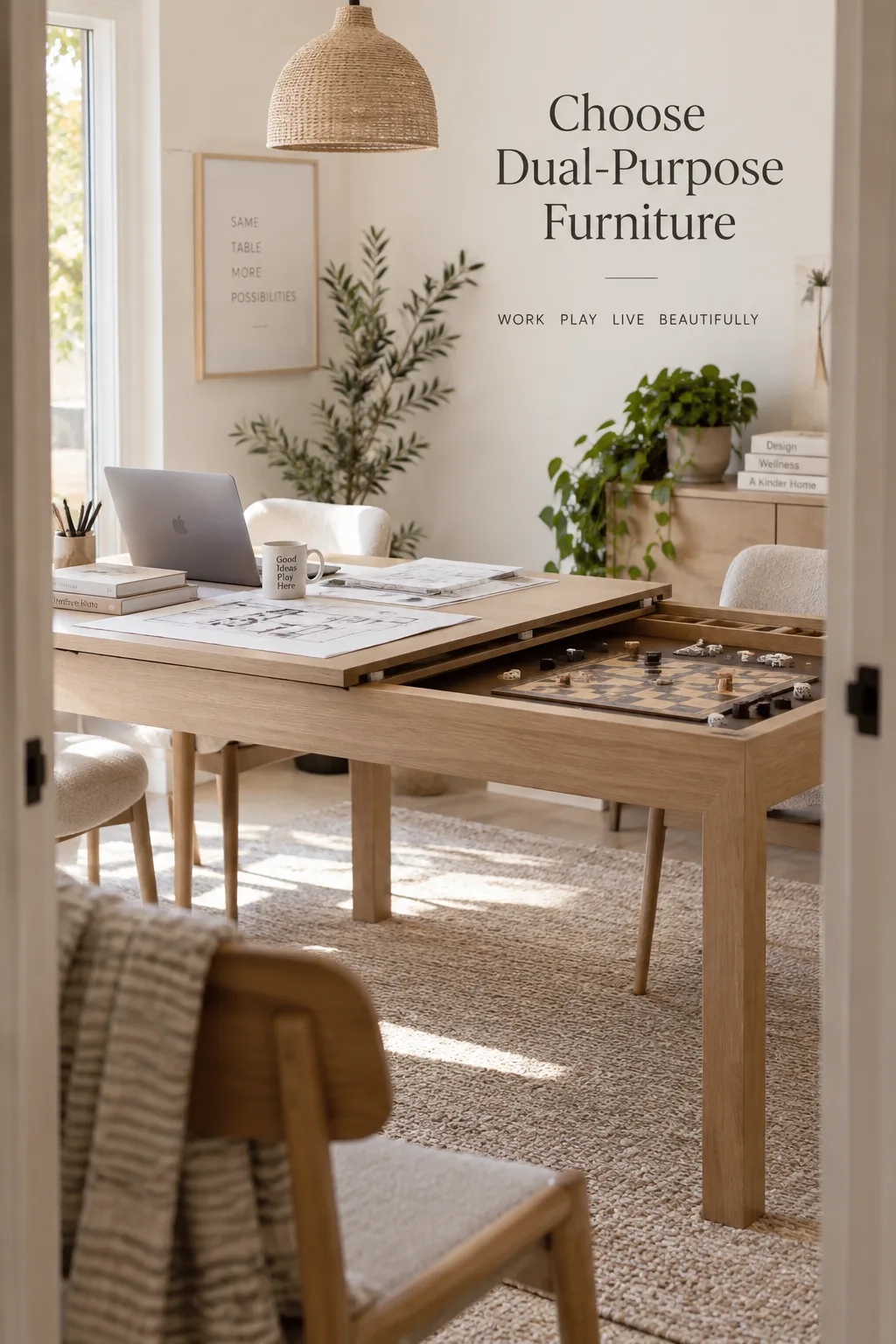
A standard pool table requires about five feet of clearance on all sides to actually be usable. If you are tight on space, you need multi-functional furniture to make the room work. My favorite solution is a convertible dining table that flips into a gaming surface. You can use it as a massive layout desk during the day and a game station at night.
- Convertible ping pong desks
- Storage ottomans with reversible trays
- Rolling file cabinets that double as side tables
4. Control the Lighting
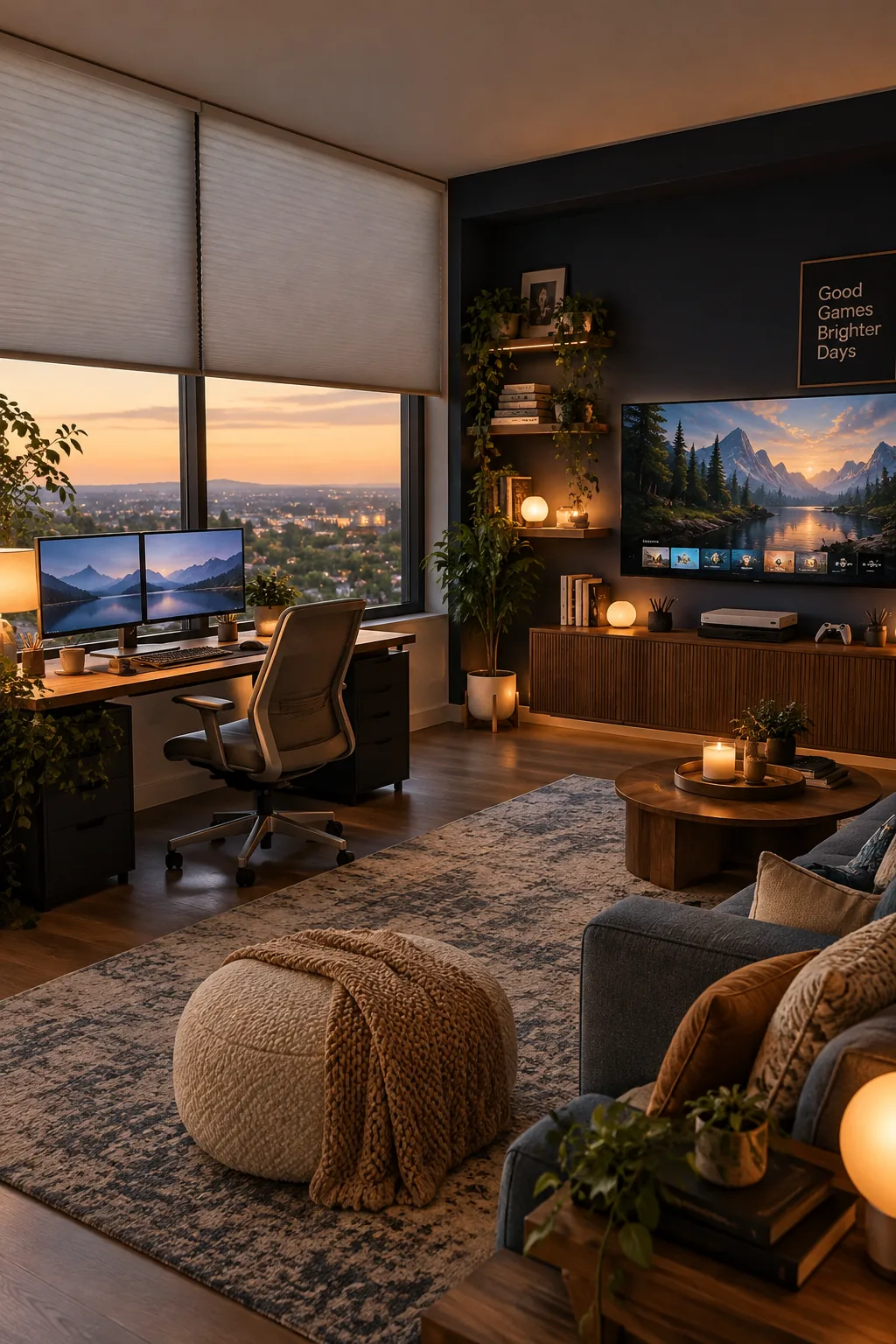
The real magic here comes from installing blackout cellular shades on your windows. They completely eliminate screen glare on both your work monitors and your gaming TV. When you need to focus, you can let the natural light in, and when it is time for an immersive gaming session, you just pull them down.
5. Hide the Cable Clutter
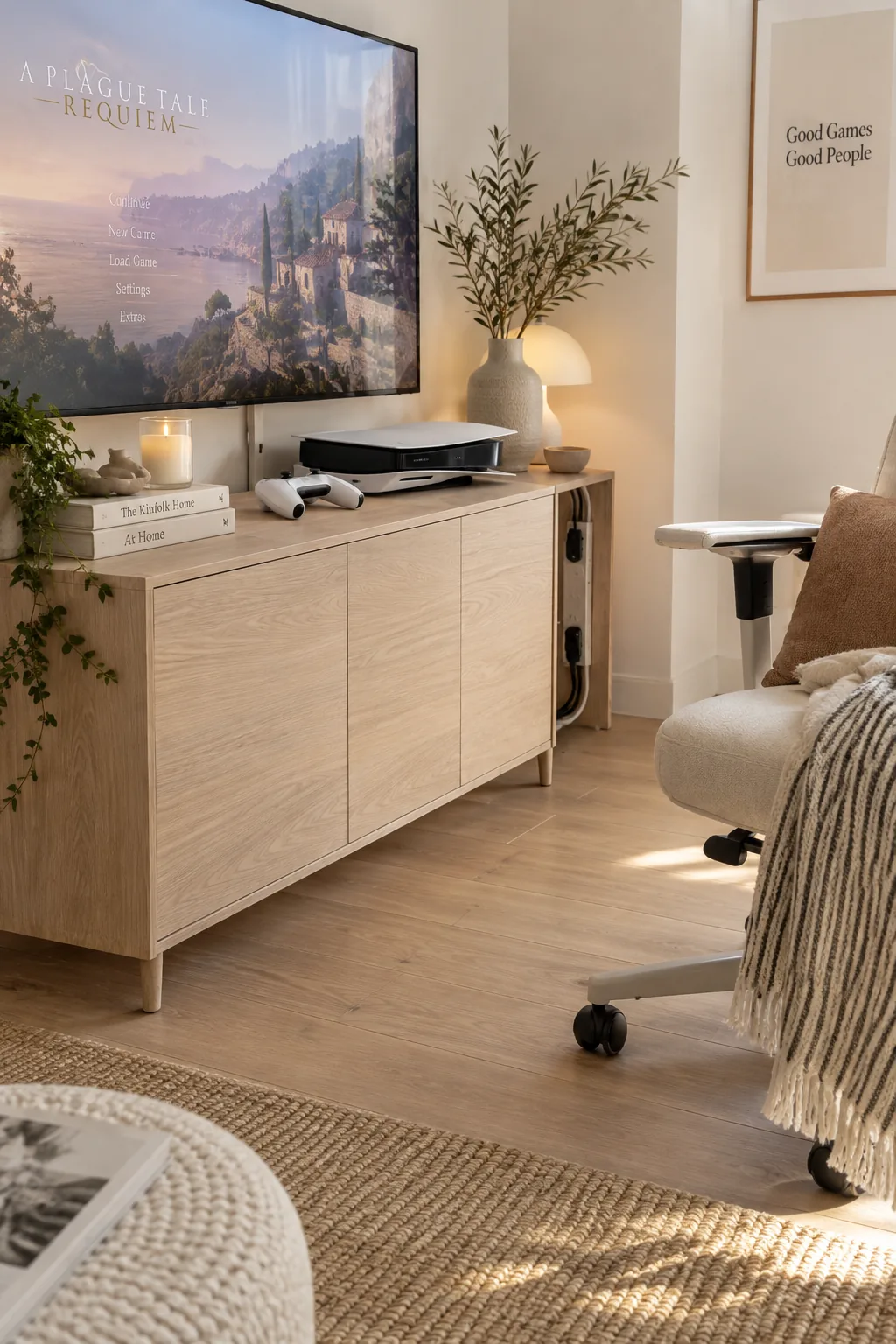
My clients often ask me how to hide messy console cables in a shared space. I always recommend building a false back panel behind a standard media cabinet. This gives you a hidden channel to route everything neatly away from your office chair's rolling path.
It is a weekend project that saves you years of tripping over wires.
6. Layer Your Light Sources
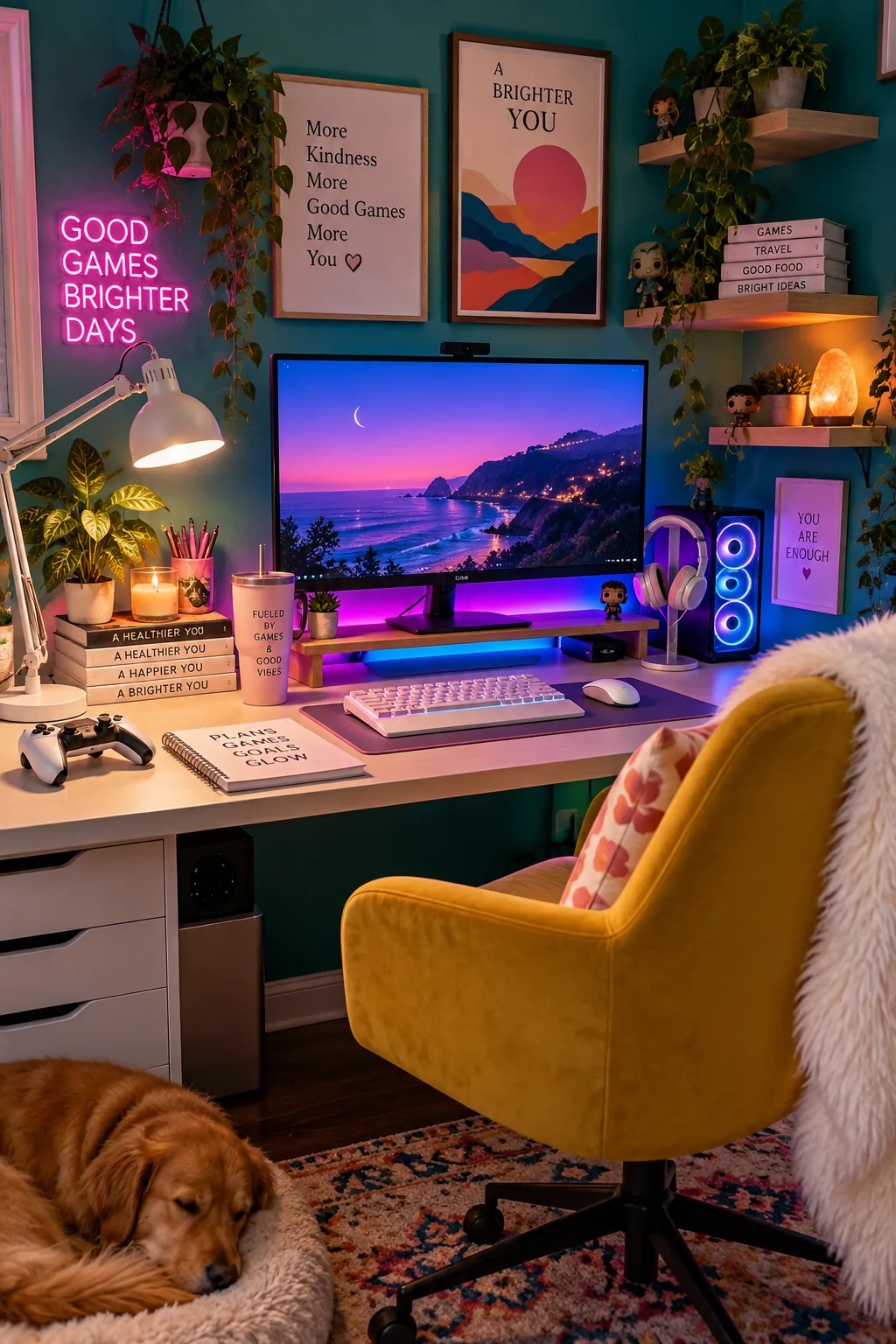
You will need at least three distinct light sources to make a dual-purpose room function properly. Start with bright task lighting at your desk for focused work. Then, add dimmable LED strips behind your monitors or TV to reduce eye strain during late-night gaming sessions.
7. Embrace an Industrial Vibe
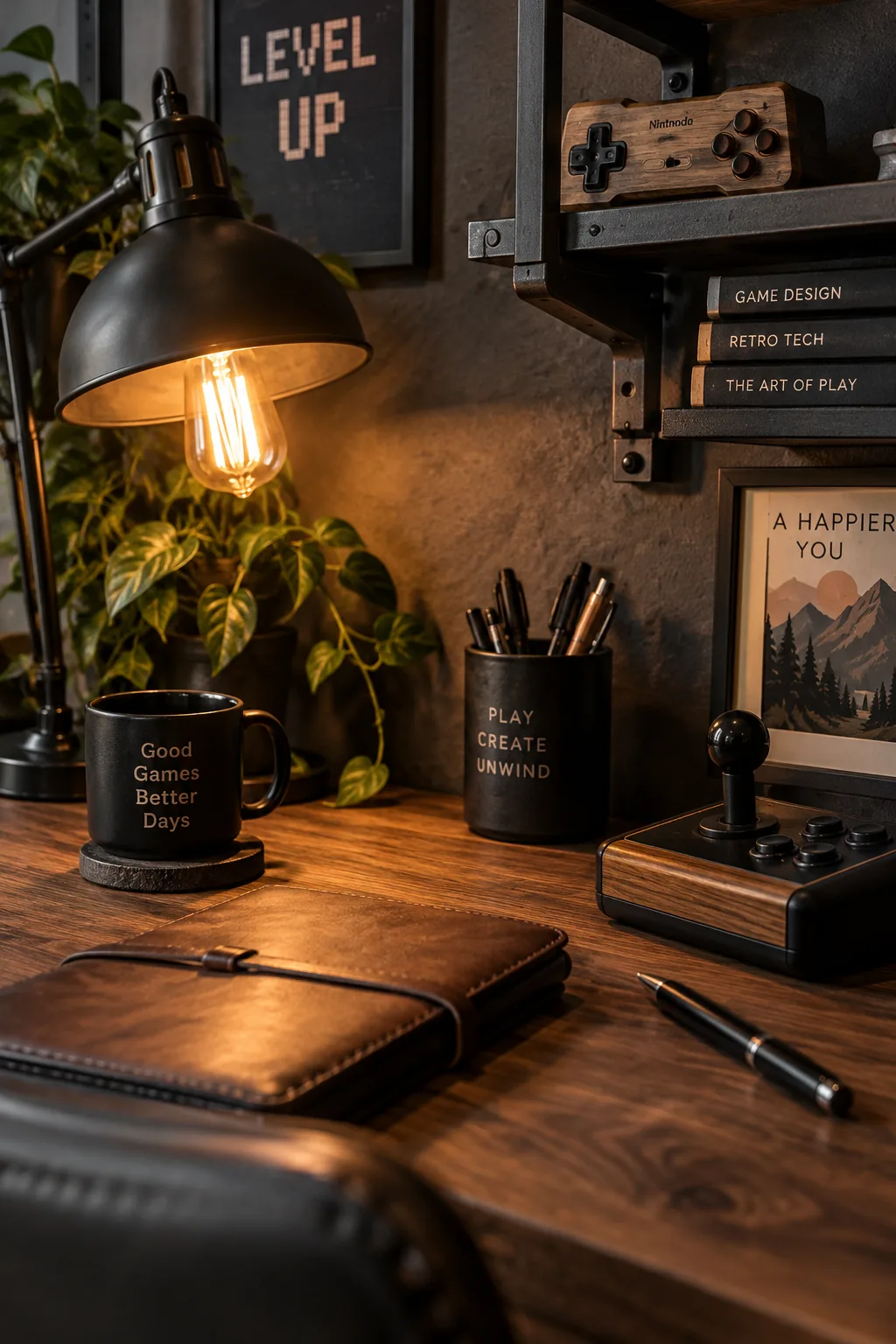
A moody, industrial look perfectly bridges the gap between a serious home office and a cool arcade room. You can achieve this vibe by mixing dark metal fixtures with warm wood tones across the room. Stick to a cohesive color palette so the gaming elements feel like intentional decor rather than clutter.
- Matte black floating shelves
- Walnut desk surfaces
- Exposed brick peel-and-stick wallpaper
8. Create Physical Boundaries
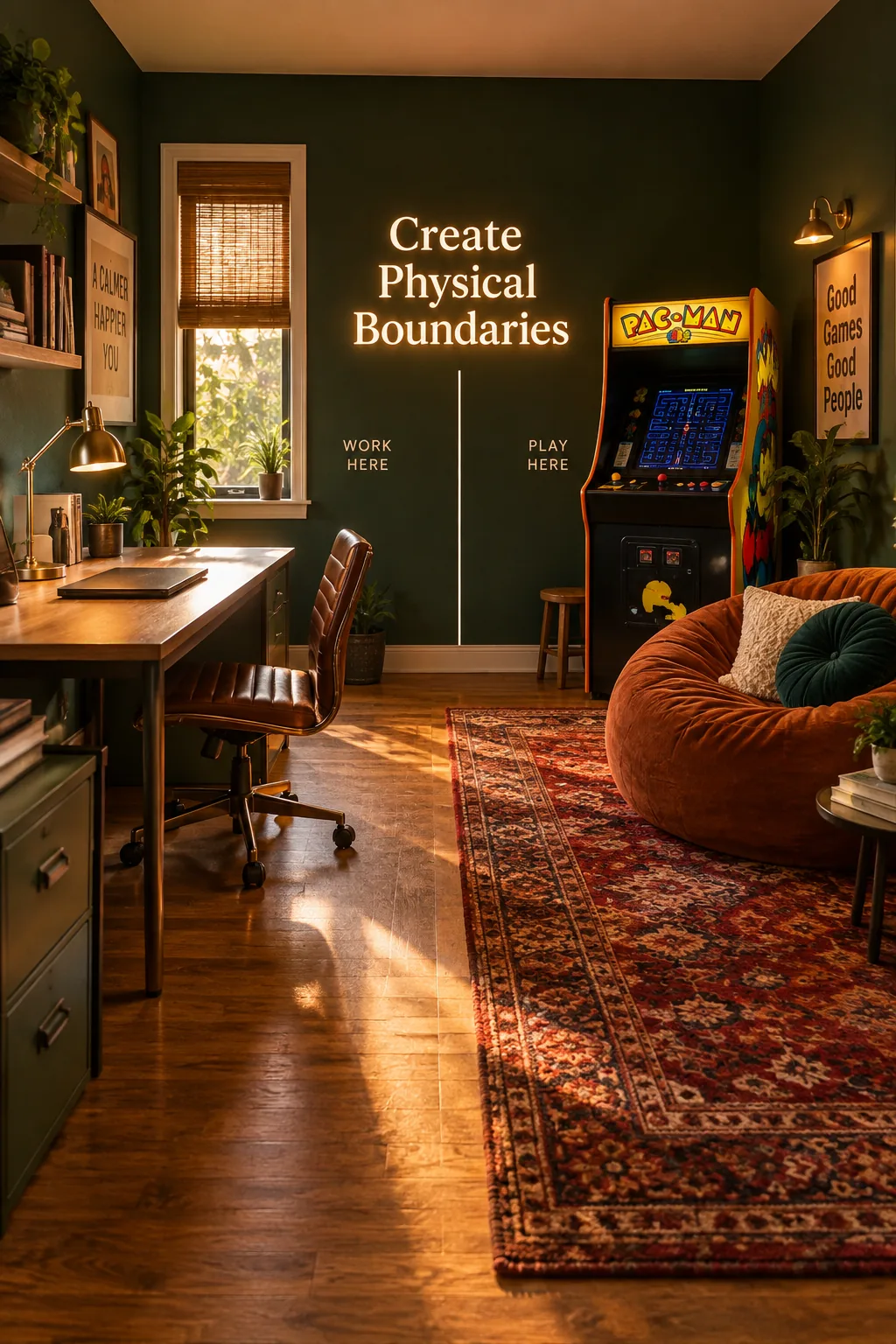
Most people shove their arcade cabinet right next to their desk chair.
Instead, place your gaming setups on the opposite wall to create a physical boundary between your responsibilities and your hobbies.
You can anchor this gaming zone with a plush vintage rug to visually separate the floor space.
Why it works: It forces you to physically get up and walk away from your work to start playing.
9. Utilize Vertical Wall Space
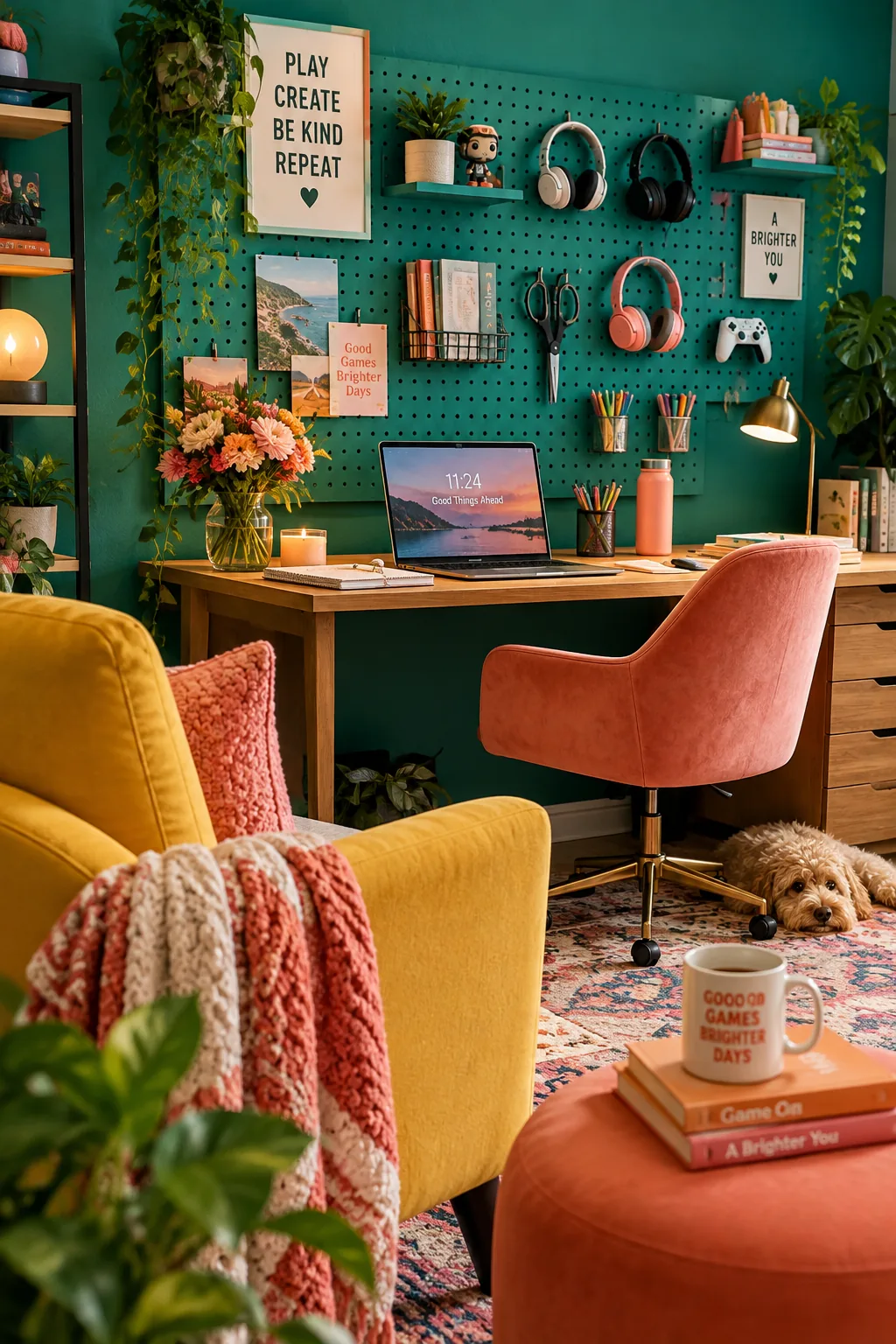
I absolutely love using vertical space when designing smaller hybrid rooms.
You can install wall-mounted pegboards right above your desk to hold both office supplies and gaming headsets. Paint the pegboard the same color as the wall so it blends in seamlessly. This keeps your desk surface completely clear for your laptop and paperwork.
Why it works: Moving accessories to the wall prevents your workspace from feeling overwhelmed by bulky gaming gear.
10. Keep Storage Closed
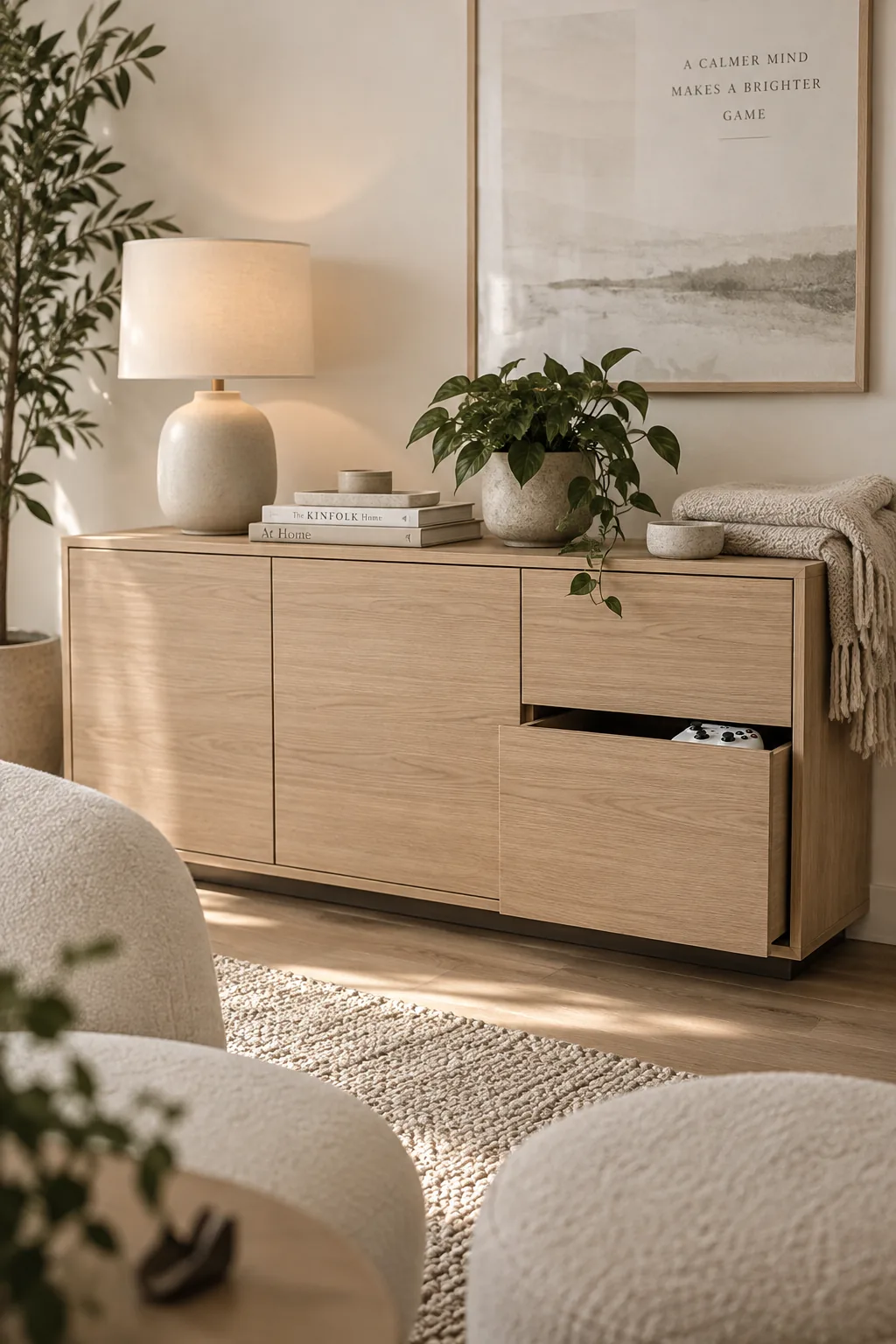
A sleek, minimalist aesthetic keeps a busy room from feeling chaotic. Hide your board games and extra controllers inside closed storage cabinets instead of leaving them out on open shelves. A clean visual field helps you concentrate during the workday and makes the room feel more relaxing when you finally power down.
11. Invest in an Executive Gaming Chair
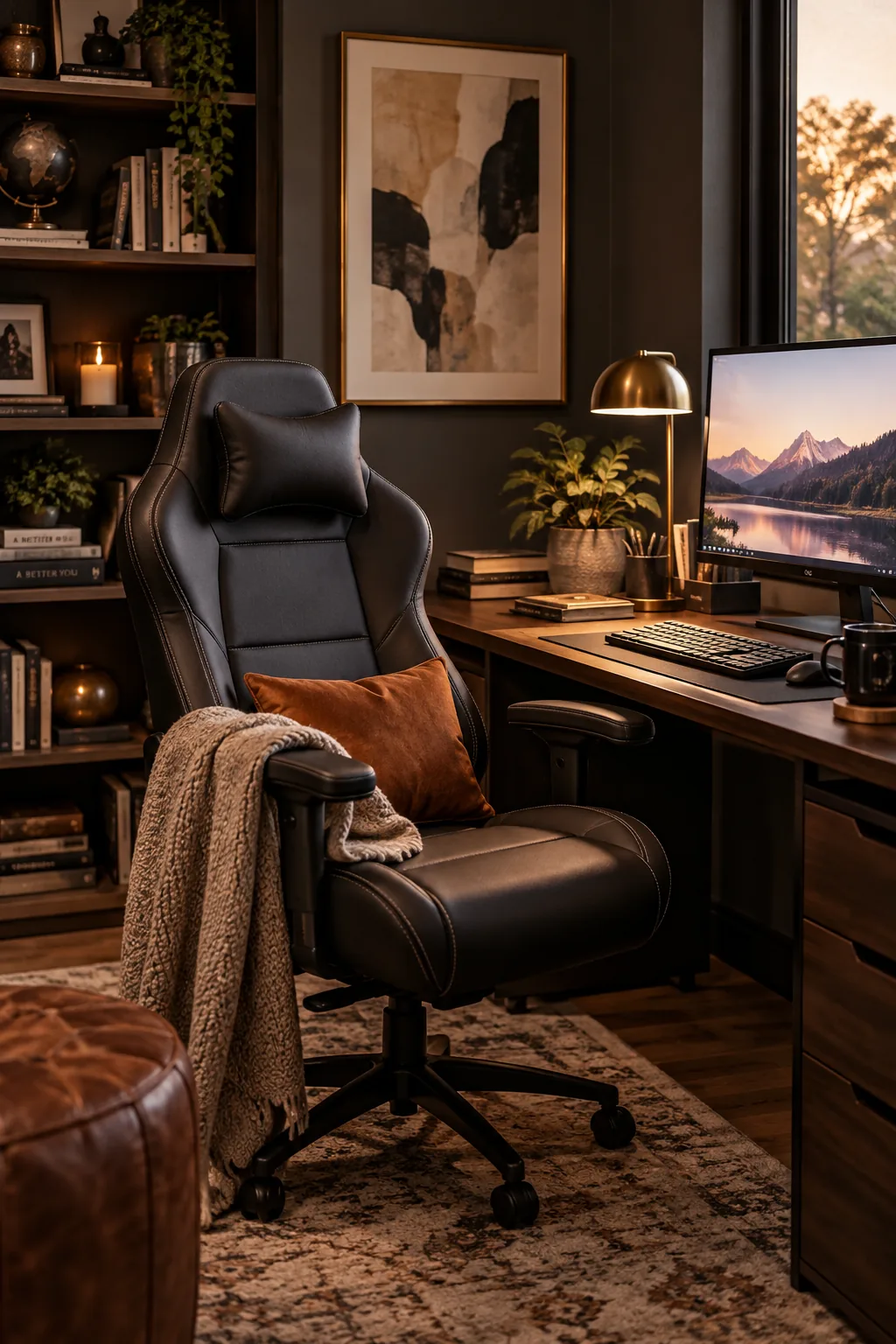
The key to a successful shared space is investing in an ergonomic gaming chair that passes as high-end office furniture. A solid black or neutral leather chair provides the lumbar support you need for both eight-hour workdays and long gaming marathons without looking like a race car seat.
12. Upgrade Your Acoustic Panels
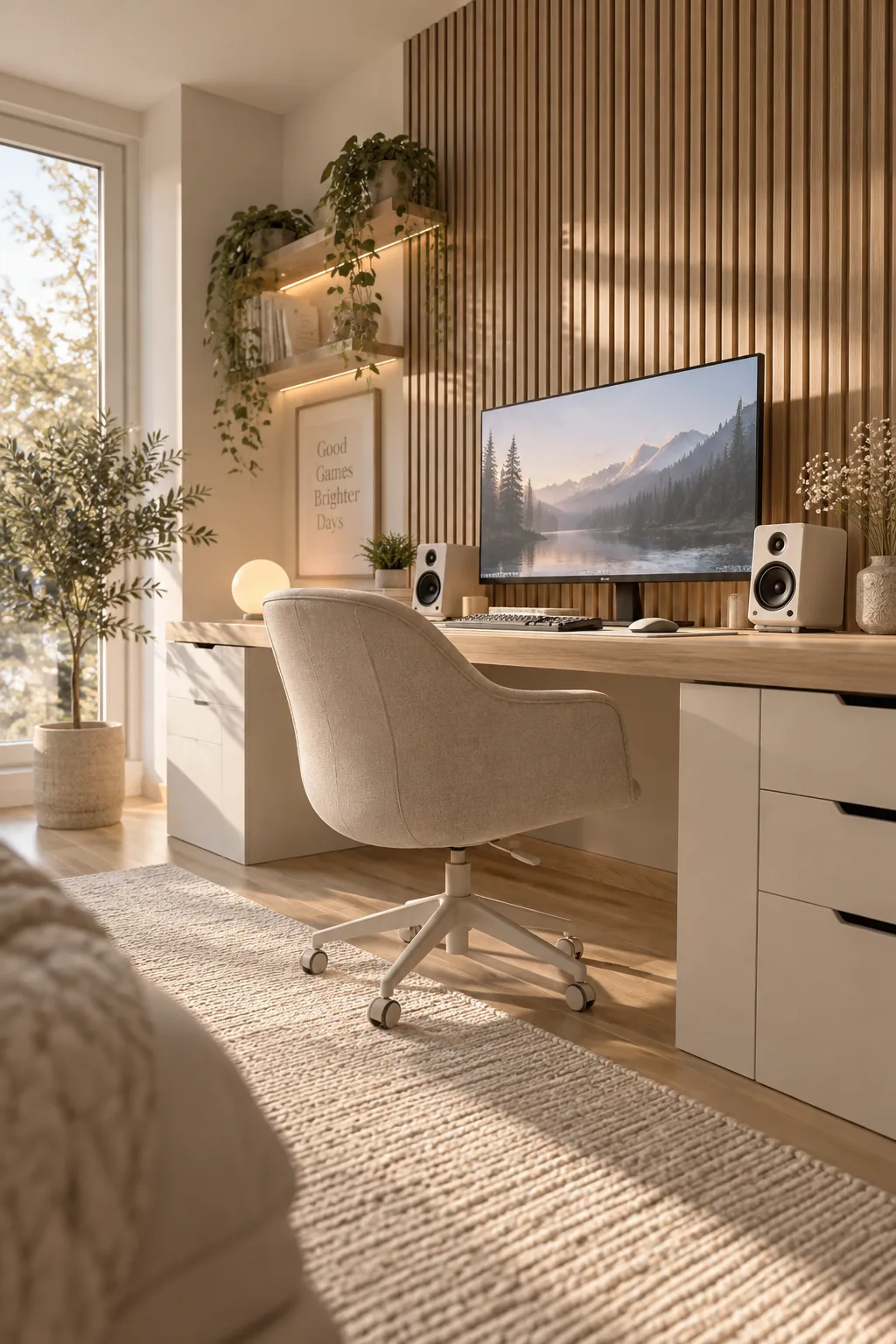
Standard acoustic panels usually look like they belong in a recording studio. You can upgrade the aesthetic by installing slatted wood acoustic panels on the wall behind your gaming setup. They absorb the sound from your speakers while adding a gorgeous architectural texture to the room.
Your coworkers will just think you have a really stylish background on video calls.
Why it works: It solves the practical problem of noise control while elevating the room's overall interior design.