Boys Gaming Bedroom: The Ultimate Under-Desk Wiring Guide
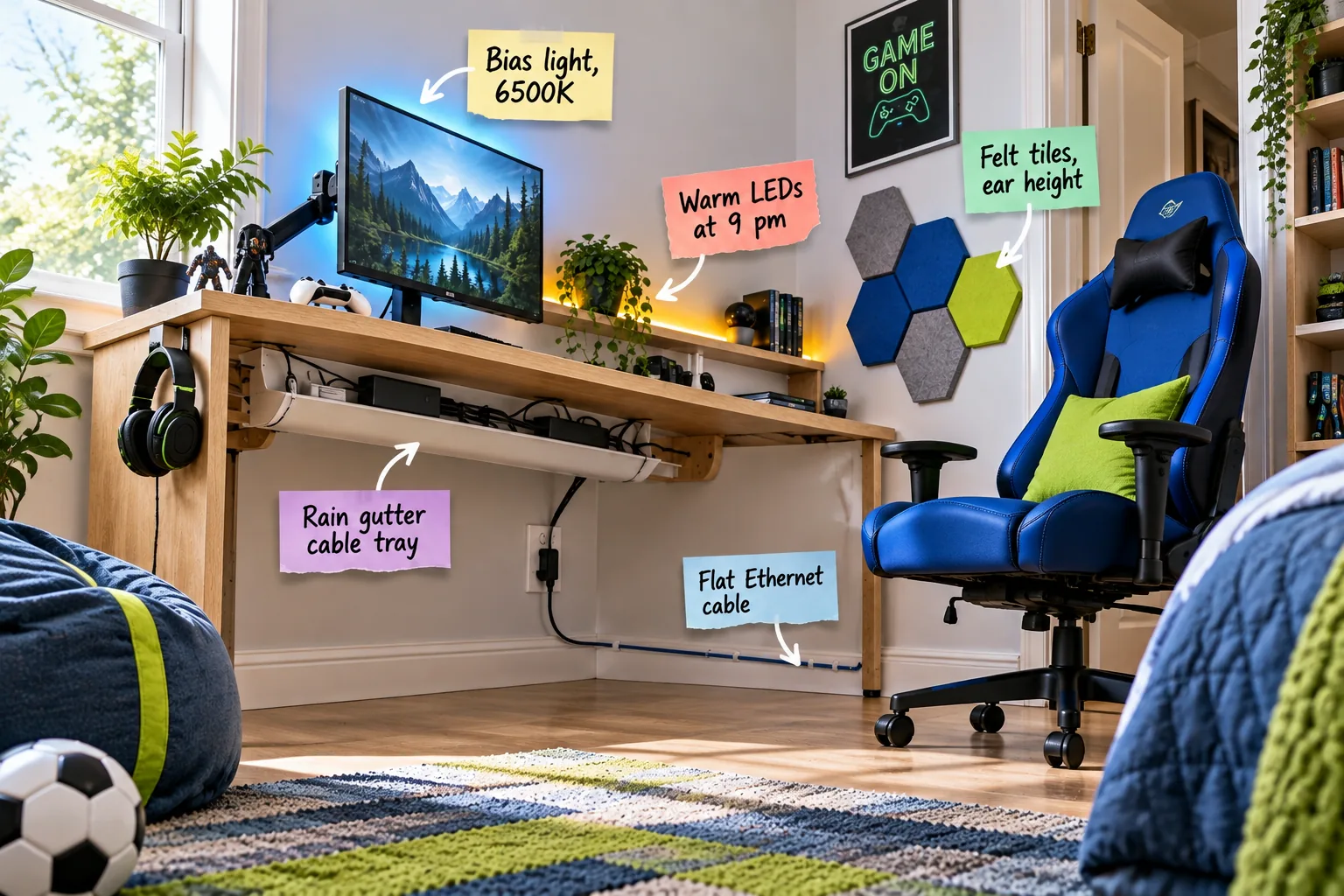
You will be able to shop for the exact parts and follow a step-by-step printable sequence to hide every gaming cord under the desk. Grab this ultimate under-desk wiring checklist and shopping list to build a flawlessly clean boys gaming bedroom.
Planning the Under-Desk Wiring Route
Map out the power and network paths before buying materials, carefully assessing the desk base clearance and wall outlet location. When I first set up my nephew’s room here in Austin, I forgot to measure the desk width and bought a tray that bumped directly into the metal legs!
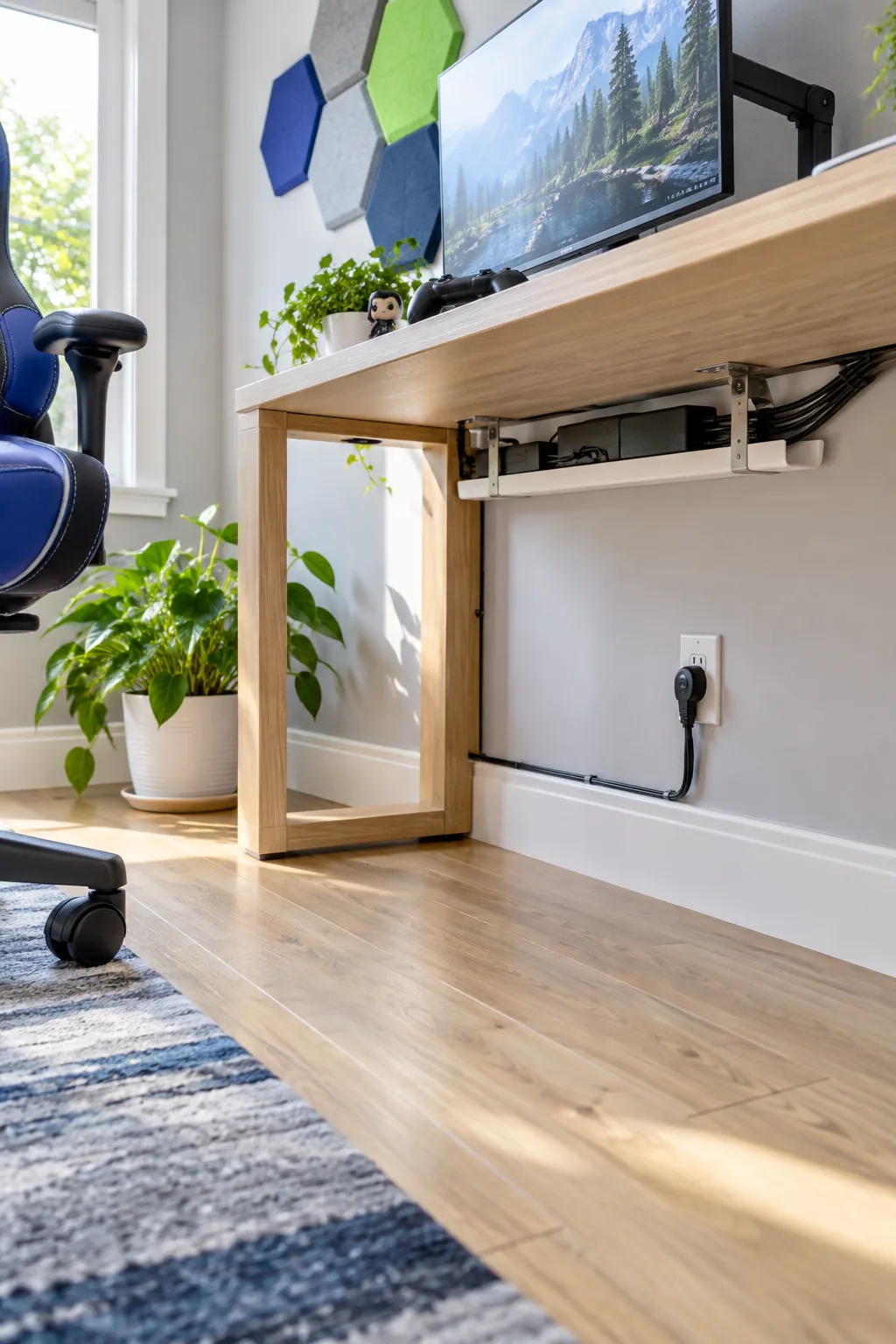
Measure your furniture carefully to ensure the tray fits securely between the supports, leaving a two-inch clearance on each side for cables to easily enter and exit.
Selecting a Heavy-Duty Power Strip
A hidden cable tray requires a robust power strip that can handle multiple gaming devices without risking an electrical overload.
- Flat wall plug: Allows the desk to sit flush against the wall.
- Widely spaced outlets: Accommodates bulky monitor and console power bricks.
- High joule rating: Protects expensive gaming hardware from sudden power surges.
Mount this heavy-duty power strip completely flat inside the tray, ensuring the main cord drops cleanly straight down to the nearest wall outlet.
The Rain Gutter Cable Tray Hack
Skip the expensive wire management kits and mount a standard white vinyl rain gutter under the desktop using basic metal gutter brackets.
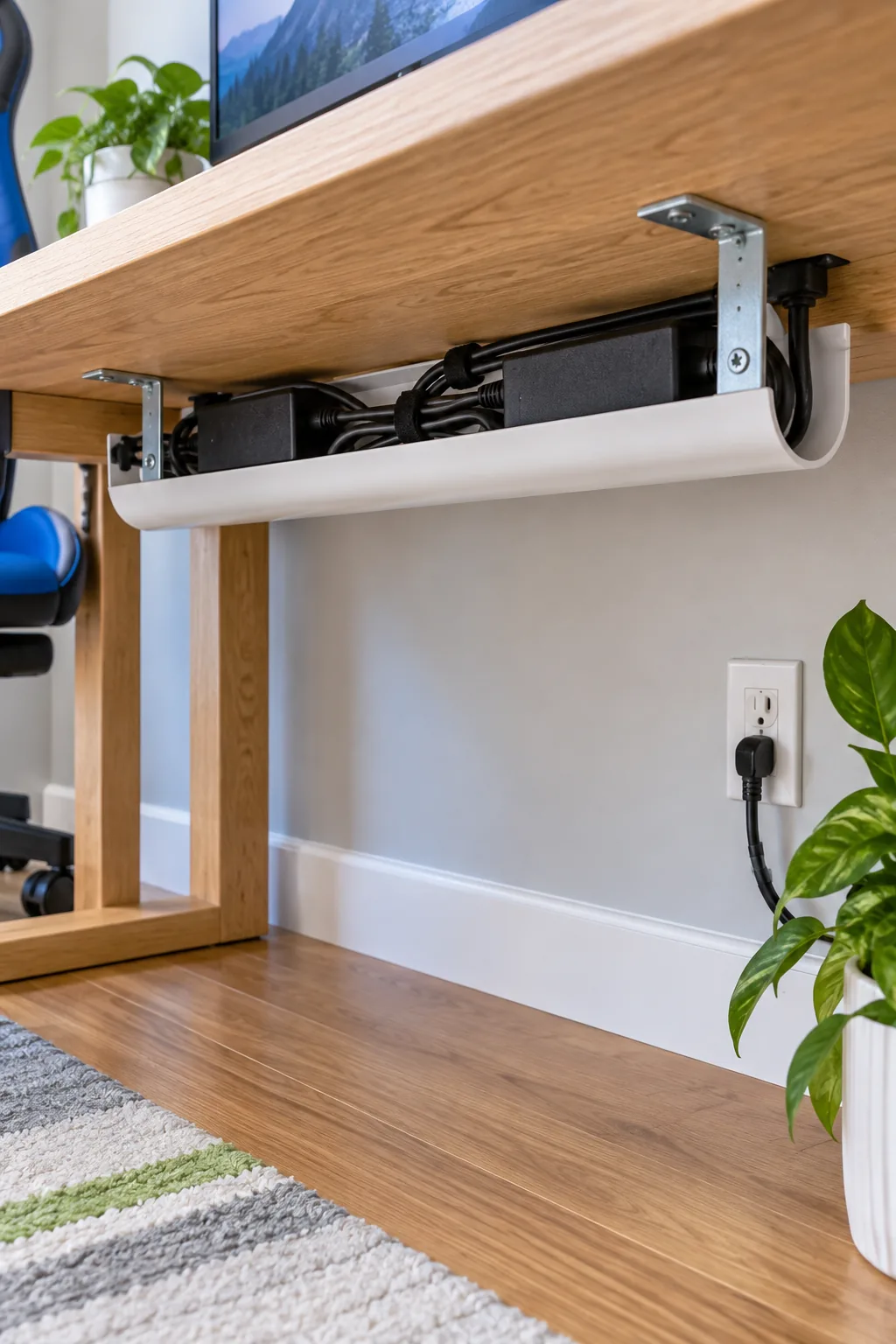
Space these metal brackets exactly 16 inches apart to support heavy power bricks and thick monitor cords without the plastic tray sagging over time.
Calculating Gutter and Bracket Dimensions
Buying the right length of vinyl gutter and the correct number of metal brackets prevents mid-project trips back to the hardware store.
| Desk Width | Gutter Length | Brackets Needed |
|---|---|---|
| 48 inches | 40 inches | 3 brackets |
| 60 inches | 52 inches | 4 brackets |
| 72 inches | 64 inches | 5 brackets |
Secure each metal bracket directly into the solid underside of the desk using three-quarter-inch wood screws to guarantee a permanent, weight-bearing hold.
Routing the Flat Ethernet Cable
Run a thin, flat Ethernet cable tucked tightly along the top of the baseboard for a lag-free, hardwired gaming connection. I used this exact flat-wire trick in my own home office, and it completely disappears against the white trim without needing to drill through any walls.
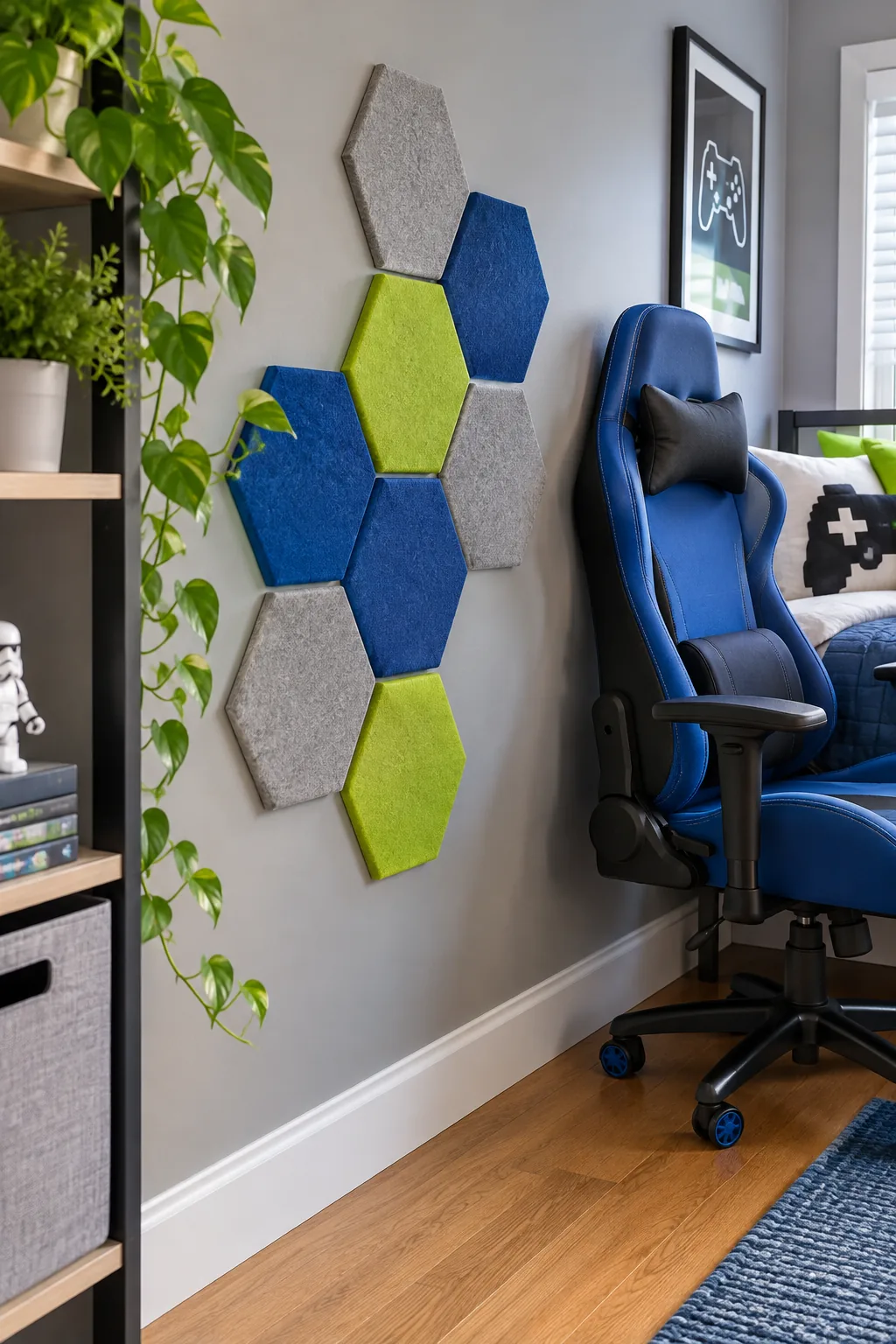
Secure the network line with clear adhesive cable clips every 12 inches to keep the wire perfectly taut and prevent any unsightly drooping.
Navigating Baseboard Corners
When routing your flat network cable around sharp room corners, gently fold the wire at a precise ninety-degree angle rather than twisting it, firmly pressing a clear adhesive clip directly over the fold to maintain a crisp, professional appearance that stays perfectly hidden.
Testing the Hardwired Connection
Always plug the flat Ethernet cable into the gaming console or PC and run a quick network speed test before permanently adhering the final clips to the wall, ensuring the delicate internal wires haven’t been crimped or damaged during the baseboard routing process.
The Under-Desk Wiring Checklist
Use this exact shopping list and mounting sequence to get your under-desk wiring right on the very first try.
Following this exact sequence prevents you from having to unmount the tray later to squeeze in a forgotten power brick or reroute a trapped monitor cable.
Placing Felt Acoustic Tiles
Mount a cluster of hexagonal felt acoustic tiles on the side wall beside the chair to noticeably reduce gaming echo and microphone feedback.
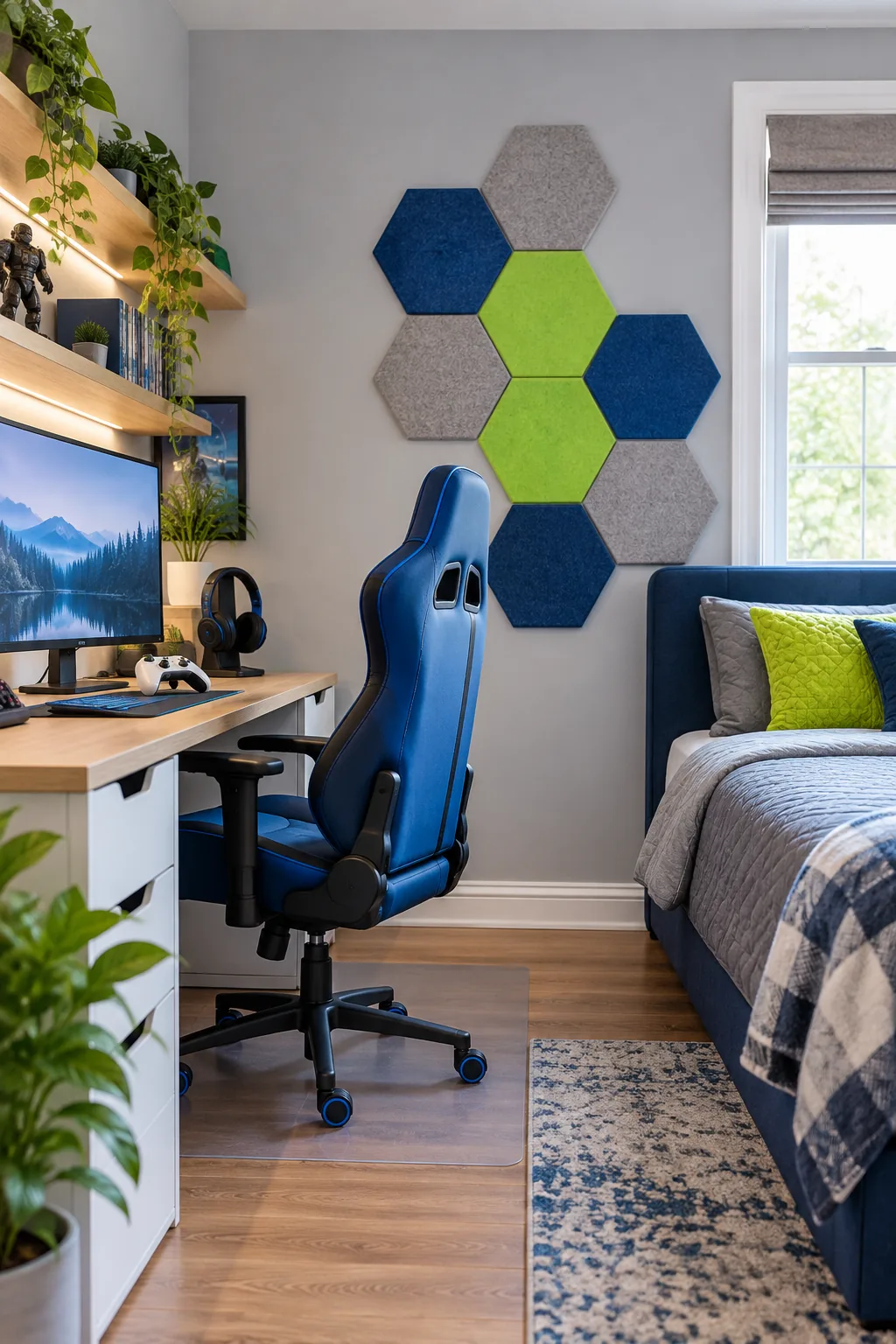
Position the center of the acoustic cluster exactly at seated ear height to guarantee maximum sound absorption during intense, vocal multiplayer matches.
Securing Tiles Without Wall Damage
Skip the permanent spray adhesives and mount each felt acoustic tile using four removable double-sided mounting squares, pressing firmly against the drywall for thirty seconds to ensure they stay firmly attached without peeling the paint when it is eventually time to redecorate the room.
Installing the Monitor Bias Light
Tape a dedicated 6500K LED bias light strip to the back of the monitor to cast a soft, incredibly even glow onto the wall behind the screen.
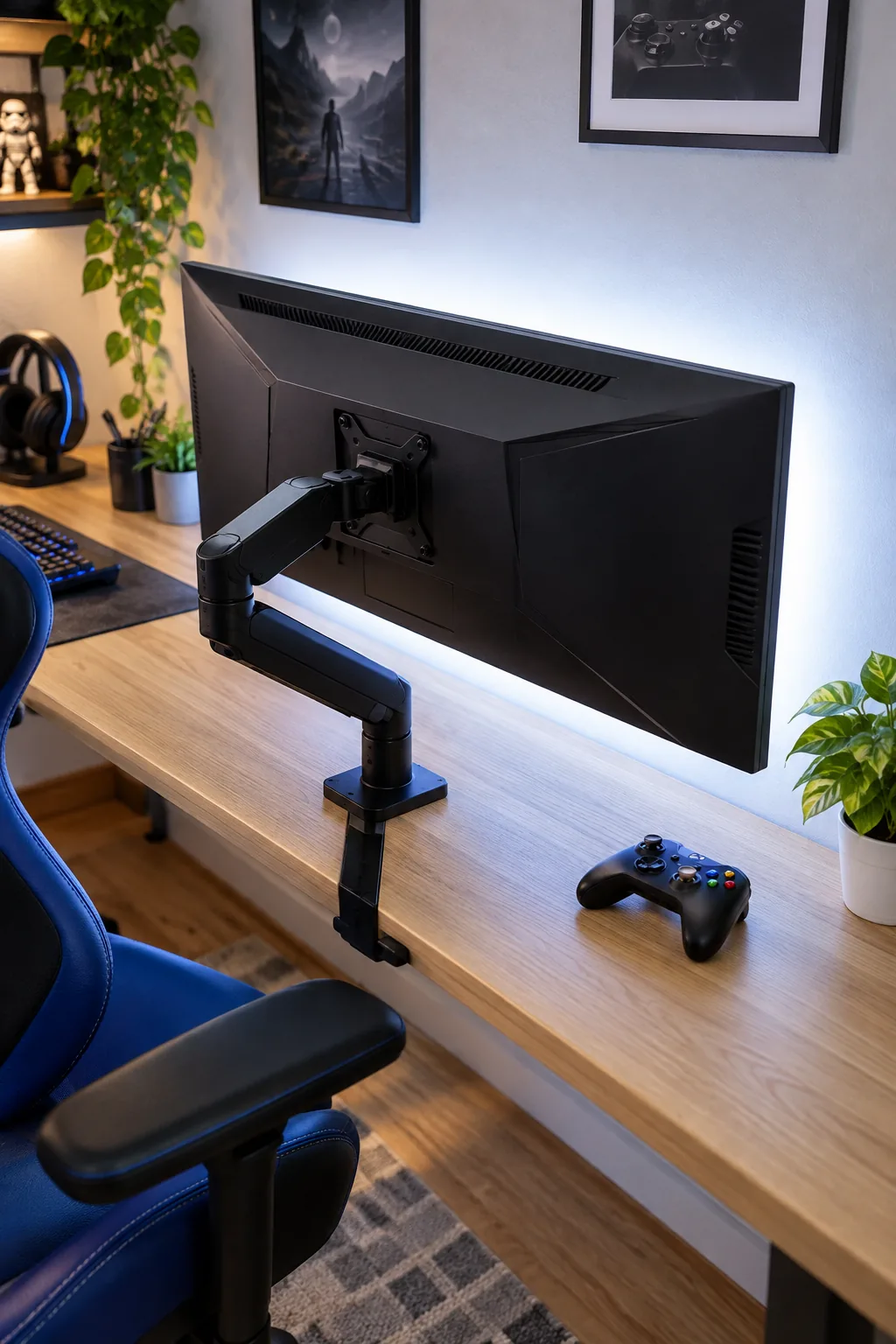
This specific color temperature flawlessly mimics natural daylight, which dramatically reduces eye strain and noticeably improves perceived on-screen contrast in dark rooms.
Powering the Monitor Lights
Plug the bias light strip directly into the monitor’s built-in USB port rather than running another long cord down to the gutter tray, ensuring the backlight automatically turns on and off exactly when the display wakes up or goes to sleep each day.
Setting the Desk Shelf LEDs
Add a secondary color-changing LED strip along the top back edge of the desk shelf to create a cozy, customizable atmosphere. I set up a similar smart lighting routine in my own bedroom, and that automatic shift to warm light makes winding down at night so much easier.
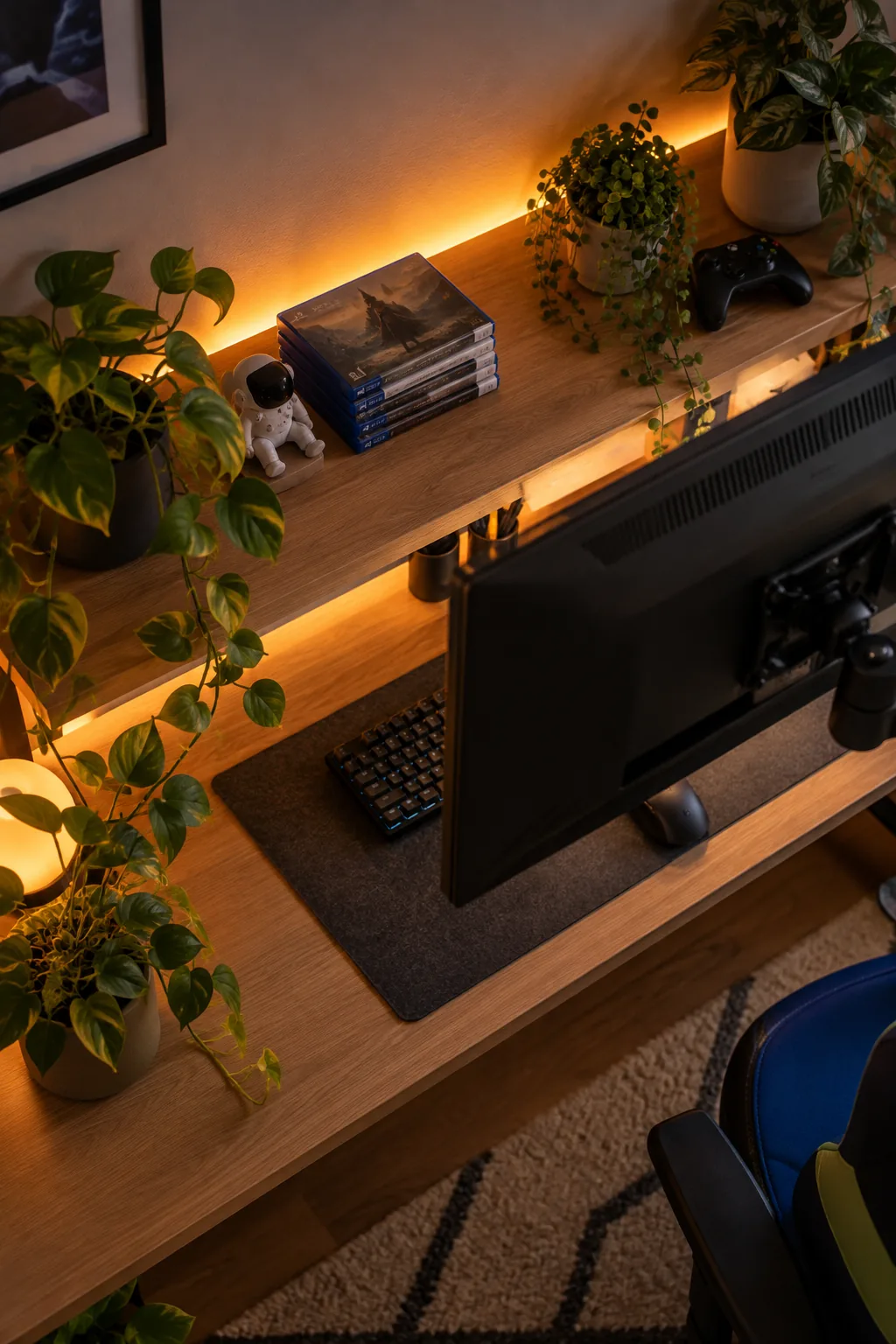
Program these smart shelf lights to shift automatically to a warm amber glow at 9 pm to subtly signal wind-down time before bed.
Managing Loose Peripheral Cables
Route your mouse, mechanical keyboard, and headset wires through a simple rubber cable drop attached to the back edge of the desk, keeping those frequently used cords easily accessible while preventing them from slipping backward into the hidden vinyl gutter tray below.
Finalizing the Clean Gaming Setup
Tie the entire room together with a cobalt blue gaming chair and lime green accents, knowing the hidden wiring keeps the floor completely clear.
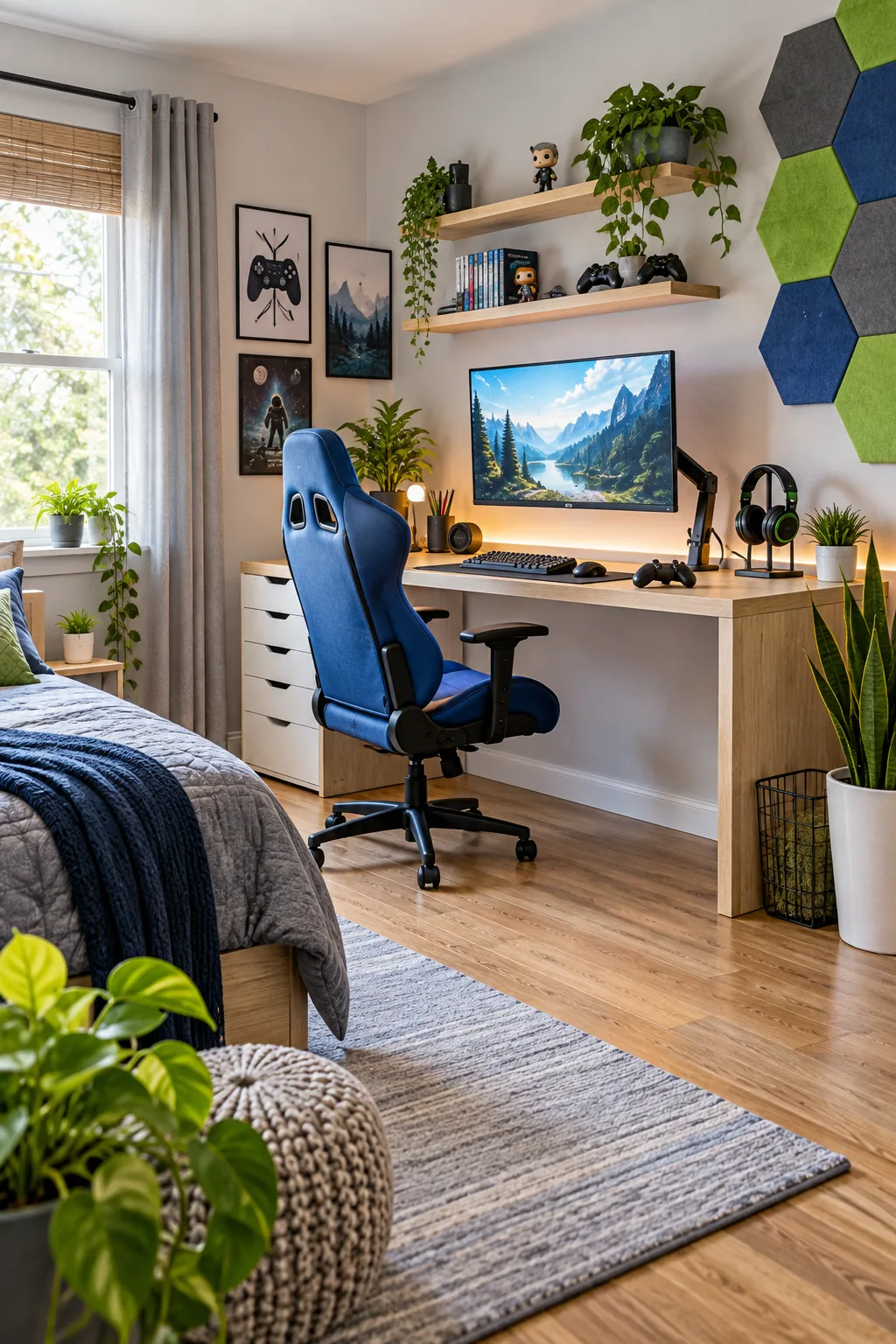
A tidy cable tray relies on bundled slack rather than loose, tangled spaghetti filling up the vinyl gutter.
With zero visible clutter on the ground, it becomes incredibly safe to roll the gaming chair around and effortlessly easy to vacuum the bedroom every single week.
More Gaming Desk Styles to Copy
Choose a distinct color palette and lighting style to make the setup his own.
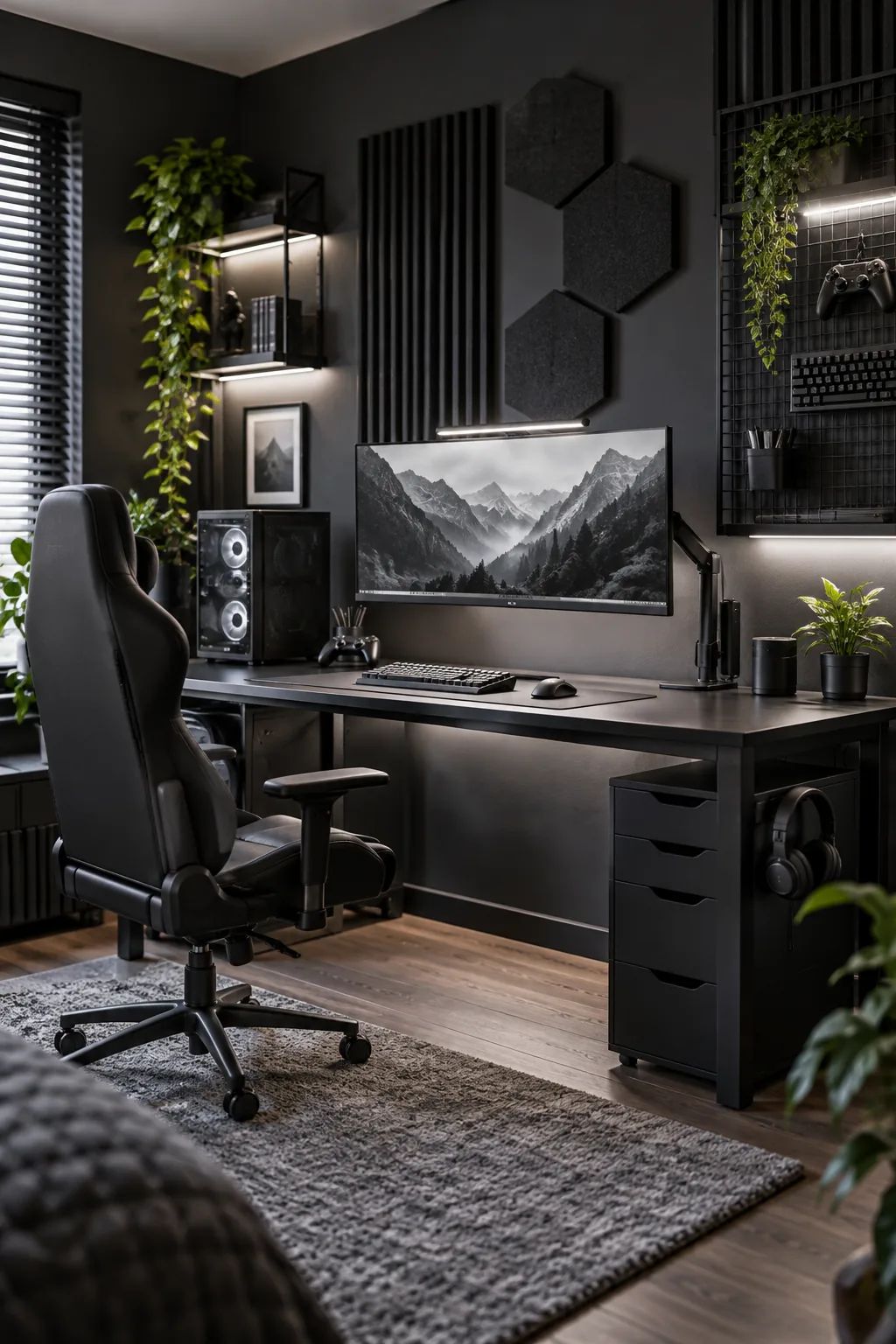
Industrial Monochrome Setup: Dark charcoal walls and a black metal desk create a sleek, mature look. Use wire mesh accessories to keep the industrial theme consistent.
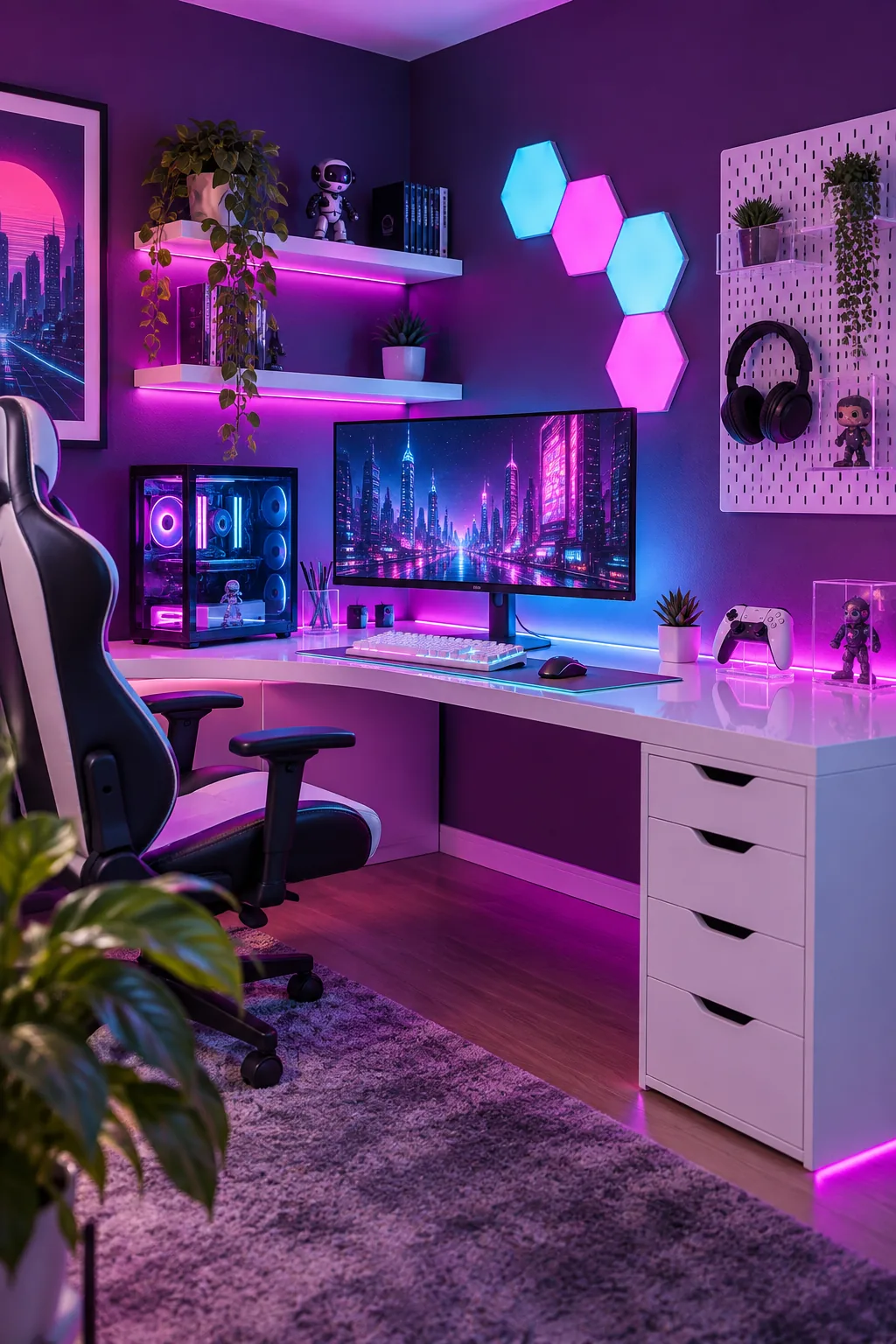
Neon Cyberpunk Corner: Vibrant magenta and cyan lighting pop brilliantly against deep purple walls. Add clear acrylic monitor stands to reflect the neon glow.
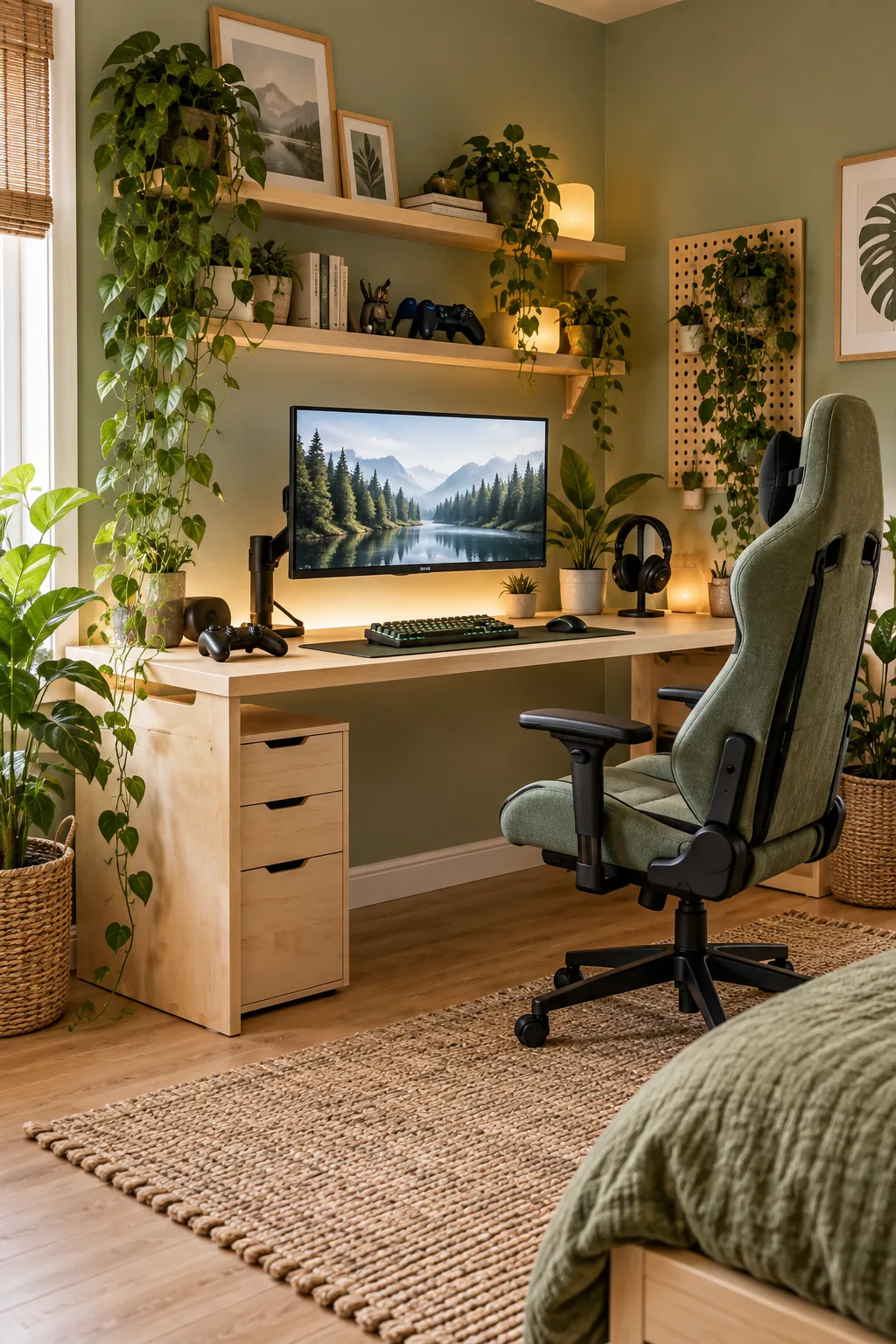
Natural Scandi Gamer: Soft sage walls and raw birch wood bring a calming, earthy vibe to screen time. Drape trailing pothos plants over the top shelf.
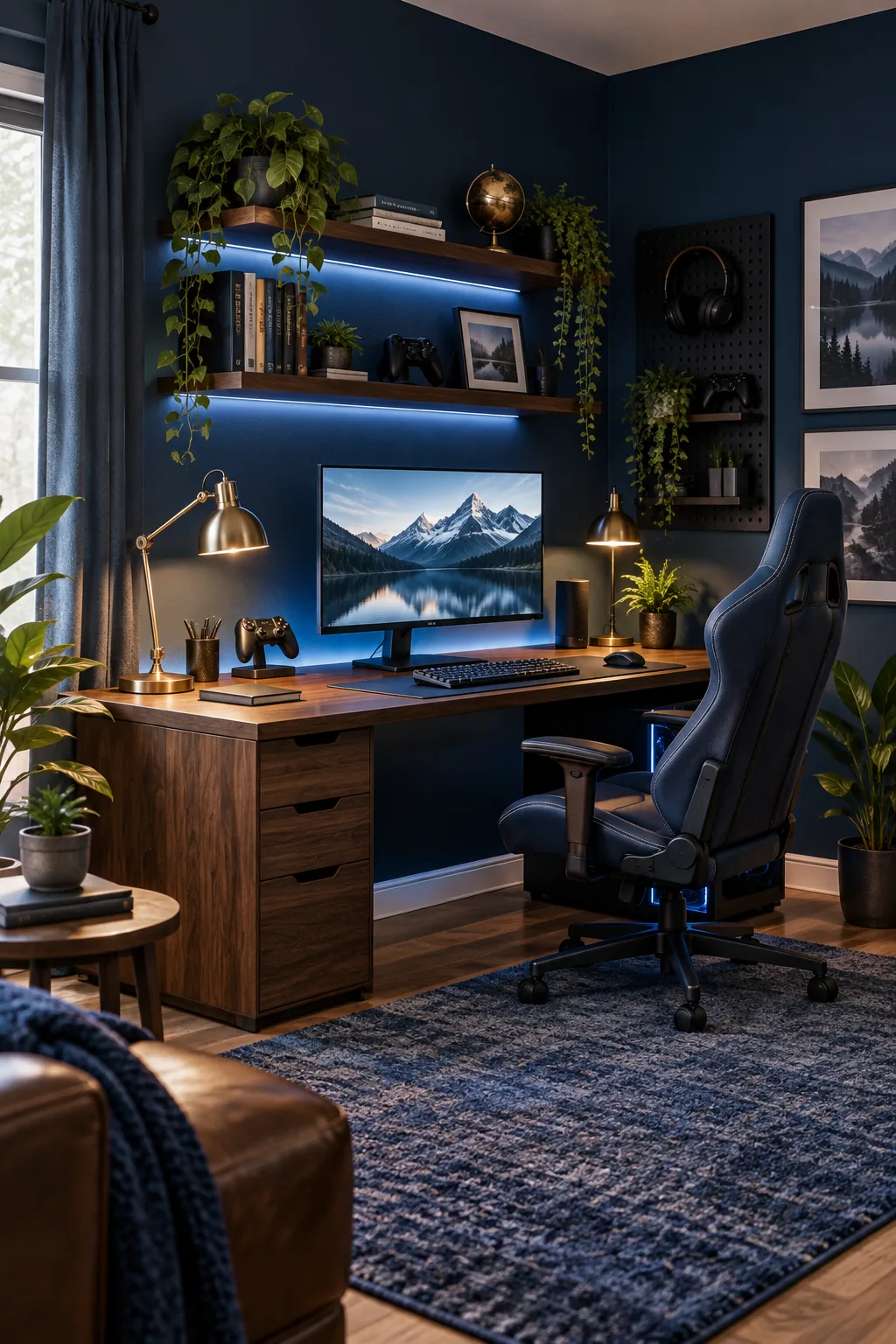
Deep Navy Command Center: Rich navy blue walls and a dark walnut desktop feel incredibly sophisticated. Introduce brushed brass desk lamps for a touch of classic warmth.