
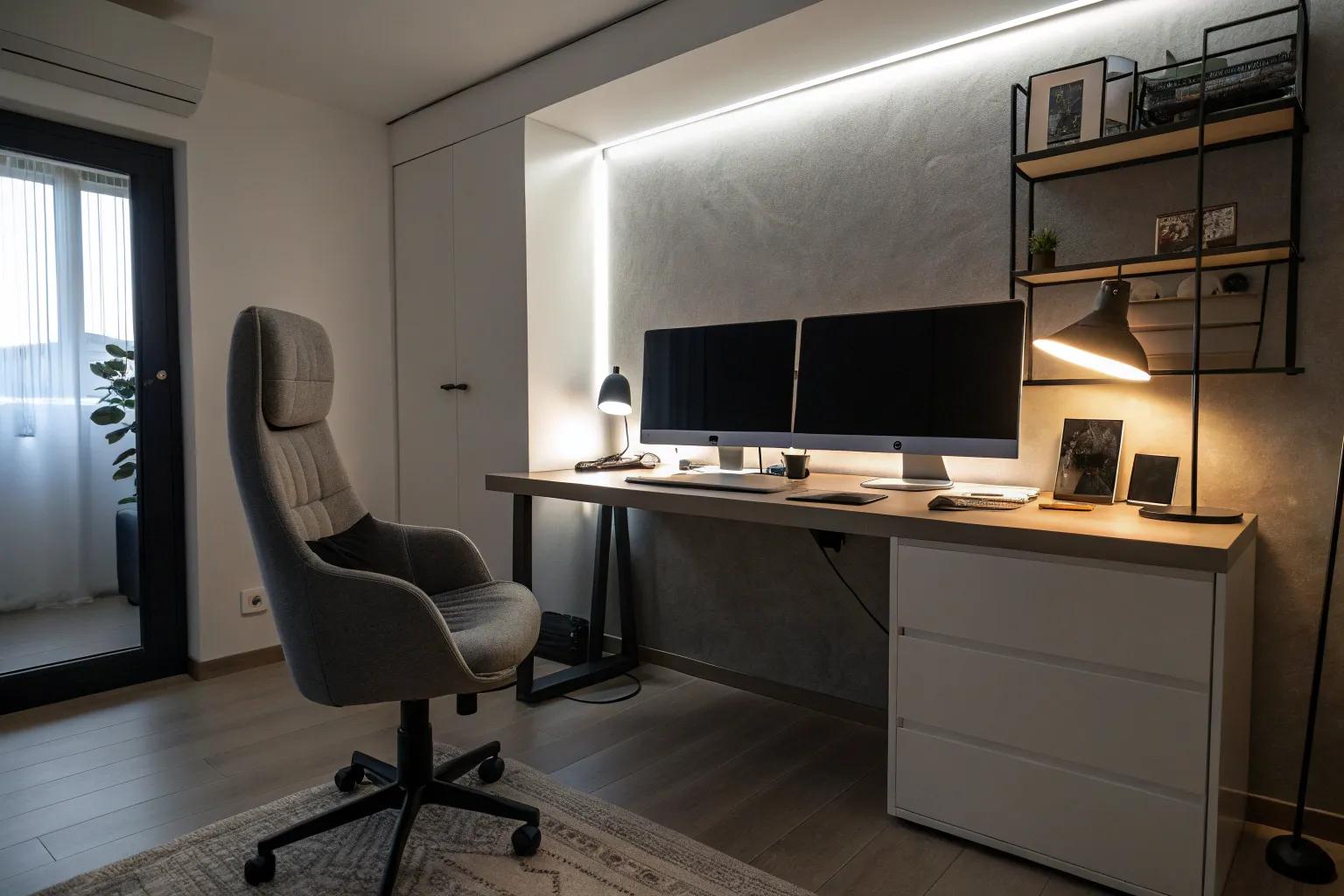
Creating the perfect computer room is like setting the stage for productivity and creativity. Let’s dive into some inspiring ideas that will transform your space into a tech-savvy haven.
1. 1. Prioritize Ergonomic Furniture

Invest in ergonomic furniture like a supportive chair and adjustable desk. Your body will thank you during long hours at the computer.
2. 2. Set Up a Dedicated Gaming Station

Design a corner for gaming with LED lights and a powerful PC. Add an ergonomic chair to ensure comfort during those long gaming sessions. You can explore these stylish black game room ideas to help inspire your setup.
3. 3. Embrace Dual or Triple Monitors

Why stop at one when you can have two or three monitors? With multiple screens, you’ll enjoy a seamless workflow, and gaming becomes an immersive experience. If you are setting up this workspace in a lower level, check out these home basement renovation ideas to optimize your layout.
4. 4. Incorporate a Standing Desk

Switch things up with a standing desk for better posture and energy. It’s a healthy alternative to sitting all day long.
5. 5. Opt for a Clean and Minimalist Design

Keep things simple with a minimalist approach. Choose sleek furniture, hide cables, and stick to neutral colors for a clutter-free workspace. You can also apply these minimalist ideas to your outdoor areas for a cohesive look.
6. 6. Create a Personal Sanctuary

Ultimately, your computer room should be your personal sanctuary. Fill it with things that inspire and relax you, creating a space you love to be in.
7. 7. Create a Multi-functional Space

Design a room that serves multiple purposes by integrating bookshelves or a cozy reading nook. It’s a clever way to maximize your space.
8. 8. Choose a Color Theme

Select a color theme that resonates with you. Whether it’s calming blues or vibrant reds, a cohesive palette can unify your space.
9. 9. Display Wall Art for Inspiration

Incorporate wall art that reflects your personality or interests. It’s an easy way to add color and inspiration to your computer room.
10. 10. Add a Cozy Rug

A cozy rug underfoot can make your computer room feel warm and inviting. Choose a pattern or color that complements your decor style.
11. 11. Incorporate Decorative Elements

Personalize your space with decorative items like plants or artwork. These touches add character and make the room feel uniquely yours.
12. 12. Add Ambient Lighting for Atmosphere

Incorporate colorful ambient lighting to enhance the room’s mood. LED strips or smart bulbs can create a calming or energizing environment.
13. 13. Upgrade with Tech Accessories

Enhance your setup with high-tech accessories like quality speakers or a wireless charging station. These add-ons make the room more efficient and enjoyable. Explore our essential ideas for setting up an efficient desktop to further optimize your workspace.
14. 14. Install a Whiteboard for Planning

A whiteboard can be your best friend for brainstorming or planning. It’s a functional addition that keeps your ideas flowing.
15. 15. Use Smart Storage Solutions

Keep clutter at bay with smart storage solutions like floating shelves or under-desk cabinets. This keeps everything organized and within reach. You can also explore our top storage solutions for canning jars to maximize your pantry space.
16. 16. Soundproof for Focus

Install soundproofing panels to keep distractions at bay. A quieter space can boost your focus and productivity.